



Find Me: Smart Item Locator with Arduino and Bluetooth
Components and supplies
 |
| × | 1 | |||
 |
| × | 3 | |||
 |
| × | 1 | |||
| × | 1 | ||||
| × | 1 | ||||
 |
| × | 1 |
Necessary tools and machines
 |
| |||
 |
|
About this project
OverviewBy attaching the Find Me to any item, you can ring your missing item simply by clicking a button from your smart phone, using the app to locate it in seconds.
Step 1: How it works1) Attach this find me key chain to any of the devices ex; keys , wallet, etc.
2) Pair this device with your mobile phone
3) when ever you want press find button on your smart phone the find me rings and helps you to find the missing thing
Step 2: List of components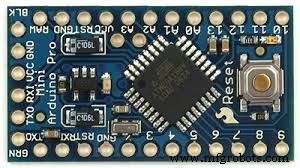
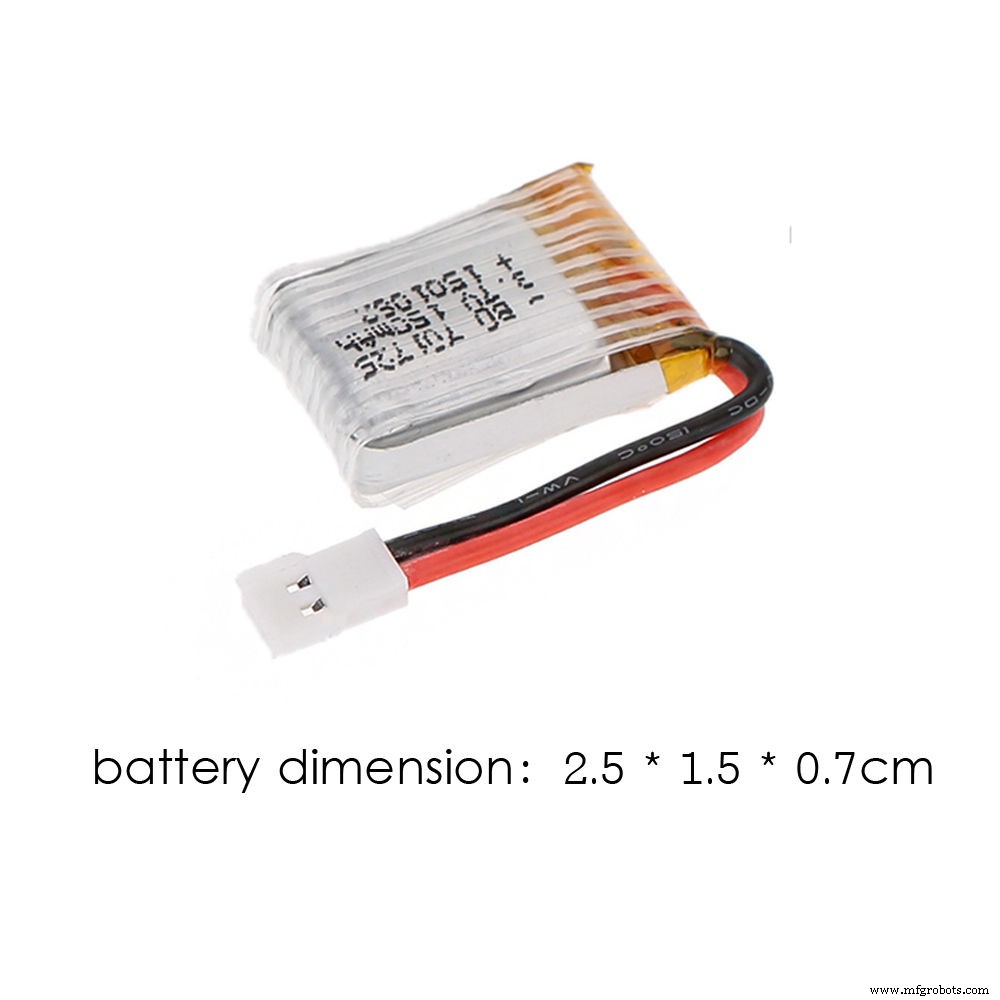
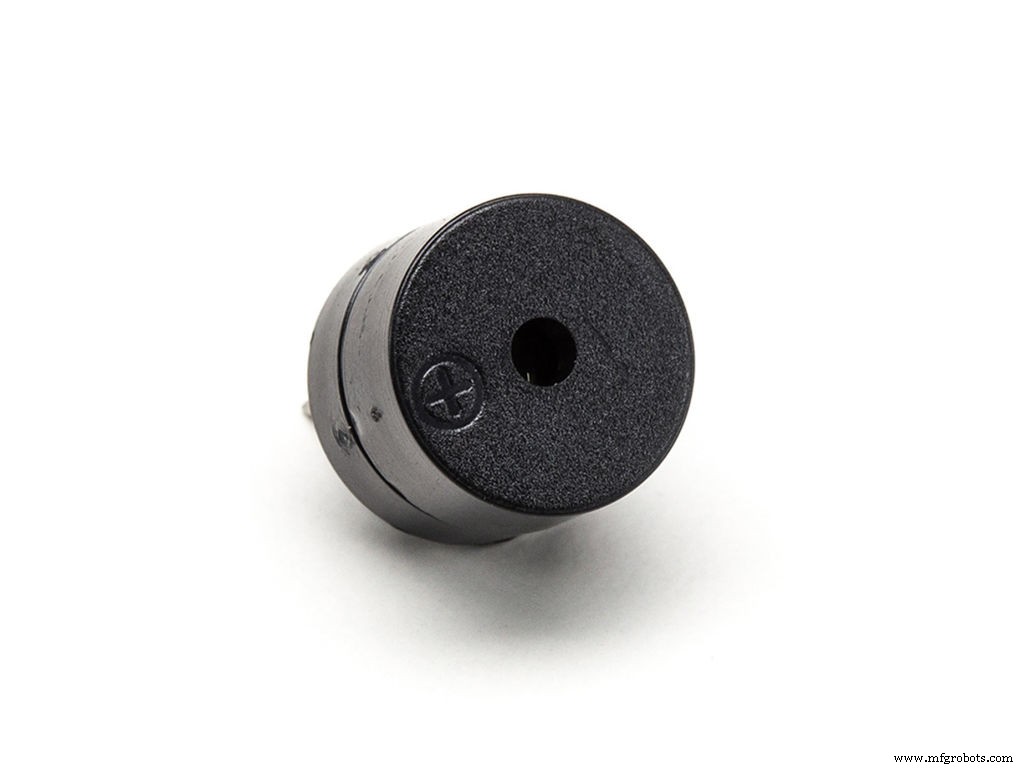
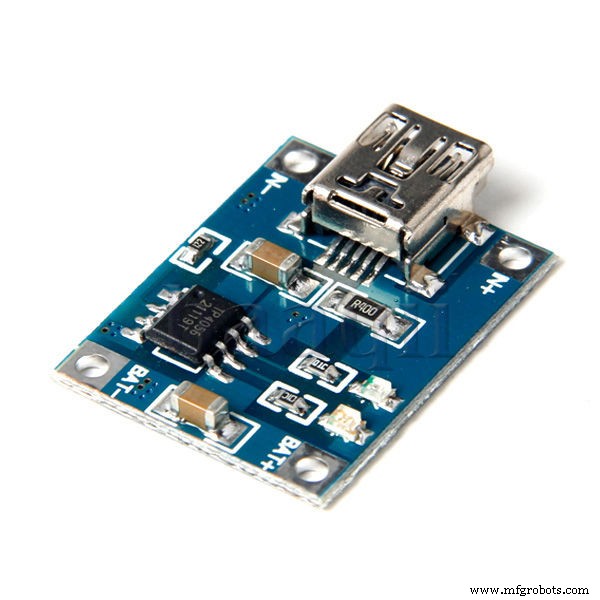
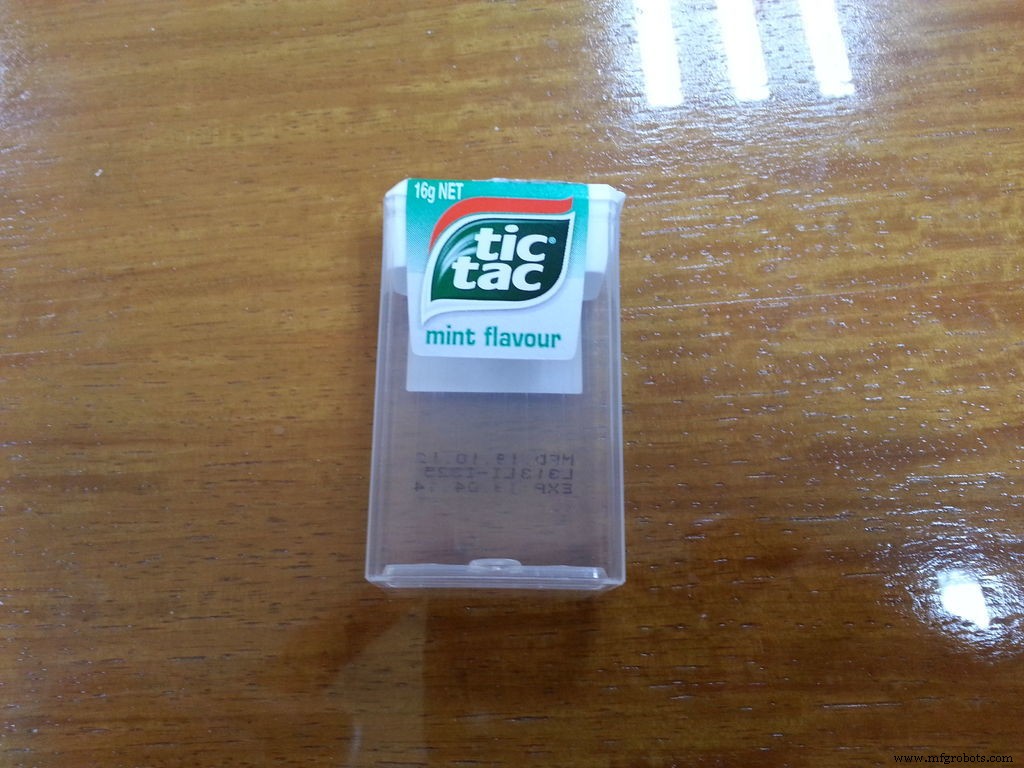
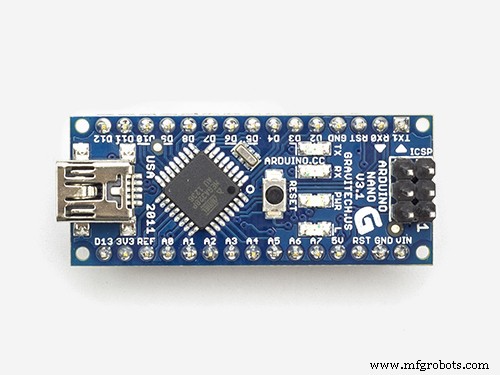
- Arduino Pro Mini or Arduino Nano
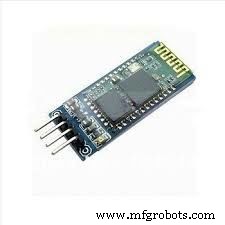
- HC-06 Bluetooth module
- Small LiPo battery
- Small Piezo electric buzzer
- Battery charging circuit
- Empty Tic Tac box or any small box
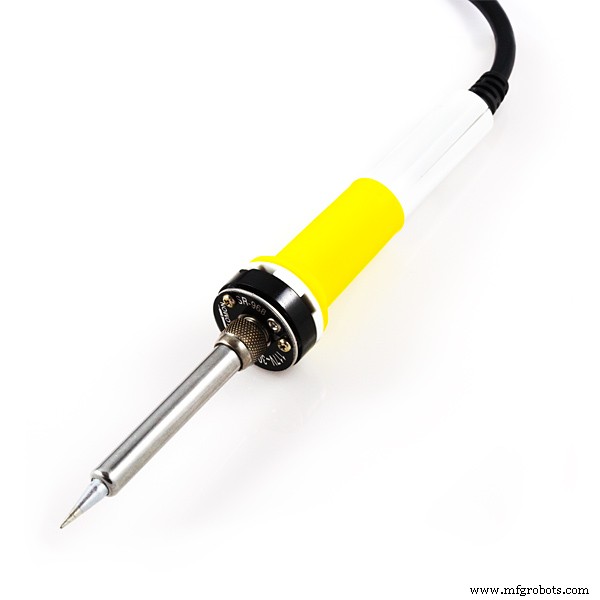
- soldering iron
- some wires
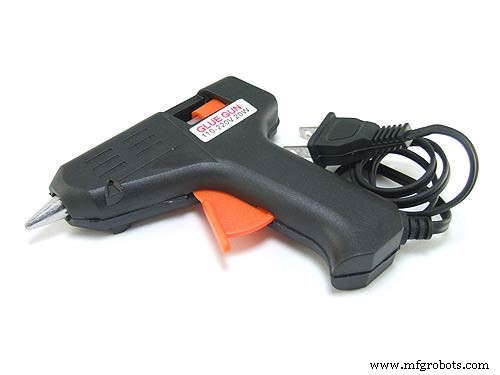
- glue
Bluetooth to Arduino
- VCC 🠦 VCC
- GND 🠦 GND
- TX 🠦 RX
- RX 🠦 TX
Buzzer to Arduino
- GND 🠦 GND
- +VCC 🠦 DIGITAL PIN 5
Battery to Arduino
- + 🠦 VCC
- - 🠦 GND
Bluetooth Controller: you can get this app in the Play Store
https://play.google.com/store/apps/details?id=apps.BT&hl=en
Step 7: Config the app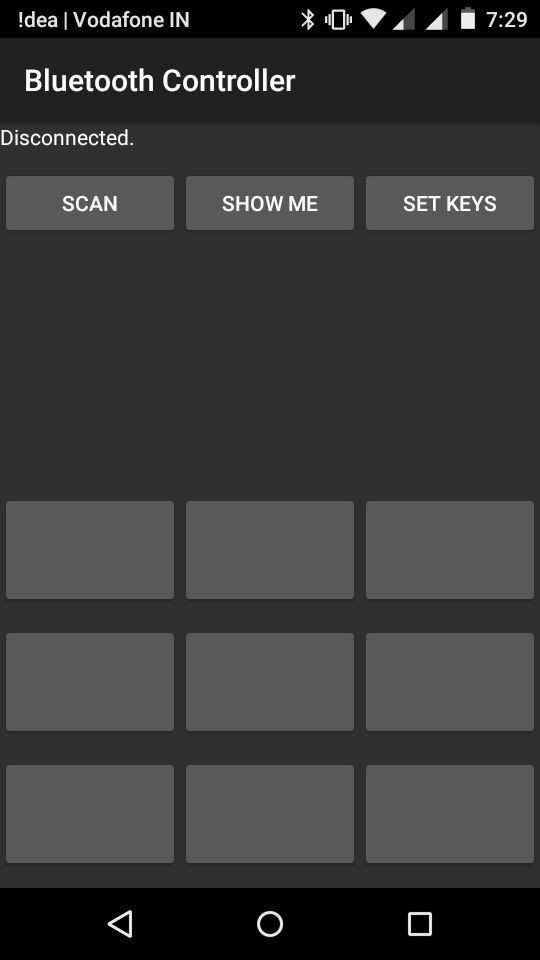
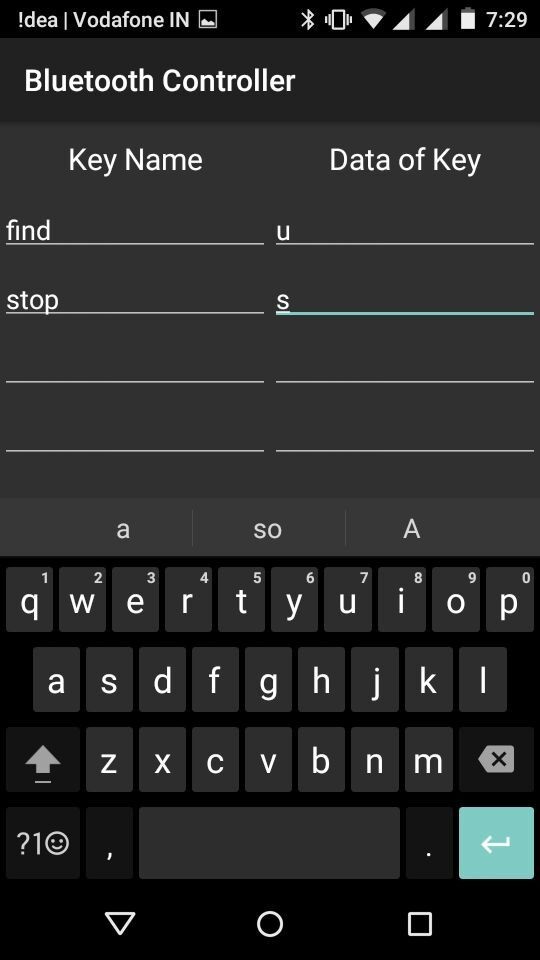
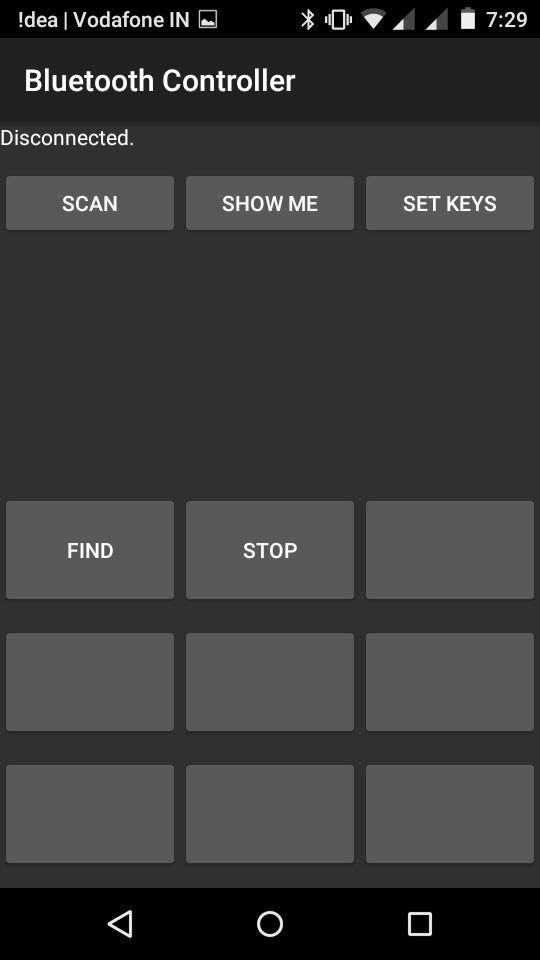
After installing the app, you will get some thing like this. Go to set keys, and set the find key value to u and stop key value to s.
DO NOT CHANGE THE VALUES
Step 8: FinishingNow embed all the circuits into the box and hook up a ring to it. If you want, you can also add a vibrator parallel to the buzzer pins. Because if the head of the buzzer is closed, you won't be able to hear it properly.
Now you are done with "Find Me".
I hope you like this project. And if so, don't forget to vote me.
If you guys have any problems, please post a comment. Thank you :)
Code
- buzzer.ino
buzzer.inoArduino
int outPin = 5;  // connect buzzer to pin 5
void setup(){
Serial.begin(9600);
pinMode(outPin,OUTPUT);
}
void loop(){
  if (Serial.available()){
  char bt = Serial.read();
  if(bt == 'u'){    // buzzer on
digitalWrite(outPin,HIGH);
 }
  else if (bt == 's'){    // buzzer off
digitalWrite(outPin,LOW);
 }
  }
}
Manufacturing process
- Arduino Digital Dice Project: Build Your Own LCD-based Random Number Generator
- Build an Arduino Iron Man: Components, Sensors, and Step‑by‑Step Guide
- Build a Functional Arduino-Powered 3D‑Printed Robotic Arm – Step‑by‑Step Guide
- DIY Arduino Humidifier Controller with Relay – Safe High‑Voltage Setup
- Build a Custom Arduino Joystick Steering Wheel for Gaming
- Arduino 101: Build a Pedometer with DHT11 Sensor & LCD Display
- Build an Arduino RGB Color Mixer – Step‑by‑Step Tutorial
- PhoneLocator: Securely Locate Your Phone Anywhere
- Arduino LED Bar Graph Controlled by Potentiometer
- Custom Arduino MIDI Arpeggiator – Modular Firmware & Euclidean Rhythms