



Stratasys Insight: Proven Strategies to Minimize Part Curl in FDM Printing
Expecting flawless 3D prints is unrealistic, yet many users blame the machines. In this guide, we’ll explore how Stratasys Insight’s settings can dramatically reduce part curl and improve overall print quality.
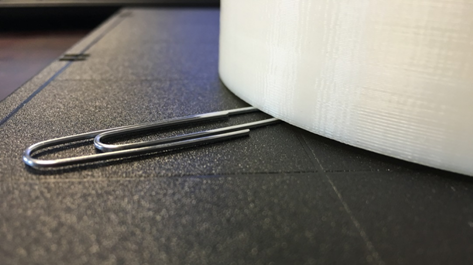
I’m not a plastics engineer, but I understand that thermoplastics possess a glass‑transition temperature: they melt and solidify at specific temperatures. FDM technology relies on this principle—material is heated to its glass transition, extruded, and then cools to solid form. While the process is straightforward, several factors can introduce distortion and curling, especially in large parts with thick sections.
ABS and other thermoplastics exhibit low shrinkage, yet differential cooling rates—faster on the exterior, slower inside—often cause undesirable warping. Removing a 25‑, 50‑, or 100‑hour build only to discover significant distortion is frustrating. The good news is that a few simple steps in Insight can mitigate these issues.
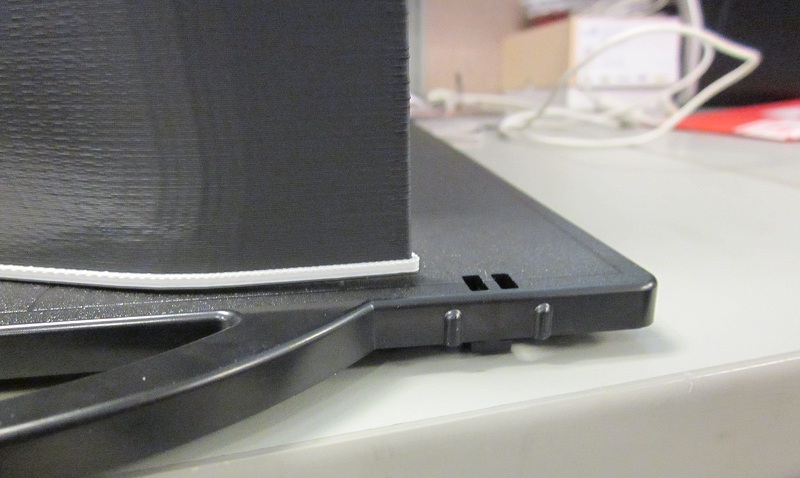
Option 1: Increase the Base Geometry
Expanding the base gives the part more surface area to bond with the build plate and acts as a heat sink.
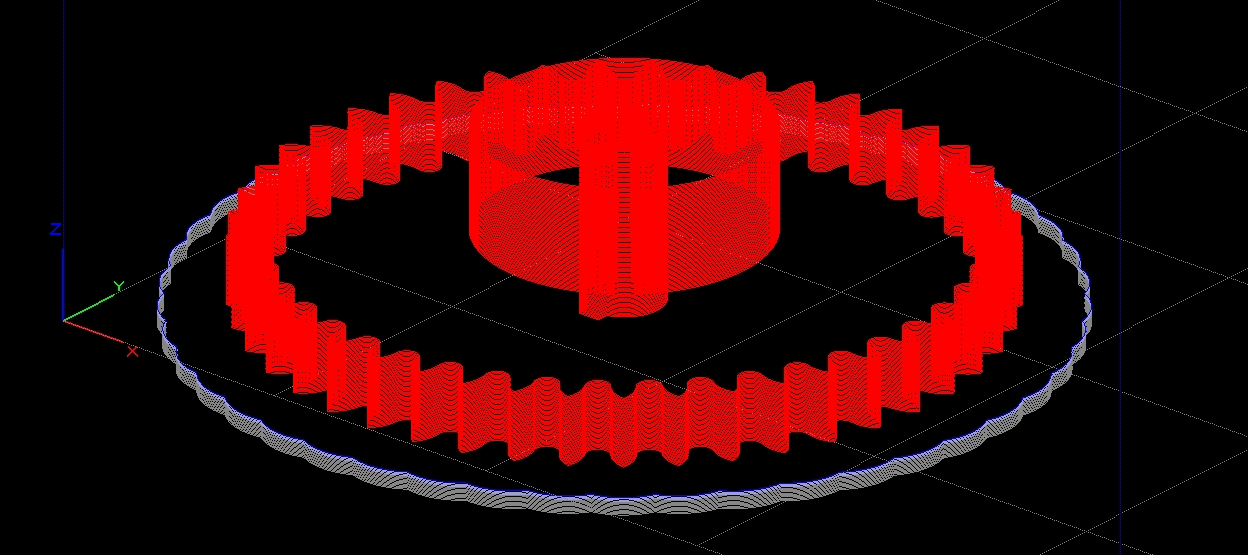
Navigate to Support > Setup and click the advanced settings icon. Adjust Base Oversize (default 0.050″, max 0.5″) and Base Layers (default 5; options 5, 10, 15, or custom). Combining a larger oversize with more layers often yields the best results.
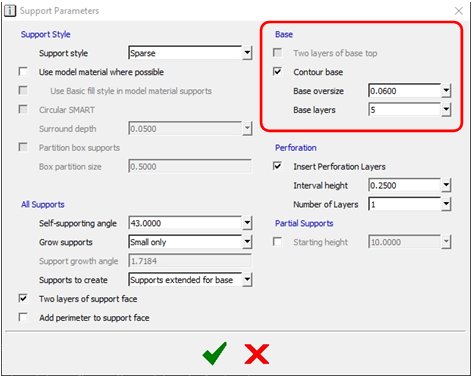
Base Oversize defines the footprint margin around the part; Base Layers controls the number of initial support layers.
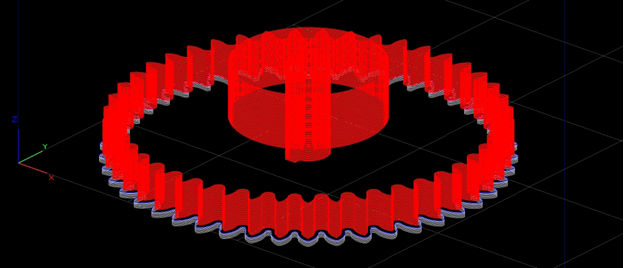
Default settings tightly cradle the model. Increasing oversize to 0.5″ expands the base by ~16%, enhancing adhesion and heat dissipation.
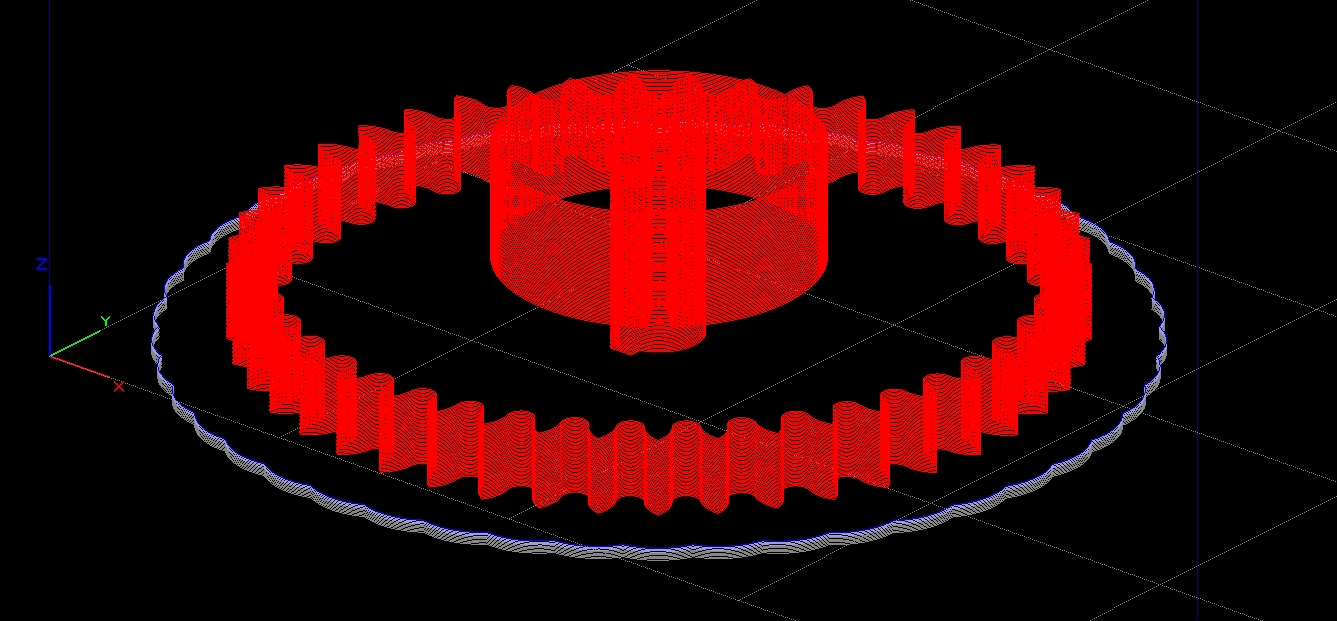
Pairing a 15‑layer base with a 0.5″ oversize often produces the most stable builds.
Option 2: Remove Perforations (Breakaway Supports)
Breakaway supports insert perforations at set intervals to ease removal. However, these perforations can become curling points on large support masses. Unchecking the perforation option reduces curl but may make support removal more laborious.
In Support > Setup, locate the perforation controls below the base settings. Untick the box and proceed.
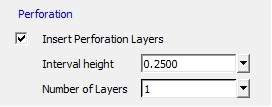
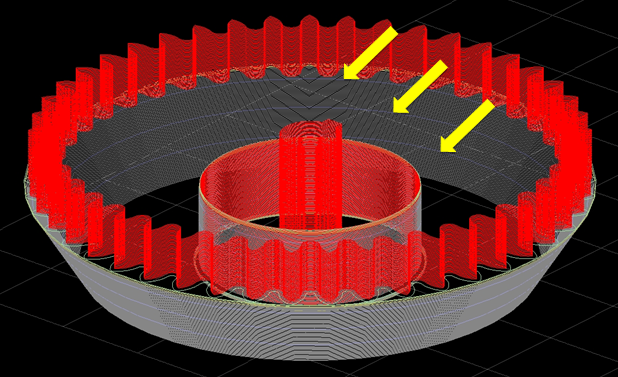
Default perforation layers appear as light blue lines in the preview.
Option 3: Add Anchor Columns
Anchor columns are columns of model material that directly attach the bottom of the part to the build plate via the base support. These features provide extra stability but must be removed mechanically afterward, so use them only where the bottom surface is non‑critical.
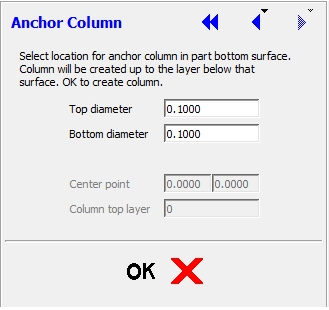
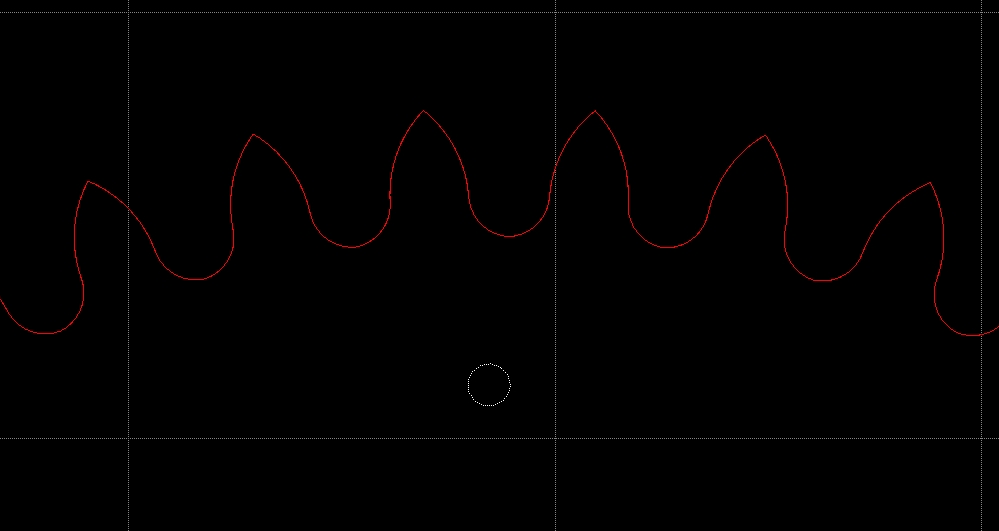
To add an anchor column, go to Support > Anchor Column. From the top view, click the desired center point and confirm. Insight will insert a circular contour that will become an anchor column once supports are generated.
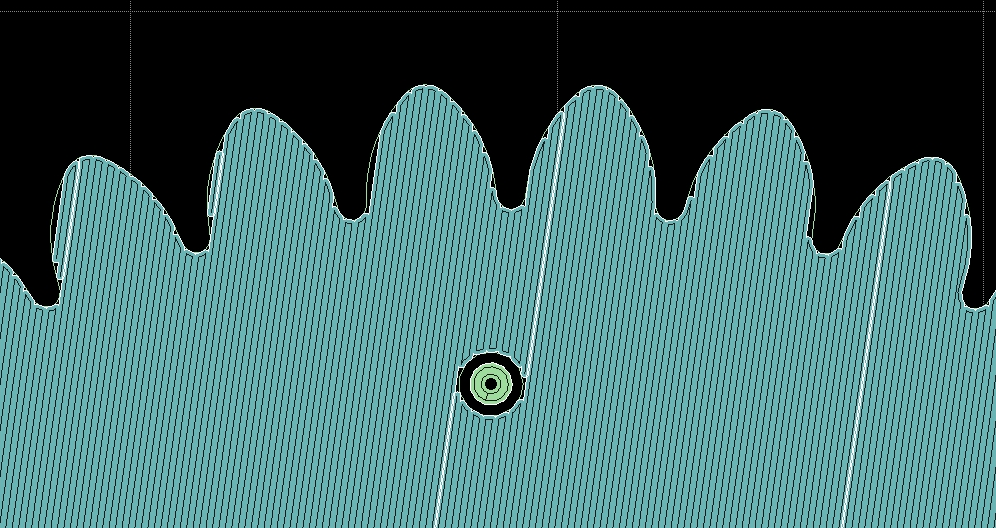
After support generation, the anchor columns appear in the base layers and will be present throughout the build.
Combining these options often delivers the best outcomes. For instance, one customer reduced curl from 0.020″ to 0.009″—well within tolerance—by enlarging the base and adding several anchor columns.
Still experiencing part curl after applying these settings? Our team can offer advanced Insight training and tailored application support. Contact us for more information.
Happy processing!
Tags: Anchor Columns, FDM Technology, Insight Software, Thermoplastics, Toolpaths
3D printing
- Toe Clamps Explained: Features, Benefits, and How to Pick the Right One
- Mastering 3D Printing Support Structures: Essential Strategies for Every Process
- Mastering Post‑Processing in Industrial 3D Printing: Emerging Trends and Solutions
- 2021 3D Printing Industry Statistics: 40+ Insights on Growth, Adoption, and Market Dynamics
- 7 Essential React Libraries Every Developer Should Master
- Unlock Efficiency: Key Advantages of Lean Manufacturing
- 7 Essential CNC Parameters Every Operator Must Master
- 4 Essential CNC Data Transfer Methods for Seamless Programming
- Mastering Clutch Facing: A Comprehensive Guide for Industrial Equipment
- Mastering LED Wiring: 8 Essential Tips for Parallel Circuits