



Streamlining Library Organization with SOLIDWORKS and MakerBot
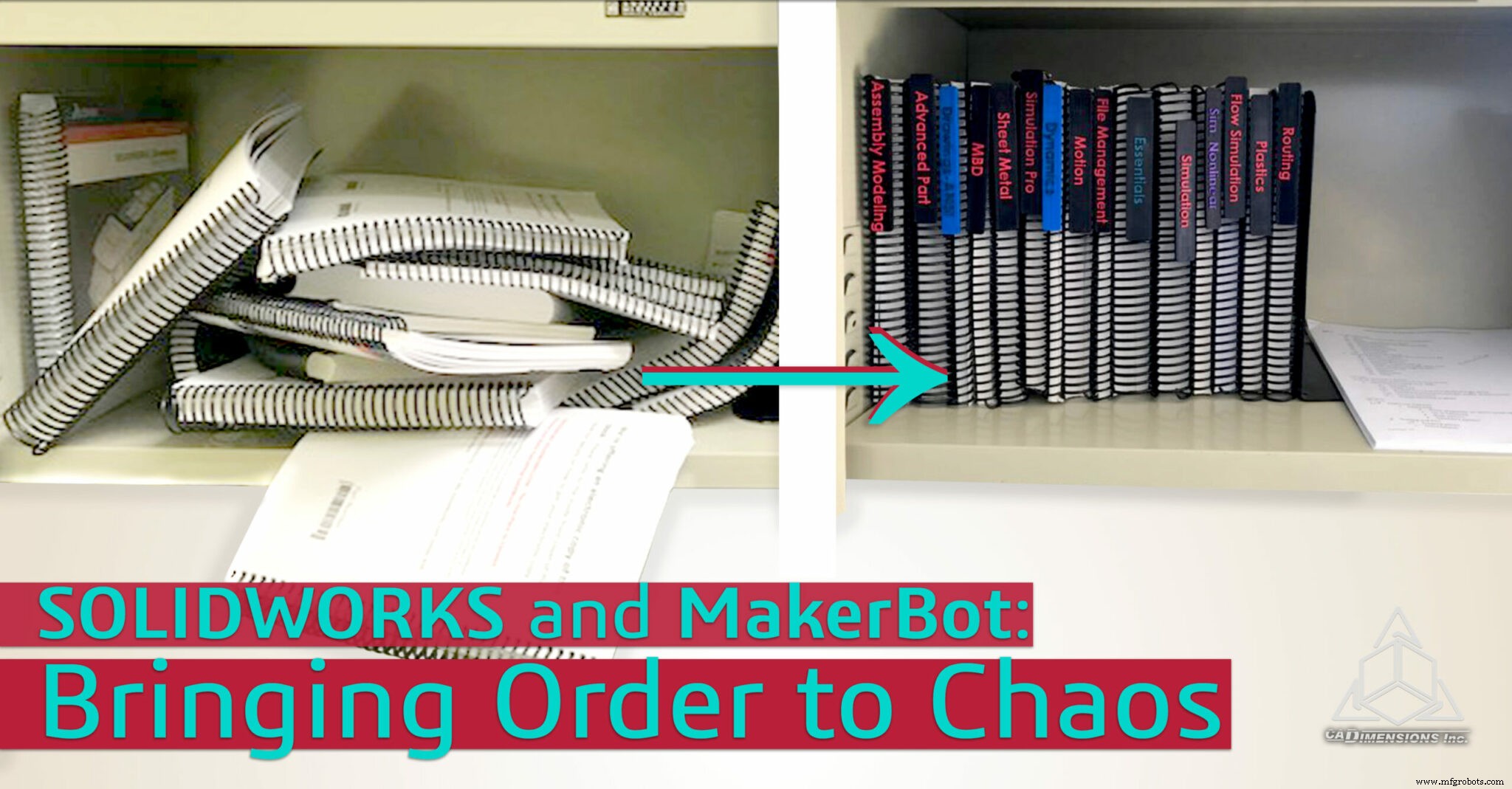
The challenge began when I was working in SOLIDWORKS Simulation with a colleague. He asked for his Flow Simulation manual, and I was met with a chaotic stack of reference books.
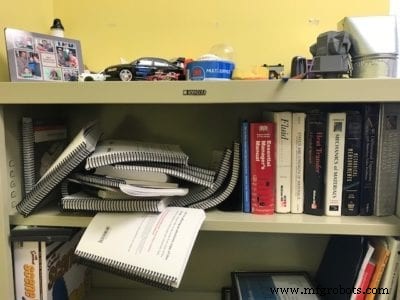
It wasn’t my office, but I couldn’t stand the disorder. I had to act, even though he’d asked me not to. After locating the correct book and applying a few organizational principles, we were on the right track.
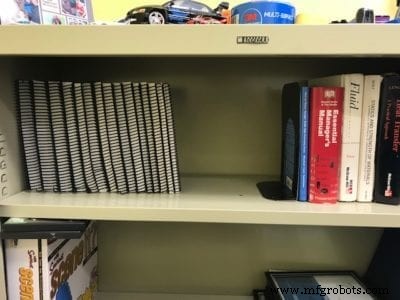
So how do you keep track of 15 different titles?
Enter SOLIDWORKS.
With careful brainstorming and a few measurements, I virtually created a book binder. Rather than producing 15 separate part files, I leveraged linked properties and an Excel‑driven design table to generate 15 uniquely labeled configurations from a single file in minutes. Design Tables and Configurations.
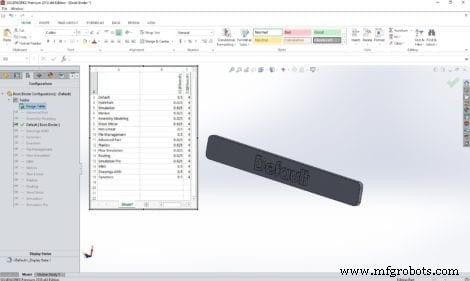
Conceptualized. Now the next step: a low‑cost prototype.
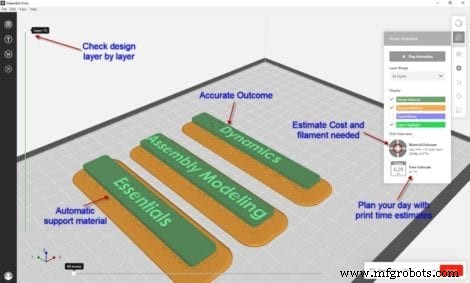
That’s where MakerBot comes in. SOLIDWORKS exports STL files, the format MakerBots need to compute toolpaths. MakerBot Print is a free application that translates your STL into a layer‑by‑layer path the printer can follow.
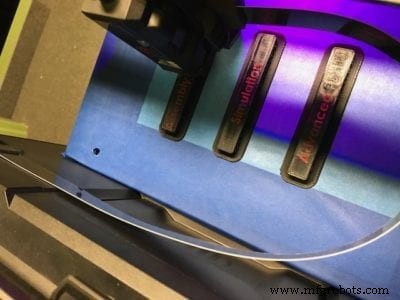
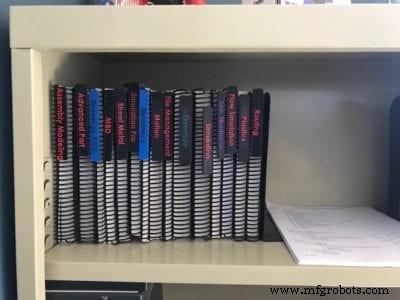
The jump from idea to physical part in hours is transformative. For just about $3.00 of material and 12 hours of print time, my colleague now knows precisely where each book belongs.
Tags: 3D CAD, 3D Printing, Additive Manufacturing, CAD, Configurations, MakerBot, Solidworks
3D printing
- 3D Printing & Prototyping at Mar‑Bal: Accelerating Composite Innovation
- Stratasys Launches GrabCAD Voxel Print for J750 and Partners with e‑Xstream for Advanced Simulation
- Stratasys Revives MakerBot: The Method Brings Industrial‑Grade Reliability
- Quickly Label 3D Printed Parts with Engraver Filler – A Proven, Easy Method
- Custom Soft Jaws Designed by AW Miller: A Rapid Prototyping Success Story
- Professional Guide to Finishing and Painting 3D Printed Parts
- Bringing IoT to Life with IBM & Tech Data – Part 2
- Turning IoT Into Reality: Tech Data & IBM Insights – Part 1
- Enhancing 3D-Printed Parts: Secondary Operations for Superior Performance & Finish
- Mastering Fillets & Chamfers: Enhancing Safety & Aesthetics in Machining