



Yahoo! Stock Ticker Project: Build a Live Market Display with Arduino and Python
Components and supplies
 |
| × | 1 | |||
 |
| × | 1 | |||
 |
| × | 12 | |||
| × | 5 |
Necessary tools and machines
 |
|
About this project
For this project you will need a Python 2.7 IDE. I recommend using Enthought Canopy for this project. Next, you will need the Yahoo Finance API library. To do this, type:
pip install yahoo_finance
into your command prompt or shell. Additionally, install PySerial for communication with your Arduino. Type:
pip install pyserial
into your command prompt. Then copy and paste the code into the editor. In the Stock names list, you can add any other stock names you want. Make sure the serial port is the same as your Arduino board's, or else it won't connect. You can edit this in the line that says:
ser = serial.Serial('COM<port name>',9600)
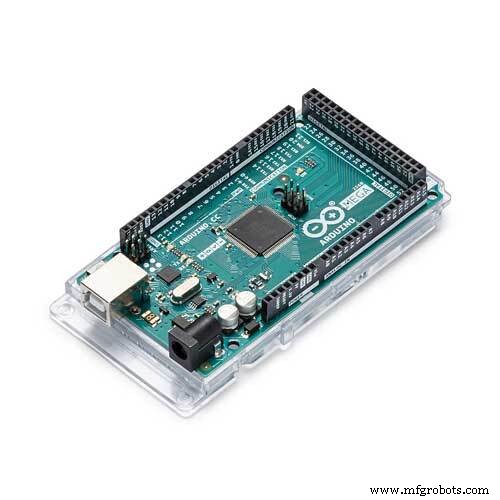
Next, open up your Arduino IDE to copy-paste your code into the editor. From there just upload and enjoy!
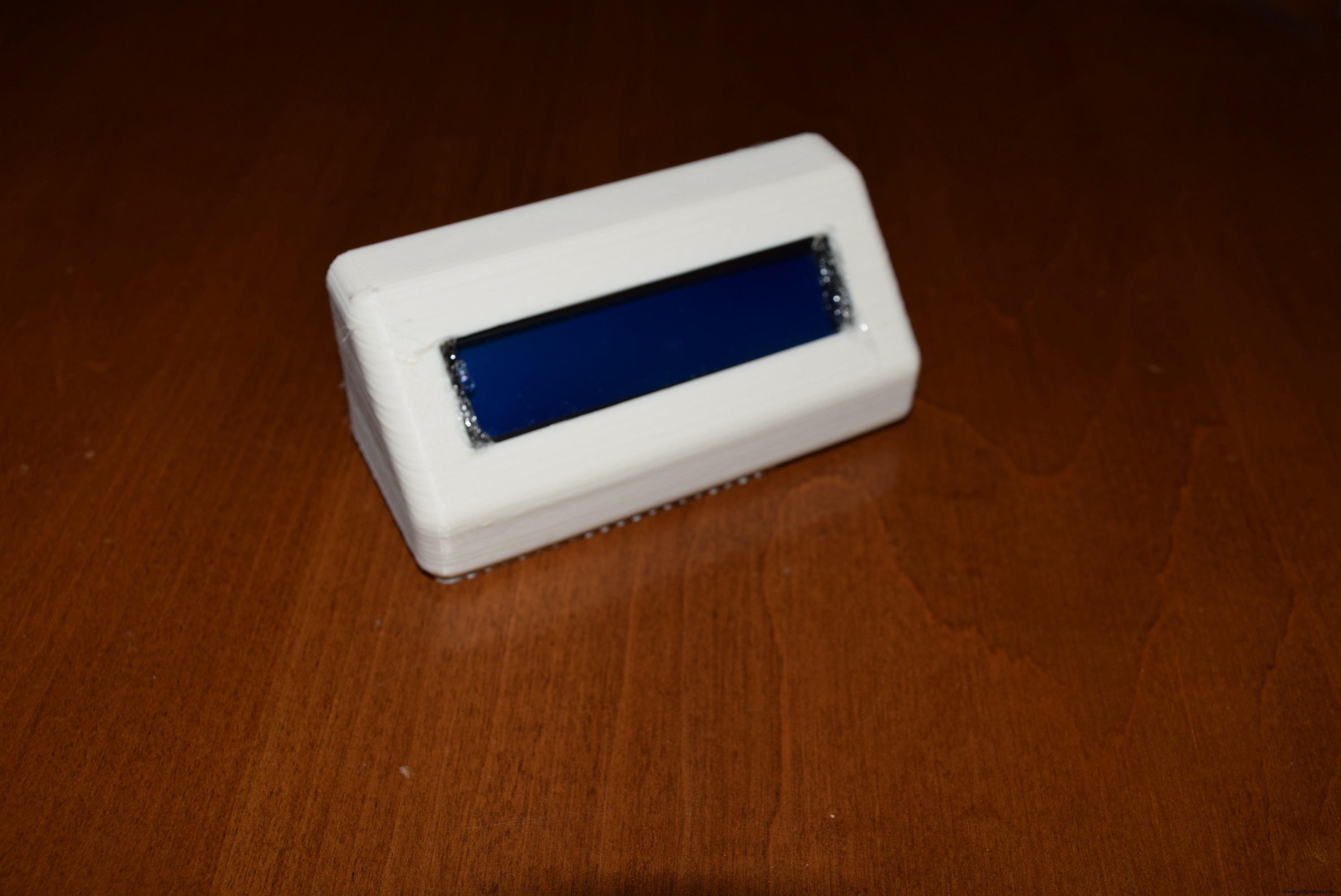
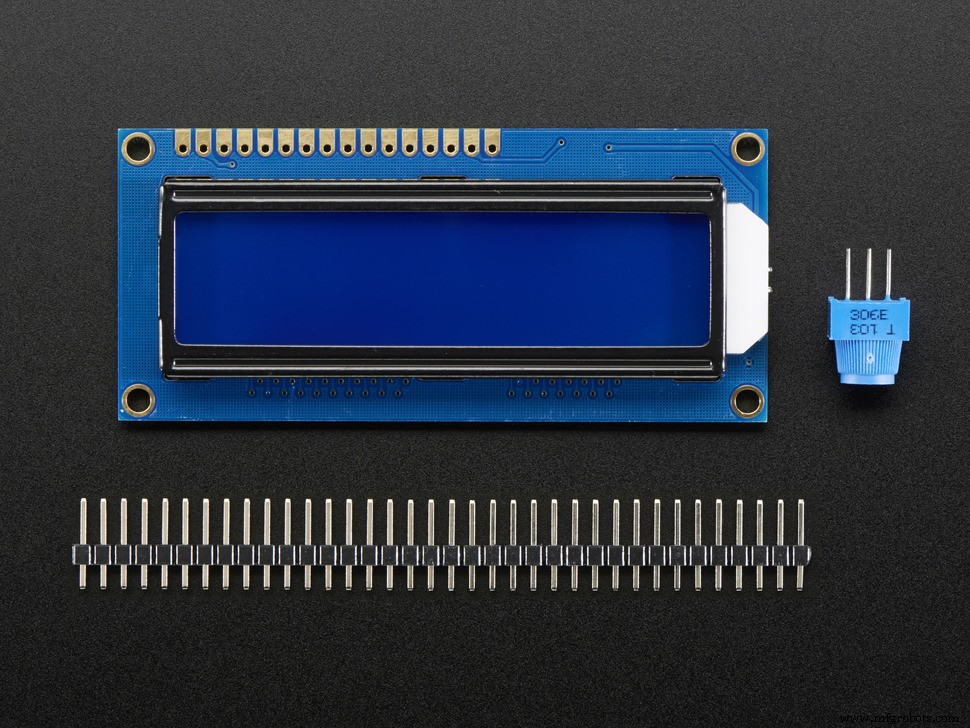
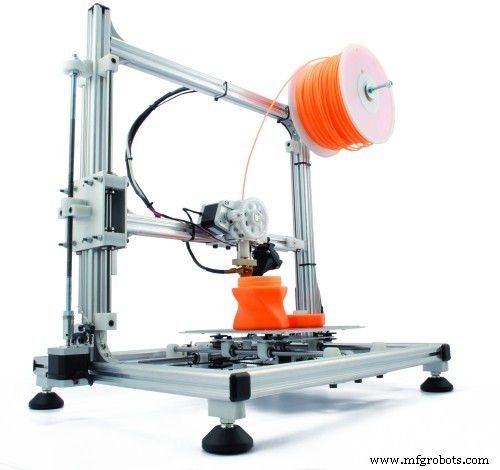
If you want to get fancy, I linked a 3d-printed case for the LCD.
Code
- Python Side for Stock Ticker
- Arduino Side for Stock Ticker
Python Side for Stock TickerPython
You can just copy-paste it into a Python IDE.from yahoo_finance import Share
import time
import serial
StockShares = ['DOW','YHOO','BAC','F','JPM','TWTR','CHK','PBR','FIT','COG','ABX','FCX','GE','TRGP','CNX','BSX','MRC','NKE','NEM','PBRA','HST','BP','MRK','HON','MET','CLR','WPX' \
,'EXC','JCP','YELP','GNC','TSLA','VRX','P','NFLX','CMG','SM','WYNN','SHAK','ICON']
ser = serial.Serial('COM1',9600)
def printShare(share,name):
ser.write(name + ': *' + share.get_open()+','+share.get_price())
print name + ': *' + share.get_open()+','+share.get_price()
time.sleep(.1)
def mainProgram():
for i in StockShares:
name = i
s = Share(i)
printShare(s,name)
s.refresh()
time.sleep(9.5)
mainProgram()
mainProgram()
Arduino Side for Stock TickerC/C++
Just upload to any Arduino Board.#include <LiquidCrystal.h>
String str = "";
float o;
float c;
String s;
LiquidCrystal lcd(12, 11, 5, 4, 3, 2);
void setup() {
// put your setup code here, to run once:
Serial.begin(9600);
lcd.begin(16, 2);
lcd.setCursor(0,0);
delay(1000);
}
void loop() {
// put your main code here, to run repeatedly:
if (Serial.available()>0){
s = Serial.readStringUntil('*');
o = Serial.parseFloat();
c = Serial.parseFloat();
}
lcd.print(s + "open:" + o);
lcd.setCursor(0,1);
lcd.print("current:");
lcd.print(c);
delay(2000);
for (int positionCounter = 0; positionCounter < 17; positionCounter++) {
lcd.scrollDisplayLeft();
delay(200);
}
delay(500);
lcd.clear();
lcd.setCursor(0,0);
lcd.print("change: ");
lcd.print(c-o);
delay(2000);
for (int positionCounter = 0; positionCounter < 17; positionCounter++) {
lcd.scrollDisplayLeft();
delay(200);
}
lcd.clear();
}
Custom parts and enclosures
A really nice LCD housing from http://www.thingiverse.com/thing:614241Schematics
Connect as-is.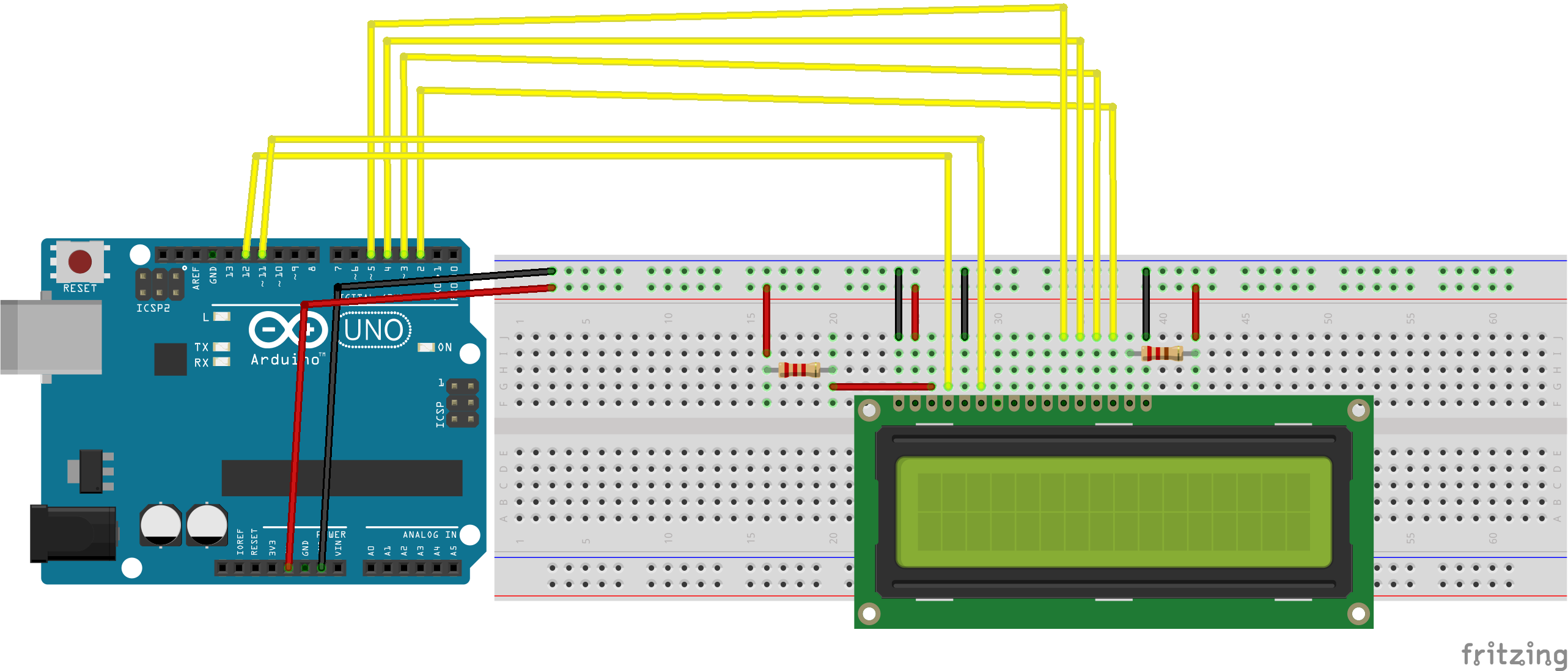
Manufacturing process
- The Evolution, Materials, and Manufacturing of Modern Toilets
- Revolver: From Origins to Modern Manufacturing
- Build a Bluetooth‑controlled Arduino Spybot
- FlickMote: Gesture‑Controlled IR Remote for Smart Home
- DIY Arduino TV B-Gone: Universal Remote for All TVs
- Build a Custom LED Master Clock with Alarm – Viewable from 12 Meters
- Find Me: Smart Item Locator with Arduino and Bluetooth
- Optimized Power Solutions for Arduino Projects
- Arduino Tic Tac Toe with MAX7219 LED Matrix and Cardboard Enclosure
- Build a Smart Arduino Quadruped Robot: Step‑by‑Step Guide