



Smart LED Stairs Lighting Shield for Arduino Nano – 24-Step, PWM Fade, Wireless Home Automation
Components and supplies
 |
| × | 1 | |||
| × | 1 |
About this project
The ASL shield can:
- Get up to 24 stairs setup availability.
- Use fade out effect and PWM modulation.
- Connect wirelessly with more than 20 of the leading home automation controllers on the market.
- Readily be used with sketch.
- Combine with Mysensors library. (It can be included as relay. In this case, no light sensor is needed, just create a Day/Night scene inside your home controller.)
Here's how I did it...
Step 1: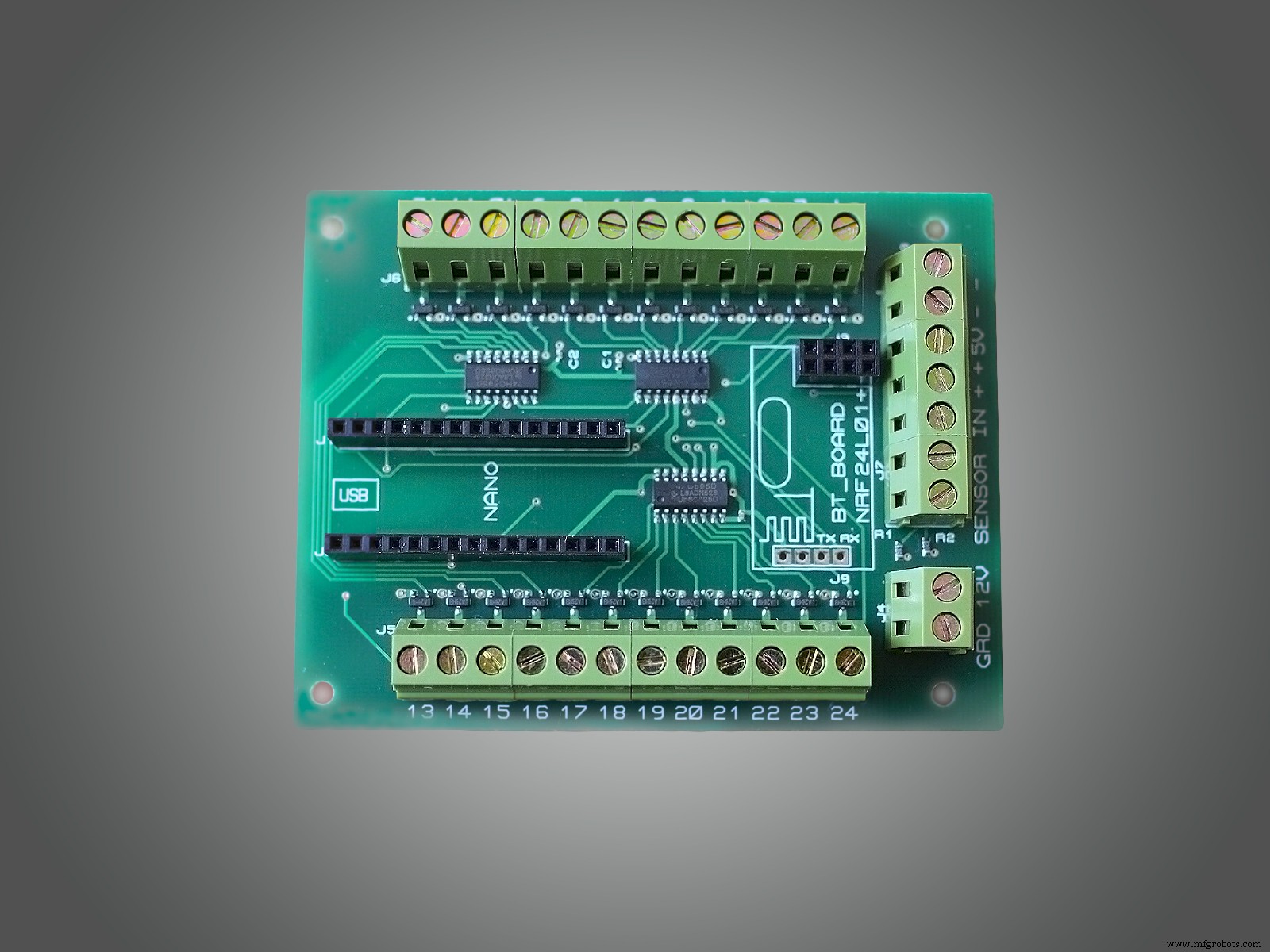
Get those parts to start the project:
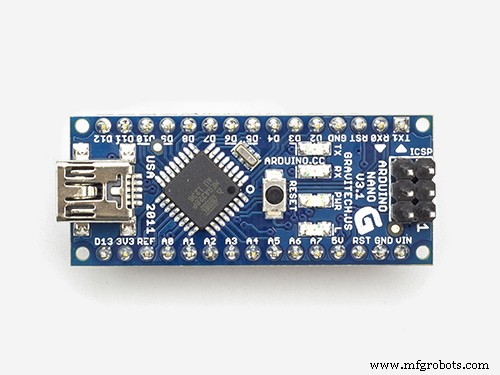
- Arduino Nano
- ASL ARDUINO SHIELD
Files for download
Step 2: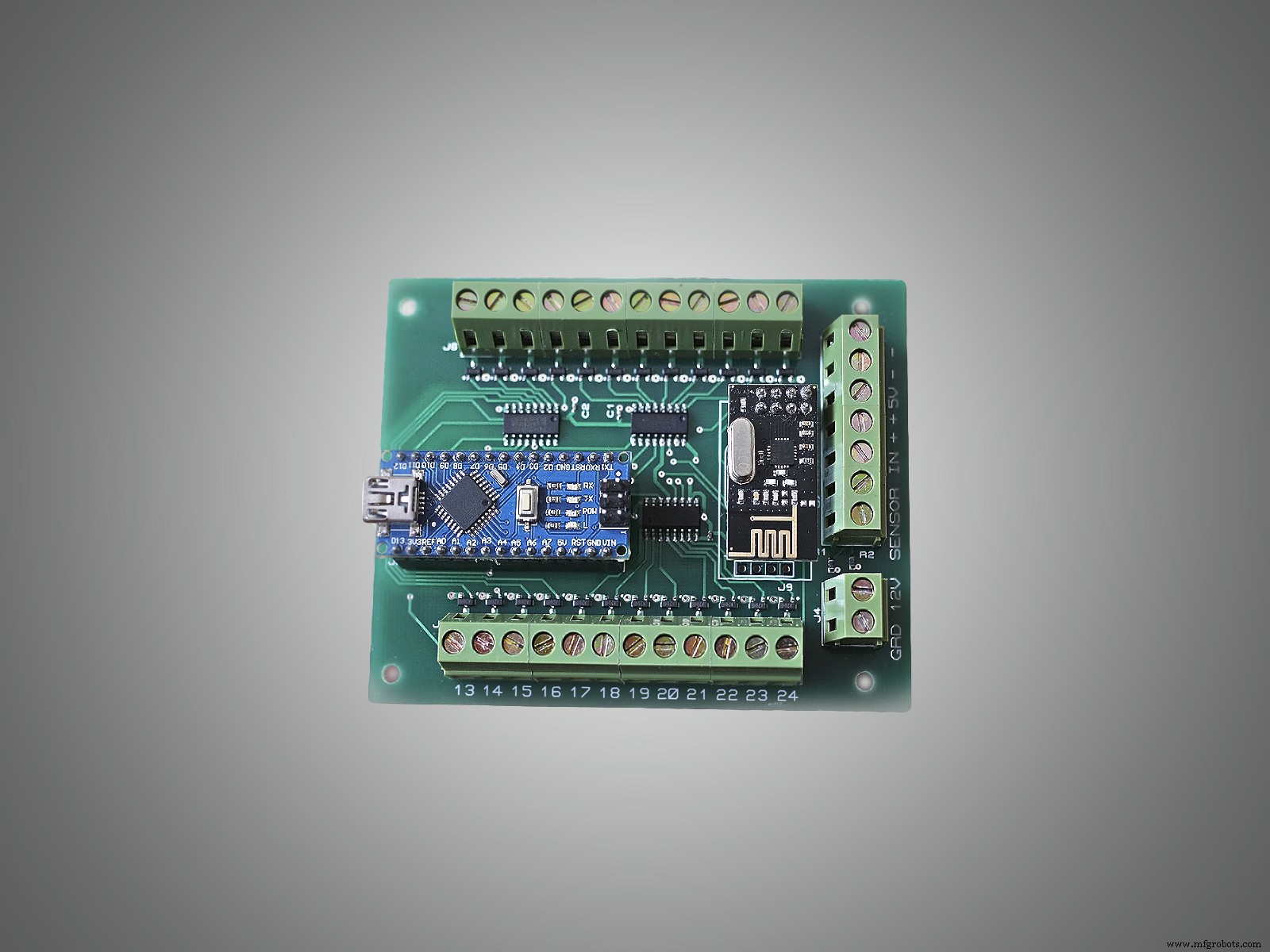
Once you get it, follow these step-by-step instructions:
1. Follow the schematic sketch below to wire it up.
2. Download and install Mysensor-master (optional) and ShiftPWM -master libraries to Arduino IDE.
3. Download a sketch. (There are two options: choose sketch ForASLMysensorInkluded or ForASLOnlyLightSensor for controlling day/night mode.
- ForASLOnlyLightSensor - will work as standalone controller.
- ForASLMysensorInkluded - will work as standalone controller + with the option to connect to Mysensors network.
4. Edit the code: Set the number of stairs, pause between on/off, check your sensor's type, adjust photocell sensitivity (if using one).
5. Upload the code to Arduino Nano.
6. Insert Arduino to ASL Shield.
7. Insert NRF24L01+ module. (optional)
8. Set Mysensors plugin to including mode. (optional)
9. Power up ASL Shield.
(optional: means you can skip this step, if the ForASLOnlyLightSensor.ino sketch is being used.)
Step 3: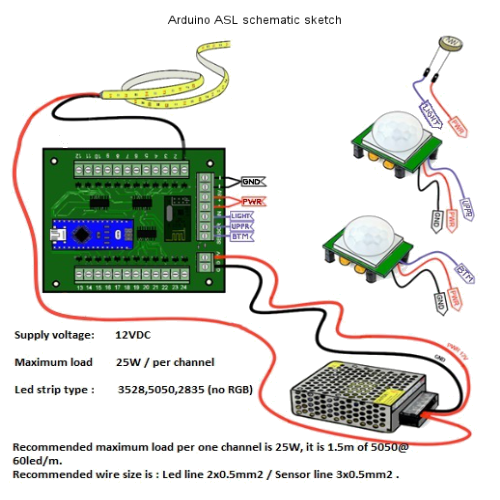
NOTE:
ASL shield needs Mysensors Gateway to communicate with your home controller. If you do not have such, please visit www.mysensors.org
Enjoy!!!
Manufacturing process
- Build a Bluetooth‑controlled Arduino Spybot
- Control an LED via Bluetooth with Arduino – Simple DIY Guide
- Sound-Activated 8-LED Light Display
- Build a Smart Arduino Quadruped Robot: Step‑by‑Step Guide
- Arduino RGB LED Color Mixer – Beginner‑Friendly DIY Project
- Outdoor DMX-Enabled RGB LED Flood Lights – Affordable & High-Performance
- Arduino-Driven GrowBox Controller – Open-Source Firmware & Hardware Guide
- Smart Domotic Greenhouse: Automated Climate Control with Arduino
- ED BMSdiag – Arduino CAN‑BUS & OBD‑II Diagnostic Kit
- Build an Infinity Gauntlet: DIY Arduino LED Kit