



Build a Snake Game on a 16x16 LED Matrix with Arduino UNO
Components and supplies
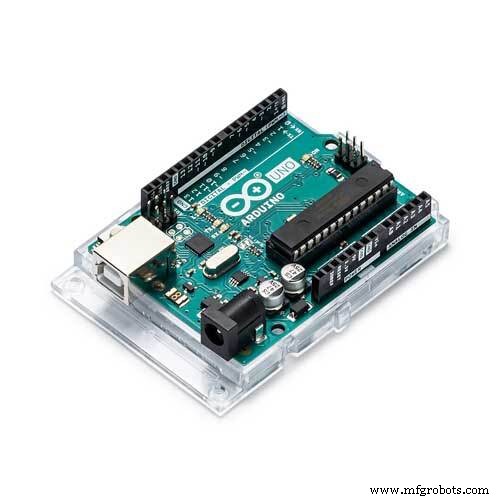 |
| × | 1 | |||
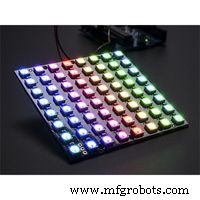 |
| × | 1 | |||
 |
| × | 1 | |||
| × | 1 | ||||
 |
| × | 1 |
About this project
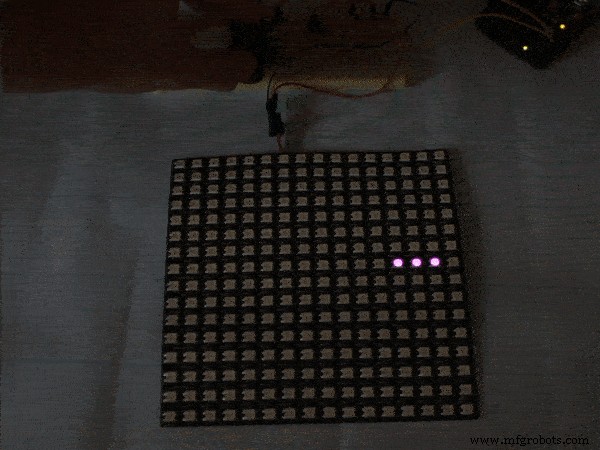
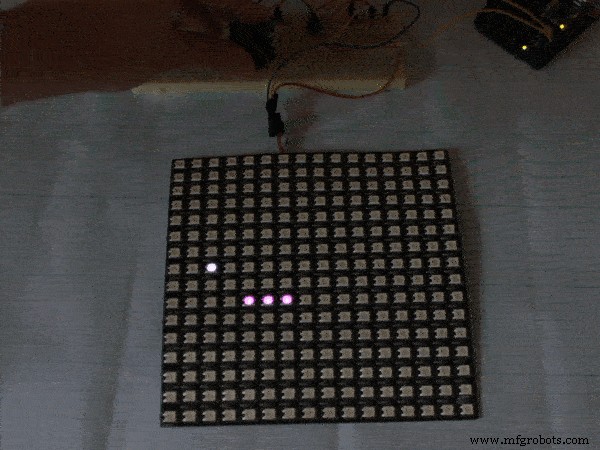
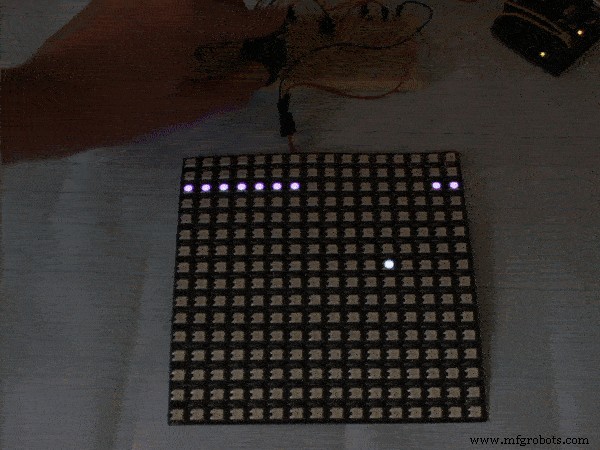
Hi there! I'm learning arduino opportunities. And I decided to copy classic arcade snake game from my old nokia. So, here it is.
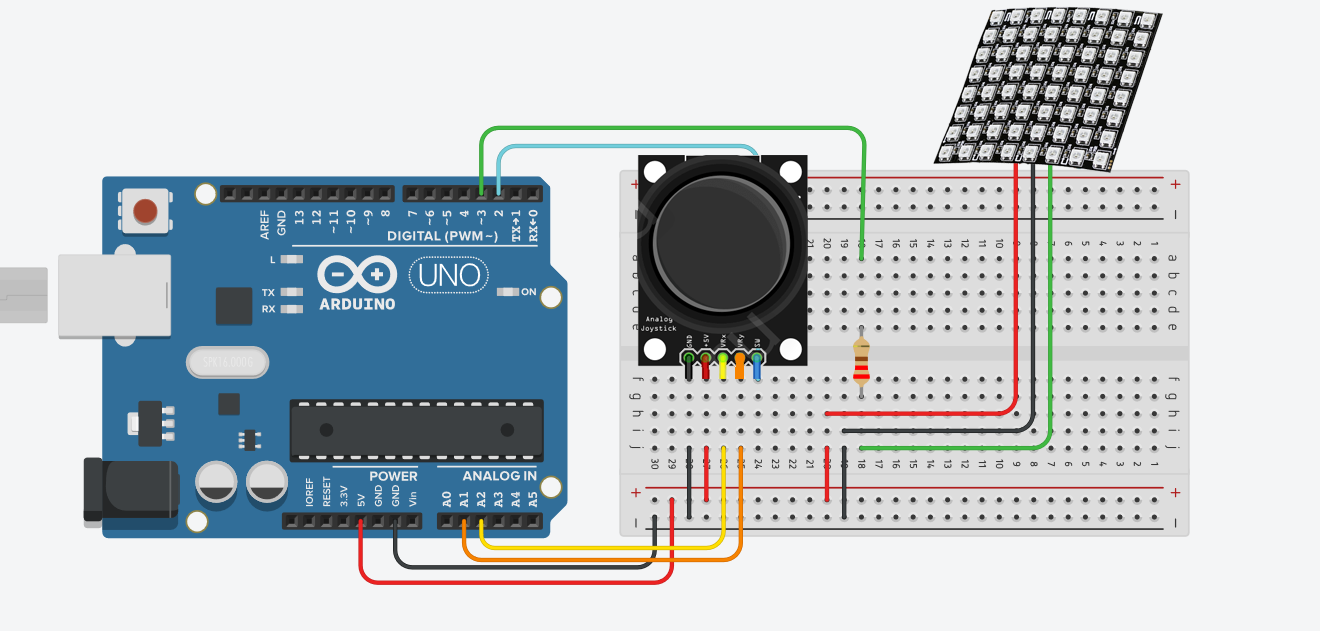
I used 16x16 LED matrix, joystick and Arduino UNO. it wasnt easy couse, each led is connected consistently. So, move logic is a little tricky.
Here you can controle the snake character. Eat some tasty food, grow up, and die. Programm code is ready to upgrade.
Have fun and enjoy. If you like it dont think twice to subscribe my youtube and instagram :) They are in russian, but i'm gonna make subtitles very soon.
Code
- Code
CodeC/C++
#include <FastLED.h>

//matrix settings
#define NUM_LEDS 256
#define DATA_PIN 3
#define BRIGHTNESS 8

//joystick settings
#define pinX    A2  // ось X джойстика
#define pinY    A1  // ось Y джойстика
#define swPin    2  // кнопка джойстика

int snake[256]; // array of snake elements
int snakeSize = 2;  // real snake size
int snakeSpeed = 500;

int row;        // row number
int col;        // column number

int lastDirection = 135; // start direction
int i, newDirection, OlddX = 1, OlddY, f;

int red, green, blue, fred, fgreen, fblue; //colors
CRGB leds[NUM_LEDS];

void setup() {
  red = random(0, 255);
  green = random(0, 255);
  blue = random(0, 255);
  fred = random(127, 255);
  fgreen = random(127, 255);
  fblue = random(127, 255);

  Serial.begin(9600);
  pinMode(pinX, INPUT);
  pinMode(pinY, INPUT);
  pinMode(swPin, INPUT);
  digitalWrite(swPin, HIGH);

  FastLED.addLeds<NEOPIXEL, DATA_PIN>(leds, NUM_LEDS);
  FastLED.setBrightness(BRIGHTNESS);
  for( i=0; i<=255; i++ ){
    snake[i] = 0;
  }

  for( i=0; i<=snakeSize; i++ ){
    snake[i] = lastDirection+i;
  }

  f = random(0, 255);
  FastLED.show();
}

int Snakedirection(int last, int dX, int dY ){
  dX = map(dX, 0, 1000, -1, 1);
  dY = map(dY, 0, 1000, -1, 1);
  if(dX == 0 && dY == 0 && OlddX != dX){
    dX = OlddX;
  }
  if(dY == 0 && dX == 0 && OlddY != dY){
    dY = OlddY;
  }
  int newDirection = last;
  if( dX != 0 ){ // moving in X direction
    if ( row&1 ){
        if( col == 0 && dX == 1){ newDirection = last -15; }
        else if( col == 15 && dX == -1){ newDirection = last +15; }
        else newDirection = last + dX; // четная
    } else {
        if( col == 0 && dX == 1){ newDirection = last +15; }
        else if( col == 15 && dX == -1 ){ newDirection = last -15; }
        else newDirection = last - dX; // не четная
    }
  }
  if( dY < 0){ // moving in Y DOWN direction
    if(row == 15 && dY == -1){newDirection = col;}
    else if ( row&1 ){
      newDirection = last + (col*2)+1; // четная
    } else {
      newDirection = last + (16-col-1)+(16-col); // не четная
    }
  }
  if( dY > 0){ // moving in Y UP direction
    if( row == 0 && dY == 1){ newDirection = 255 - col;}
    else if ( row&1 ){
      newDirection = last - (last - 16*row) - (16 - col); // четная
    } else {
      newDirection = last - (col*2)-1; // не четная
    }
  }
  OlddX = dX;
  OlddY = dY;
  return newDirection;
}

int snakeMove(int snakeDirection){

  for( i=0; i<=255; i++ ){
    if( snake[i] == snakeDirection ){
      death();
    }
  }

  FastLED.clear();
  for(i=snakeSize; i>=1; i--){
    snake[i] = snake[i-1];
  }
  snake[0] = snakeDirection;
  for( i=0; i<=255; i++ ){
    if( snake[i] ){
      leds[snake[i]].setRGB(red, green, blue);
    }
  }
  FastLED.show();
  row = (int)(snakeDirection/16);  // row number
  if ( row&1 ){
    col = (row+1) * 16 - snakeDirection - 1;
  } else {
    col = snakeDirection - row * 16;
  }
  return snakeDirection;
}

void food( int eaten ){
  if( eaten == f ){
    snakeSize++;
    f = random(0, 255);
    red = fred;
    green = fgreen;
    blue = fblue;
    fred = random(0, 255);
    fgreen = random(0, 255);
    fblue = random(0, 255);
    snakeSpeed = snakeSpeed / 1.1;
  } else {
    leds[f].setRGB(fred, fgreen, fblue);
    FastLED.show();
  }
}

void death(){
    snakeSize = 2;
    snakeSpeed = 500;
    red = 255;
    green = 0;
    blue = 0;
}

void color(boolean sw){
  if(!sw){

    red = random(0,255);
    green = random(0,255);
    blue = random(0,255);

  }
}

void loop() {
  color( digitalRead(swPin) );
  newDirection = Snakedirection(lastDirection, analogRead(pinX), analogRead(pinY));
  lastDirection = snakeMove(newDirection);
  food(newDirection);
  delay(snakeSpeed);
}
Schematics
Arduino Yun IoT-Enabled 5-DOF Robotic Arm with Blynk Control
Smart Buoy Project Overview: Build, Electronics, 3D Printing & Dashboard
Manufacturing process
- Build a 24×16 LED Pong Console with Arduino Nano & MAX7219
- Build a Tetris Game with Arduino Nano on a DIY 16×8 LED Matrix
- Build a Smart Arduino Quadruped Robot: Step‑by‑Step Guide
- Arduino Flip Clock with 8×8 LED Matrix – DIY Real‑Time Clock Project
- Mastering an 8×8 LED Matrix with Arduino Uno: A Step‑by‑Step Guide
- Build a 1‑D Pong Game with Arduino and WS2812 LED Strip – Step‑by‑Step DIY Tutorial
- DIY LED Roulette Game – Build a One‑Person Arcade with Arduino Nano
- Create a Classic Asteroids Game with Arduino Mega and MAX72XX LED Matrix
- Build an Arduino Snake Game on an 8x8 LED Matrix
- Build a 48x8 Scrolling LED Matrix with Arduino – Step-by-Step Guide