



Arduino Nano Flight Simulator 2020 Control Panel – LCD & CDI Display
Components and supplies
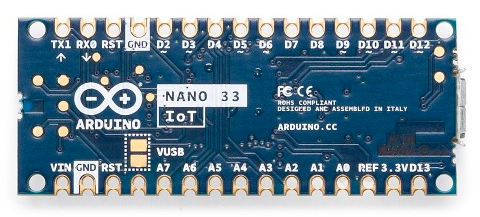 |
| × | 1 | |||
 |
| × | 4 | |||
 |
| × | 2 | |||
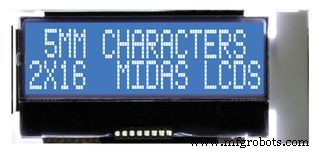 |
| × | 2 | |||
| × | 2 |
Necessary tools and machines
|
|
Apps and online services
 |
| |||
|
About this project
This build showcases a custom cockpit panel that interfaces with Flight Simulator 2020, offering real‑time navigation displays and controls.
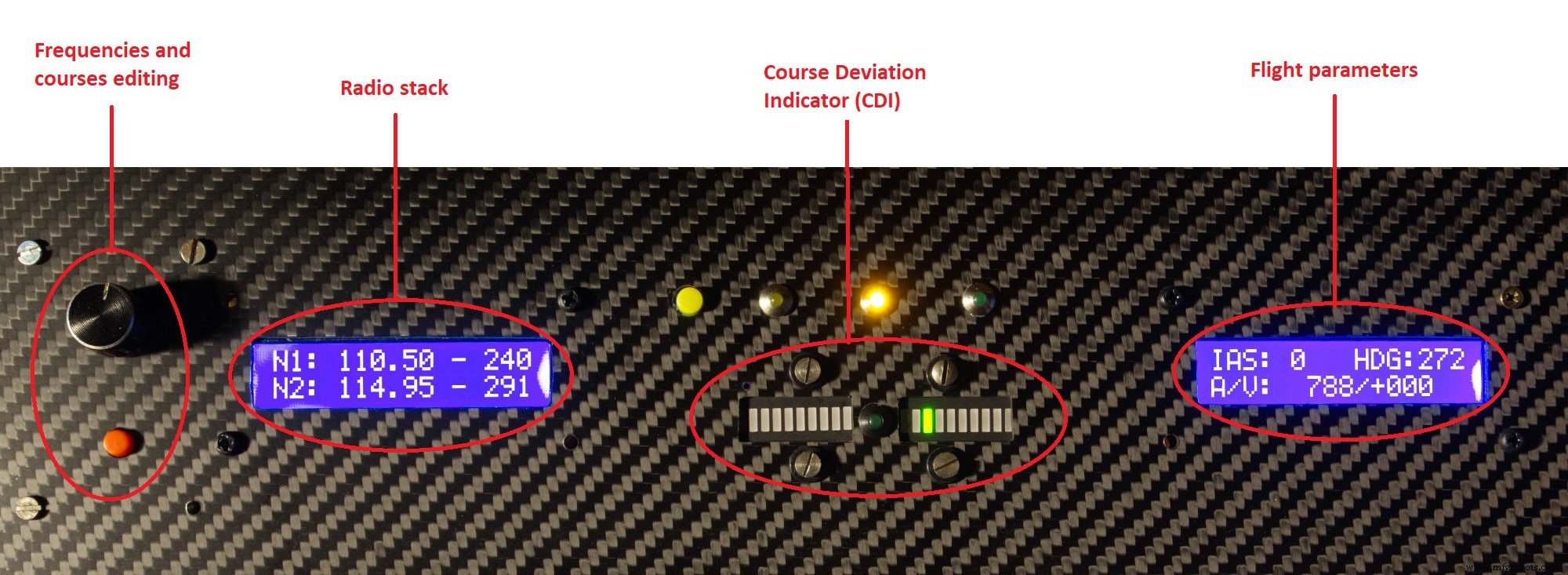
The panel provides:
- Live NAV1 & NAV2 Active frequencies.
- Live NAV1 & NAV2 Standby frequencies.
- Editing & switching of NAV1 & NAV2 Standby frequencies via rotary encoders.
- Live OBS (radial) settings for both NAV radios.
- Live ADF frequency and heading values.
- Automatic CDI visualization on two LED bars, prioritizing NAV1 when available.
- Second LCD displays IAS, Altitude (QNH), Height (QFE), Heading, and Vertical Speed.
All navigation parameters are presented on the primary 16x2 LCD, while aircraft telemetry appears on the secondary display. The CDI indicator uses two LED bars complemented by a central 3mm green LED for clarity.
Rotary encoders with integrated push‑buttons are employed for intuitive frequency and course adjustments. Although the example uses an Arduino Nano 33 IoT, the design is compatible with any Arduino variant.
Full project details, schematics, and source code are available on GitHub: https://github.com/IWILZ/FS2020-LCD-Panel.
Code
LCD_and_CDI_1.0.ino
View the firmware here: https://github.com/IWILZ/FS2020-LCD-Panel/blob/main/LCD_and_CDI_1.0.ino
Manufacturing process
- Arduino‑Based Switch & LED Panel for Microsoft Flight Simulator 2020
- Control an LED via Bluetooth with Arduino – Simple DIY Guide
- How to Display Images on a 1.17‑inch TFT LCD with Arduino UNO
- Mastering an 8×8 LED Matrix with Arduino Uno: A Step‑by‑Step Guide
- DIY Arduino Cockroach Control System – Build for Under $30
- Intelligent Spoon Aid for Parkinson’s Patients
- Arduino-Powered Garage Parking Rangefinder – Accurate Distance Alerts
- Build Your Own Flight Simulator Rudder Pedals: Step‑by‑Step DIY Guide
- Build Stunning Web-Driven LED Animations with Raspberry Pi & Arduino
- Build a Reliable Alarm Clock with DS1302 RTC and Arduino UNO