



Mastering the IR Blaster: How to Use Infrared Remotes on Your Phone
Sometimes it becomes tiring to have to get out of your comfort zone and walk to your television just to switch channels or to adjust the volume because you misplaced your TV’s remote control or failed to buy new battery cells. Well, having a phone equipped with an IR blaster might just be what you need to save you the trouble.
While some Android phones come equipped with IR blasters, it is possible to install IR remote control into phones that lack them.
So, what is IR Blaster?
An infrared blaster is a wireless device that accepts a signal from a remote and “blasts” it over infrared to the IR-compatible device you’re controlling. Some smart remotes, such as the Logitech Harmony Elite, are a good example.
The remote does not have to interface with the target device, and instead, the Harmony Hub communicates with the remote.
Mini IR blasters connect the hub and deliver instructions to external devices such as your set-top box, audio receiver, or Blu-ray player.
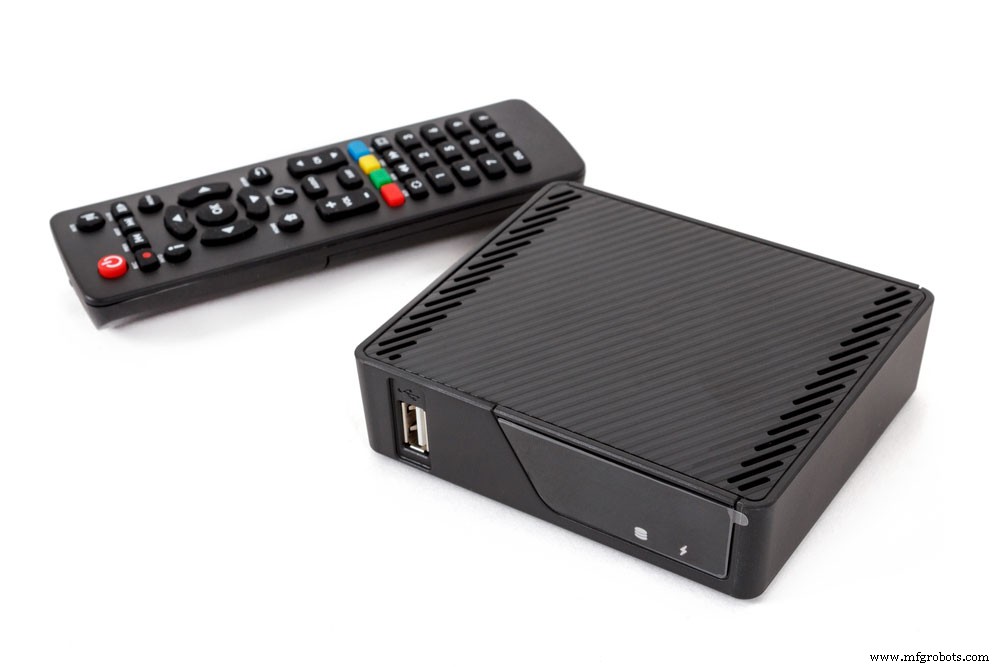
(android TV set-top box receiver)
Applications of IR Blaster
The IR blaster primarily gives commands to devices via the main device using an infrared remote control. IR blasters connect with a wide range of electronic devices, and there is no limit to how far they function. The equipment includes televisions, computers, VCRs, home theater systems, control air conditioners, and large-screen projectors.
Additionally, it prolongs the range of an IR remote by concealing the blaster in a secure location, hiding it, or even placing it behind closed doors that the remote cannot see. Other IR gadgets in the room are controlled using this device.
(multi-devices connection)
How Does IR Blaster Work?
An Infrared Blaster functions similarly to a TV remote, only that it contains an array of commands of digital signal to IR light adapter. While IR light is invisible, digital signals form by up and down pulses of energy. They have a higher transmission rate and can go by air without endangering anyone.
(multiscreen interaction)
How to Make an IR Blaster?
The link below is a simplified video on the step-by-step process of making an IR blaster.
Also below is a step-by-step description of making an IR blaster.
Step I: Parts Required
You’ll need the following.
- 1x 3.5mm Inches of cable.
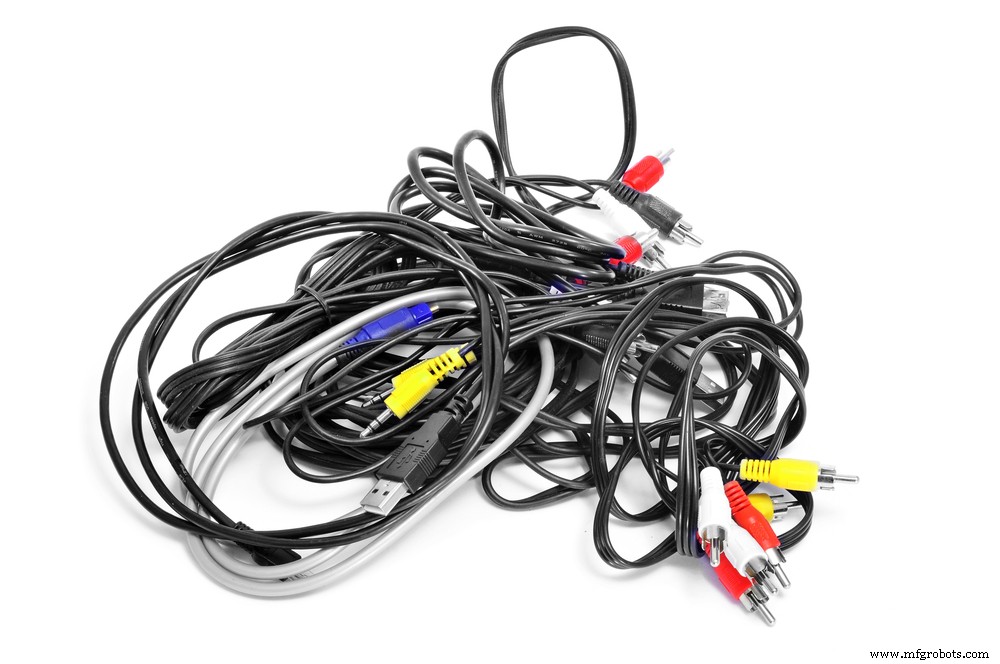
( Auxiliary Cable)
- Two infrared leds.
- 6mm heat-shrink tubing.
- Soldering iron and a hot glue gun.
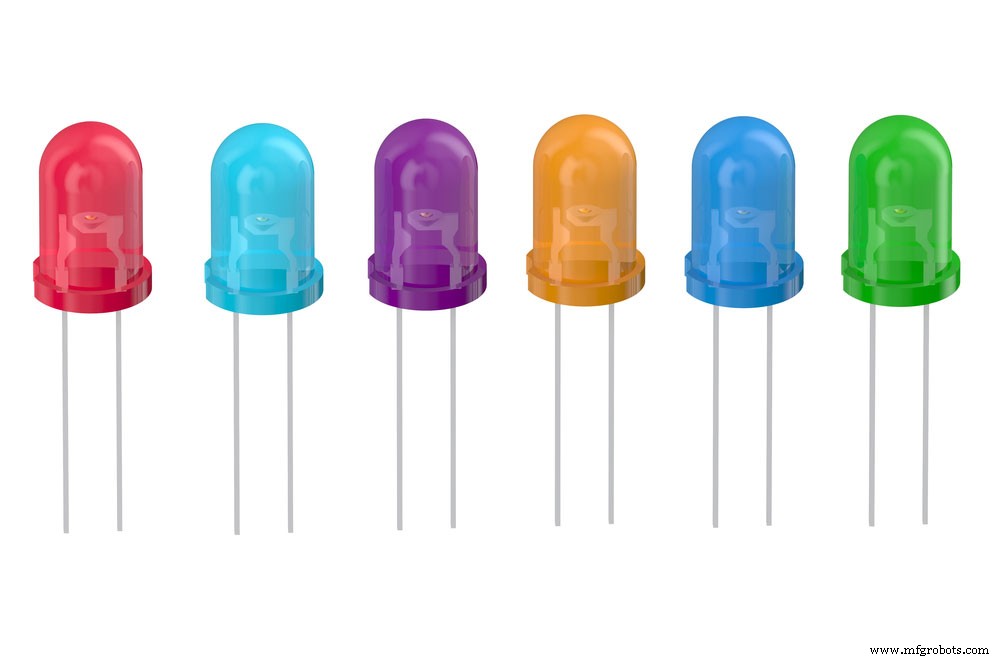
(group of infrared leds)
Step II: The Led Explained
The LED consists of an Anode and Cathode. The long led is the Anode, while the Short led is the Cathode.
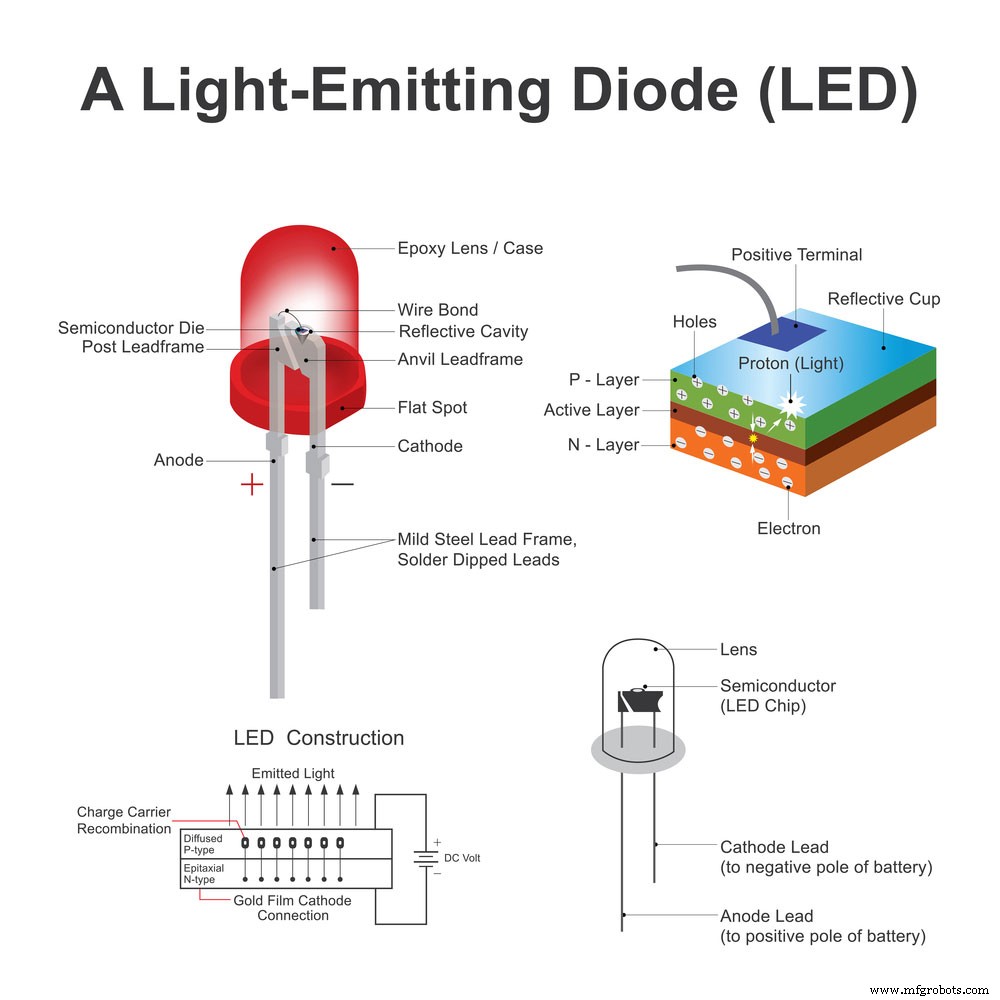
(light-emitting diode icon)
Step III: Arrange the Two Light Emitting Diodes in Series
Link the LEDs in series, with the positive (+ Anode) of led 1 to the negative(- cathode) of led two and the negative(- cathode) of led 2 to the negative(- cathode) of led 1.
Step IV: Connecting the led to the Audio Jack
Connect the LEDs onto the audio jack. Notice that we do not necessarily need to use the lower part of the pin.
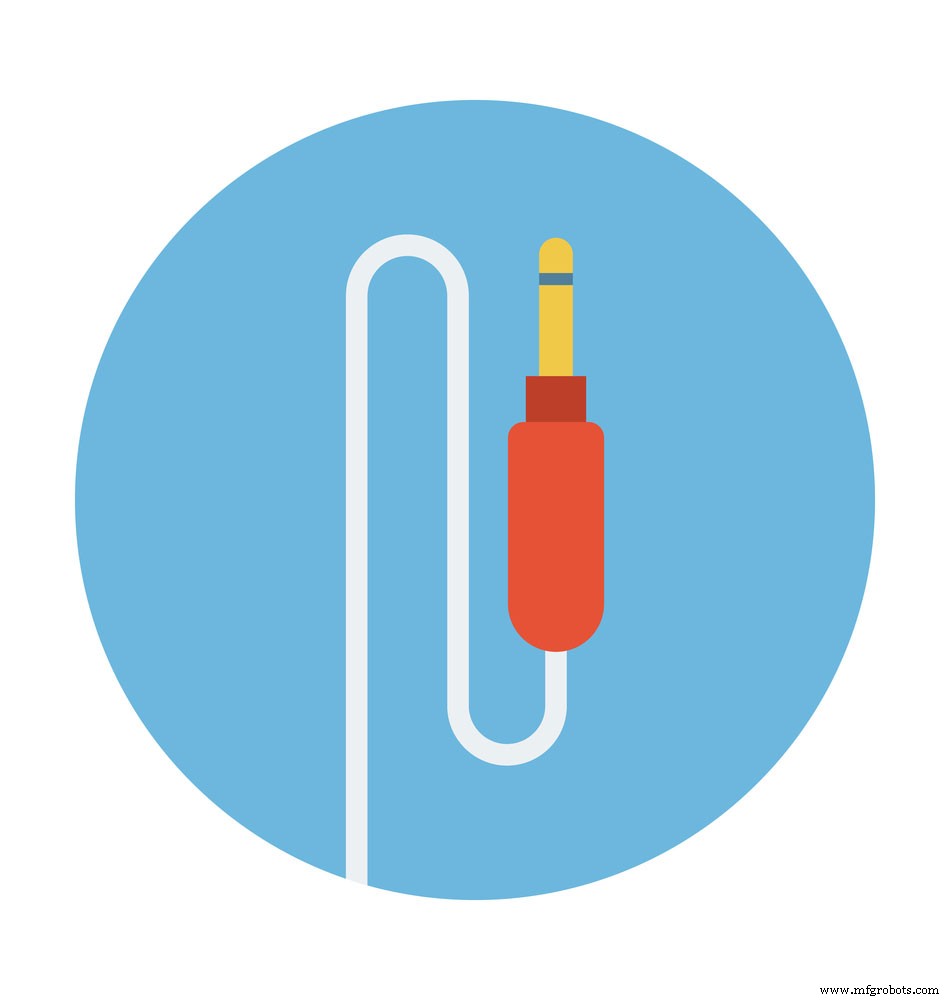
(a jack pin)
Step V: Final Step
Once you’ve soldered it together, use some heat shrink to give it a better finish.
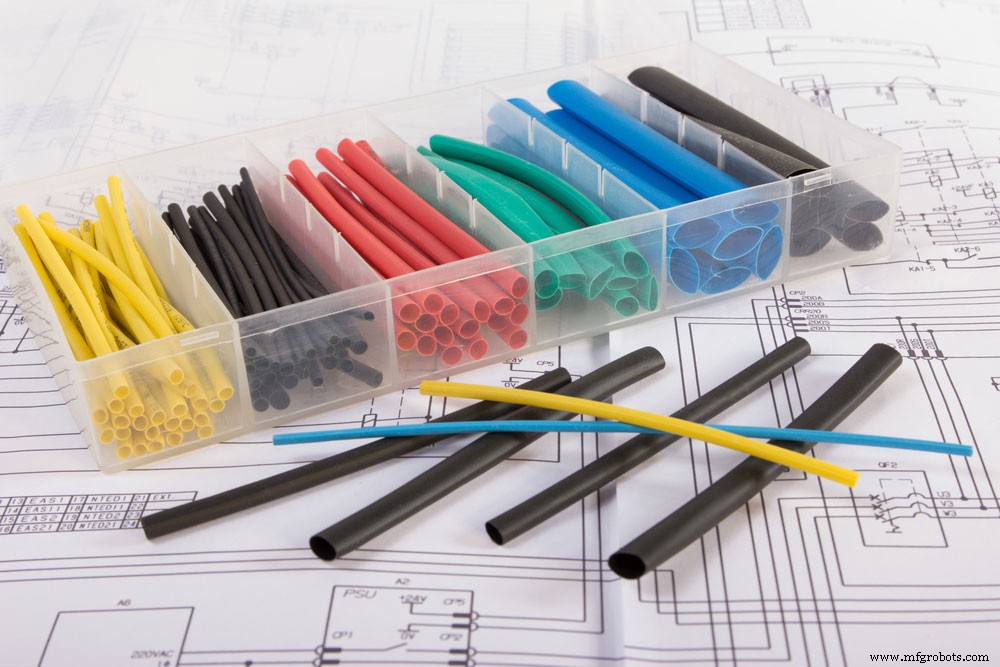
(heat shrink tubings)
Step VI: Download the App
You’ll need to have the ZAZA remote app, which is available on Google Play Services.
Navigate to the advanced options. Switch on the audio reversal and increase the macro key sending gap to 1000 MS.
RESULTS OF THE TESTS
The results of the tests show that it is effective. However, there are some limitations of the DIY IR blisters and include; compatibility with other phones, the phone’s range, and audio drivers.
Which Devices are compatible with IR Blasters?
Most modern devices have Built-in universal System Blasters such as Wi-Fi, Control Air conditioners, Smart/Android TV, and Universal Remotes.
Among other affordable phones, Huawei P40 Pro, Poco M3, and Redmi Note 10 have blasters for smartphones. Unfortunately, phones with IR Blasters aren’t as ordinary as they used to be.
The Advantages and Disadvantages of IR Blaster
Pros:
- It offers one-point control access.
- Compatible with older devices without Bluetooth or wireless connections.
- Doesn’t require an external power supply or alkaline batteries since it’s self-powered by the connected device (computer).
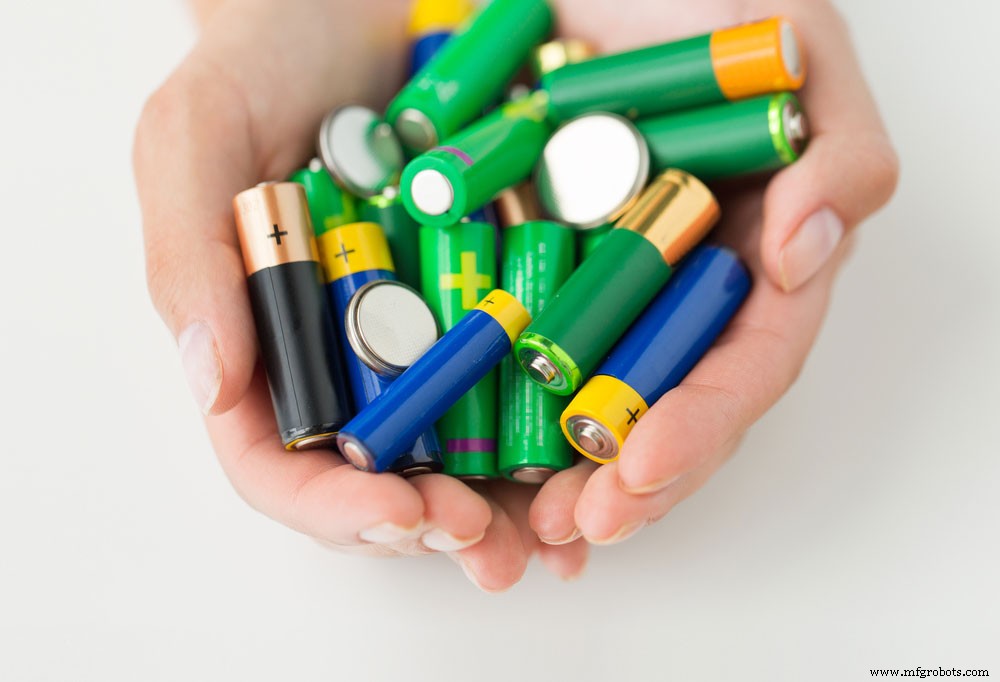
(Alkaline battery picture)
Limitations
- The entire setup is complicated for first-time users.
- Limited Range.
- The low data transmission rate in Operating Systems.
Conclusion
In summary, many gadgets work well with IR blasters. It’s important to note that the remote needs to aim at the target device; otherwise, it might not affect. The IR blaster is also capable of extending the range of your remote control and overcoming barriers.
If, however, there are any queries you may have, contact us. We will be glad to help.
Industrial Technology
- Mastering Signed and Unsigned Types in VHDL: A Practical Guide
- Mastering VHDL Wait Statements: Wait On, Wait Until, and Combined Usage
- Mastering Resistor Values: Calculations, Color Codes, and Standard Series
- Mastering the Raspberry Pi Camera Pinout: A Complete Guide to Setup and Usage
- PIC18 Microcontrollers: Features, Performance, and How to Use Them
- Complete 74HC00 Pinout Guide: Where & How to Use the NAND IC
- 2N3055 Transistor: Comprehensive Guide, Features, and Applications
- Arduino SD Card 101: Setup, Connection, and Usage Guide
- Understanding Reference Designators: How to Label PCB Assembly Connections
- Using Sacrificial Tooling for Complex and Hollow Parts