



Automated Gaming Assistant: A Smart Task‑Automation Device for Gamers
Components and supplies
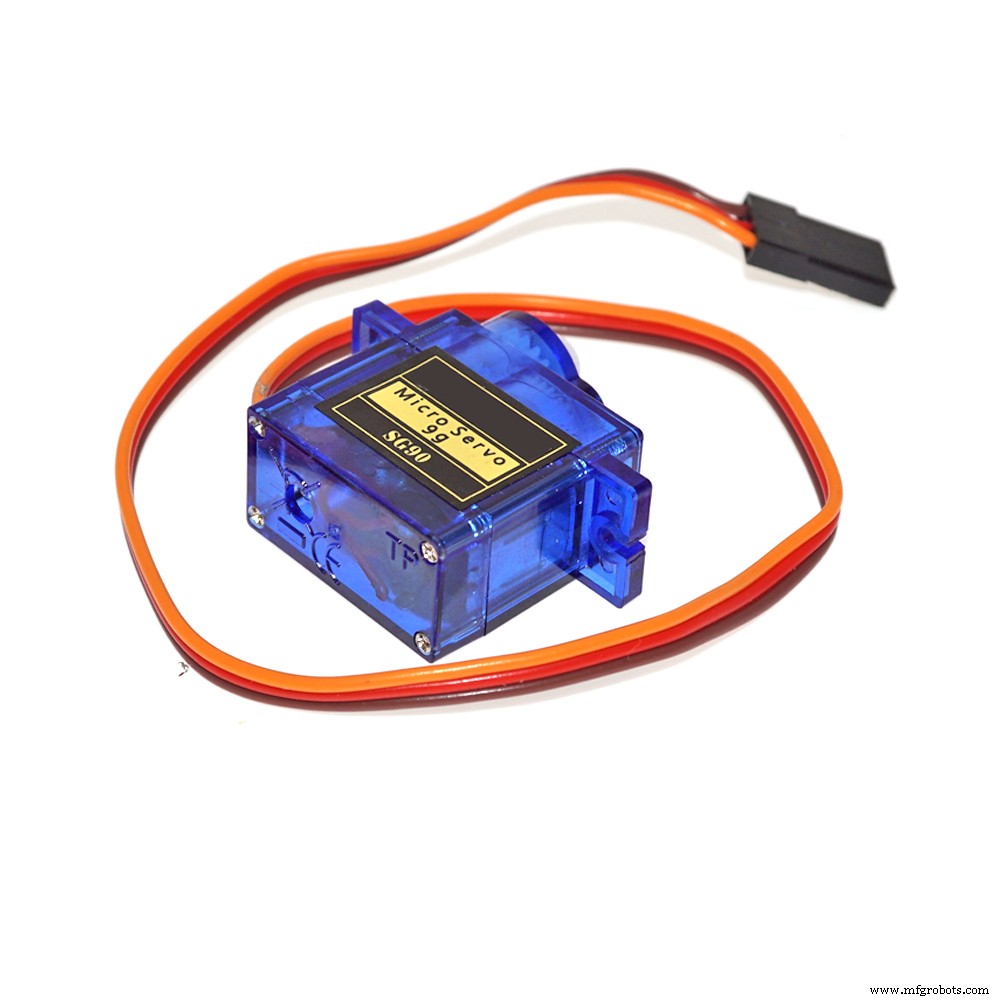 |
| × | 1 | |||
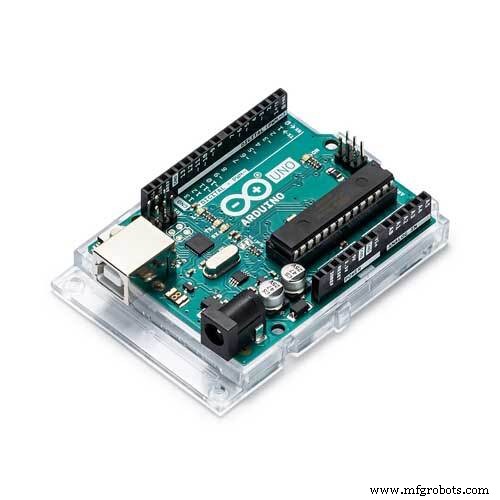 |
| × | 1 |
Necessary tools and machines
|
About this project
Hello world,
If you're an old school gamer you might remember the Nintendo NES R.O.B. circa 1985. For the generation just on the scene, it was a robot that would hold the NES controller, watch the screen, and play with or against you.
Yes, I meant 1985.
Yes, I said Nintendo Robot.
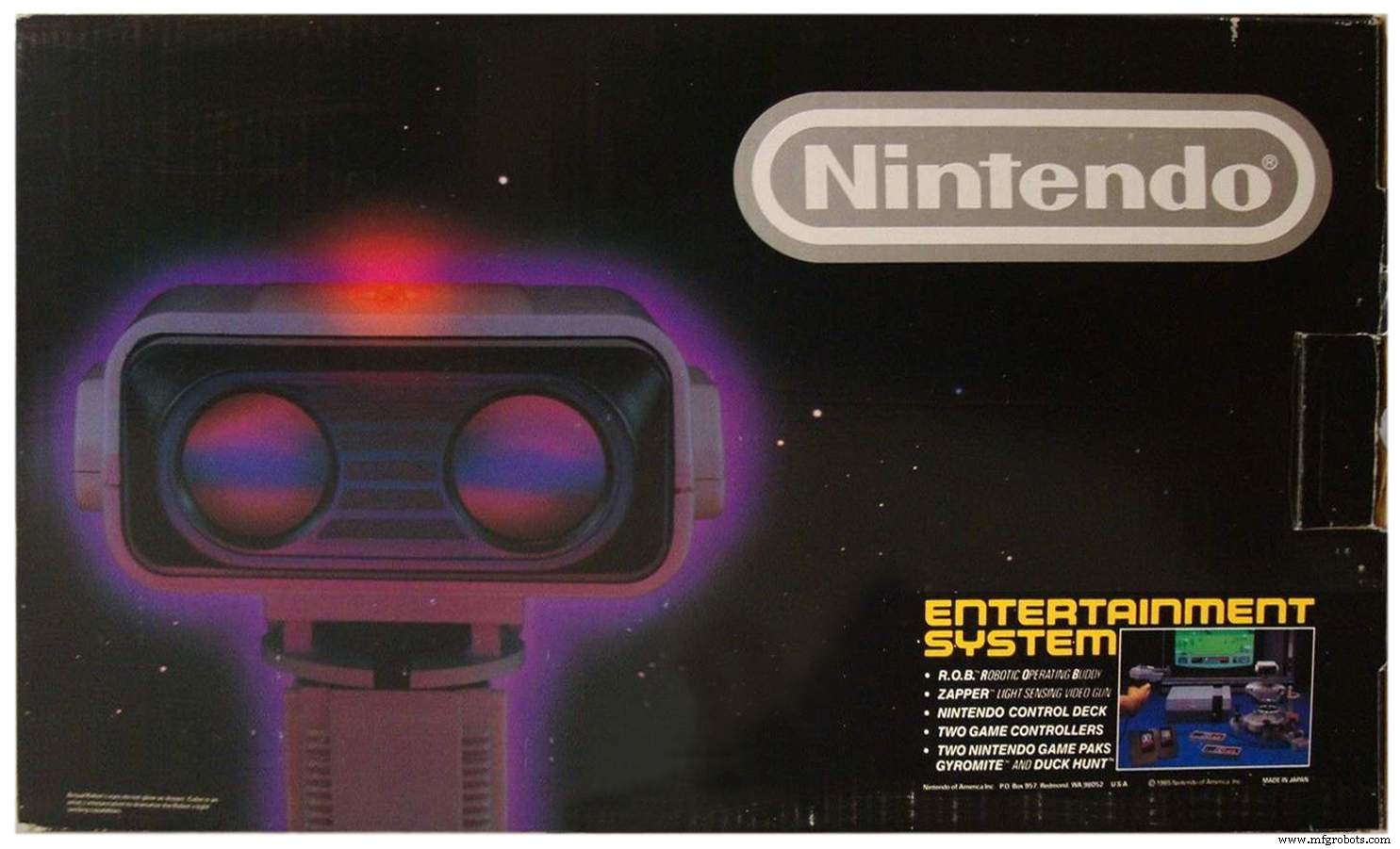
R.O.B always comes to mind when I'm forced into repetitive tasks in video games. Wouldn't it be great to hand your controller to your robot companion and let them handle the lame stuff? Well in the face of filleting 100s of fish in Elder Scrolls Online, I came up with a better solution. Unfortunately, It's not R.O.B 2.0, it doesn't fish for me...yet. However, it is a device programmed to press a button on a console controller every couple seconds... look out Skynet.
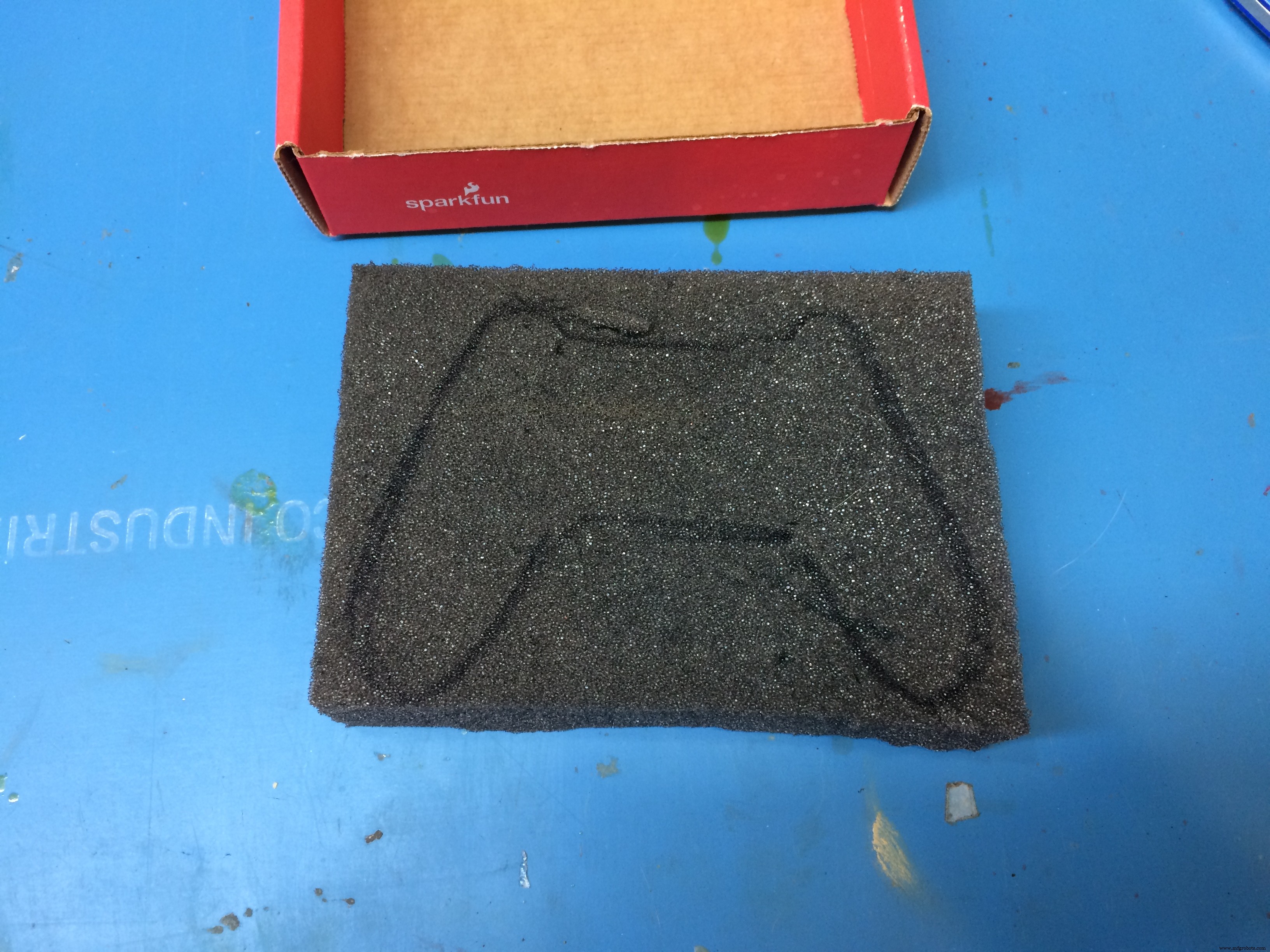
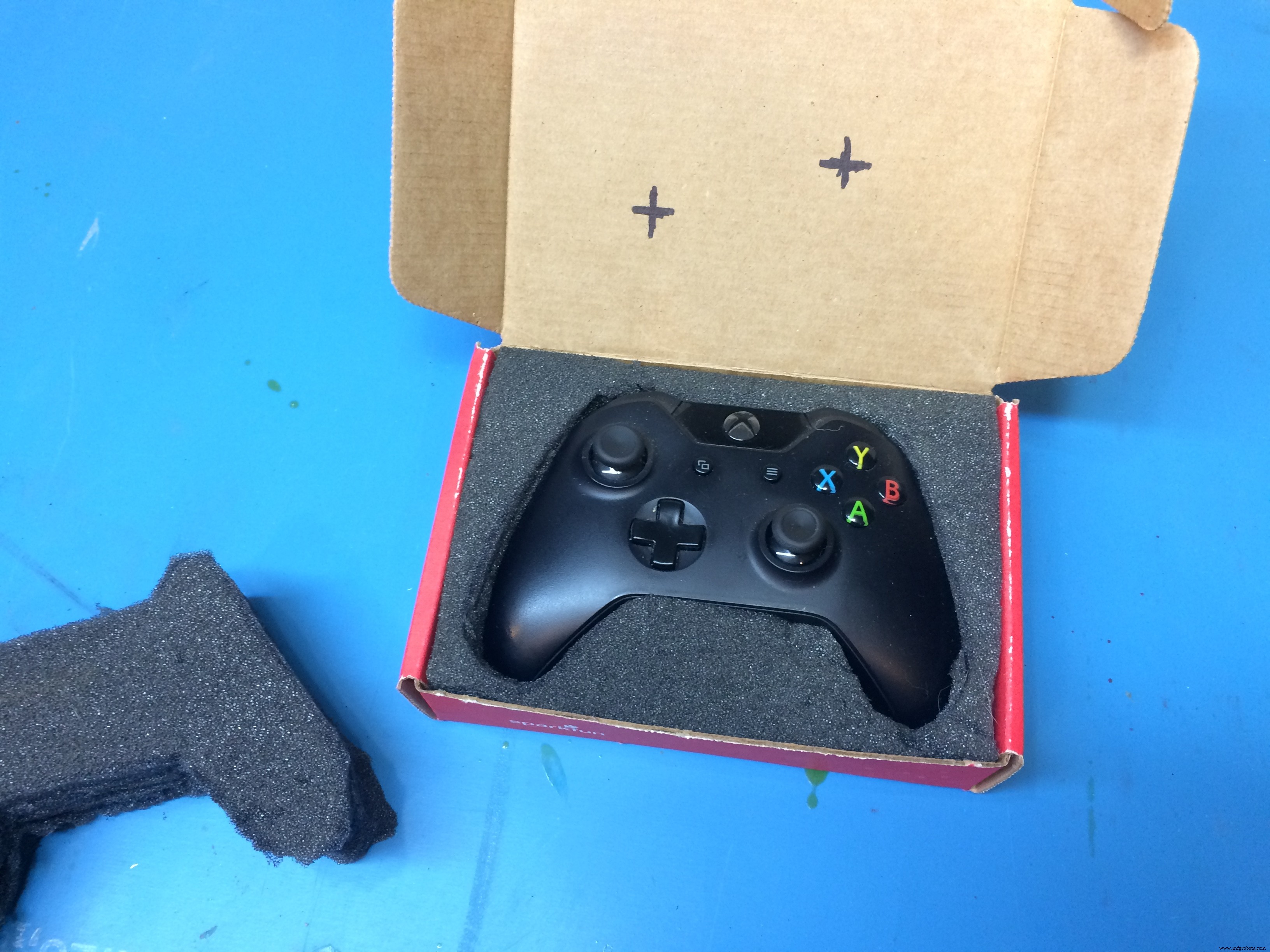
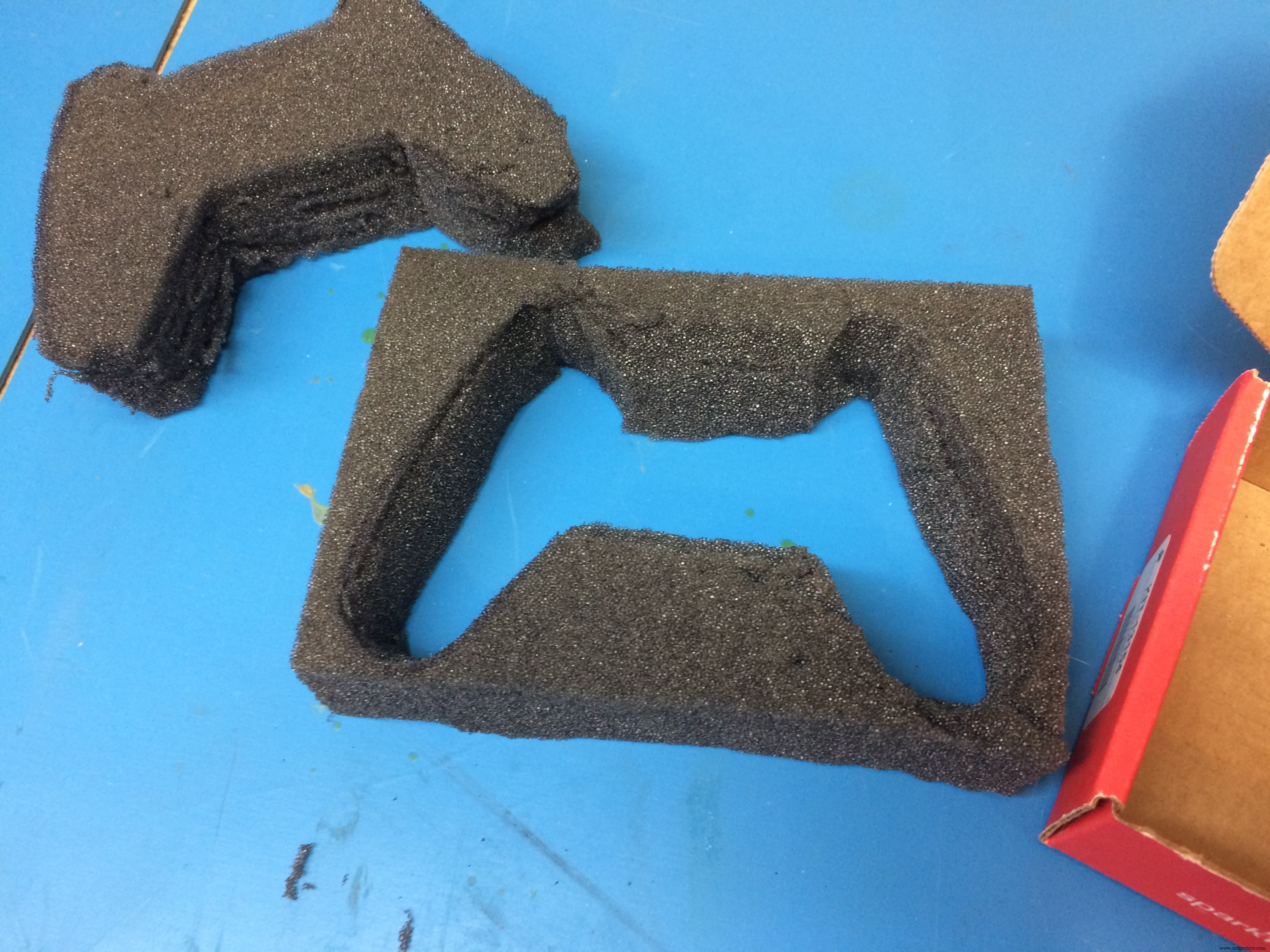
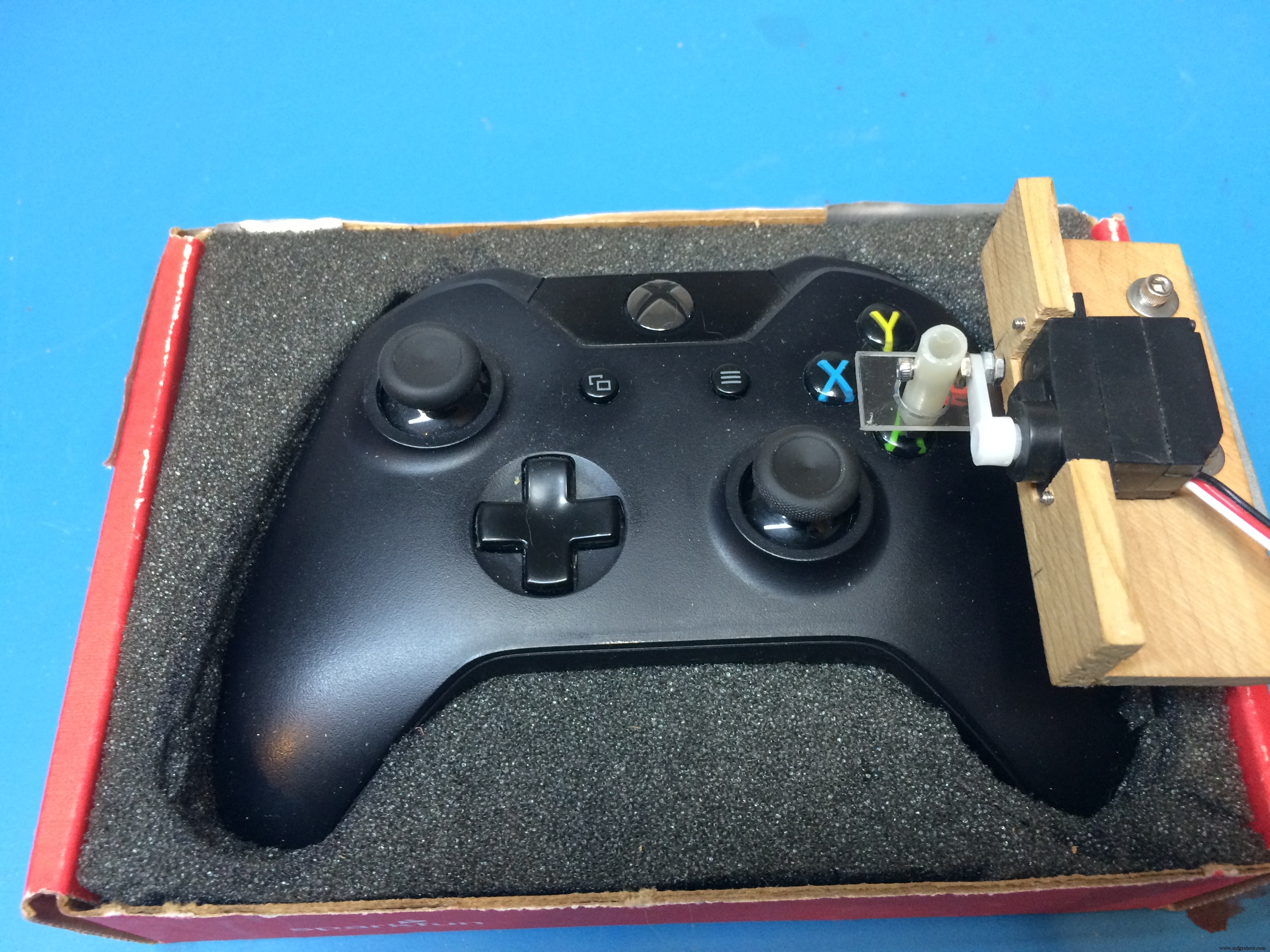
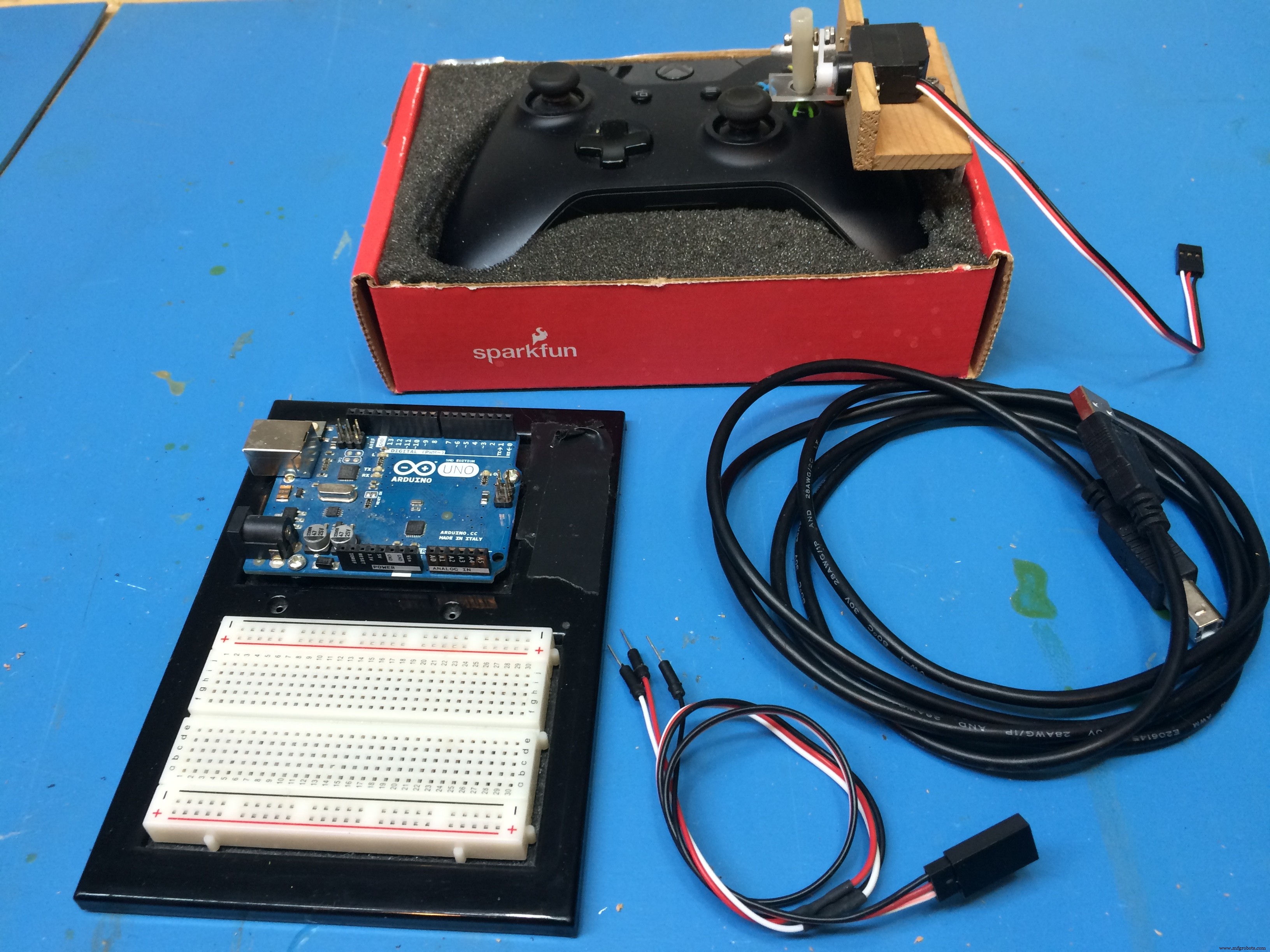
Project BuildI recycled a shipping box from SparkFun and some foam sheets to make a snuggy holder for the Xbox controller.
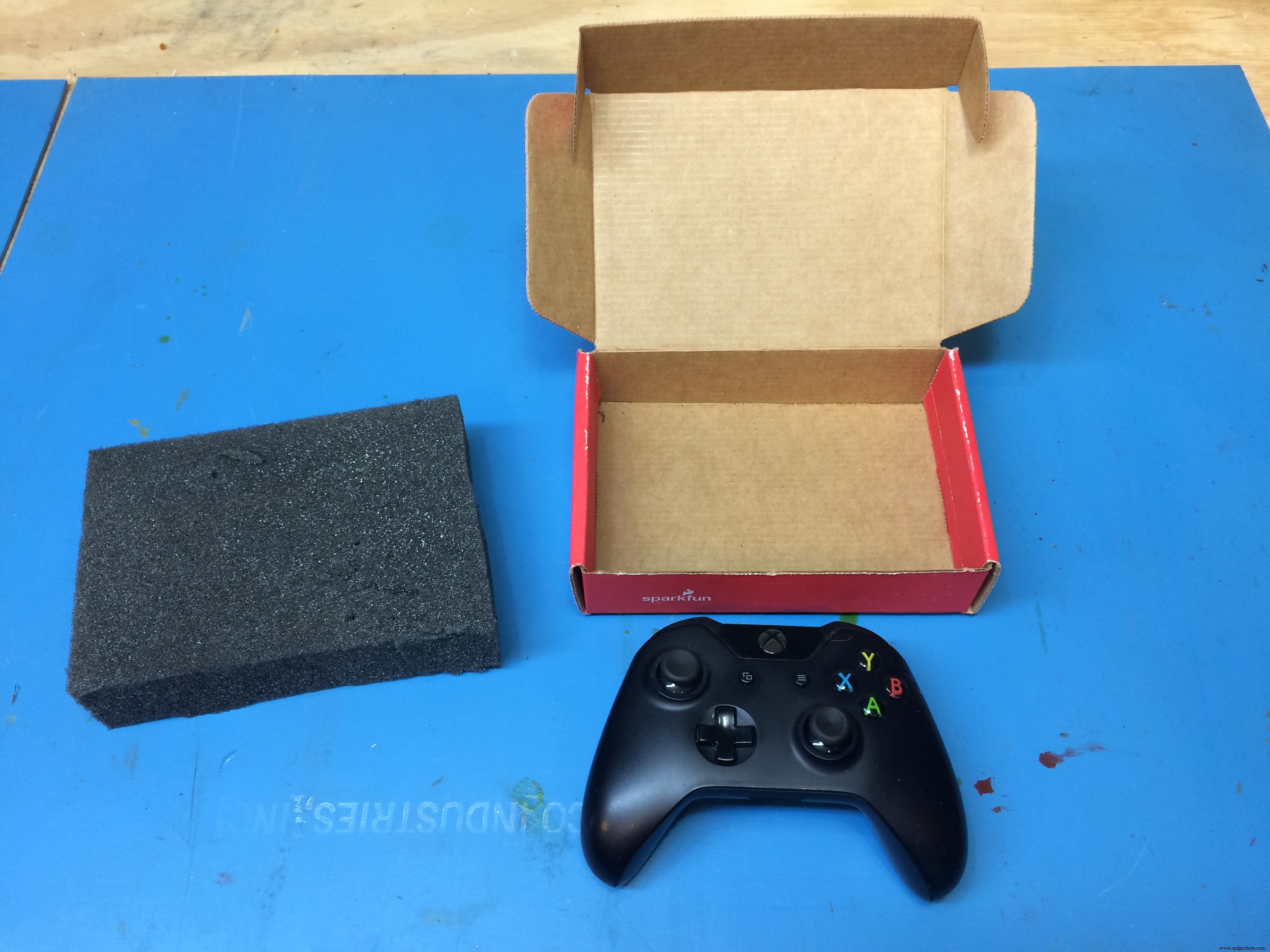
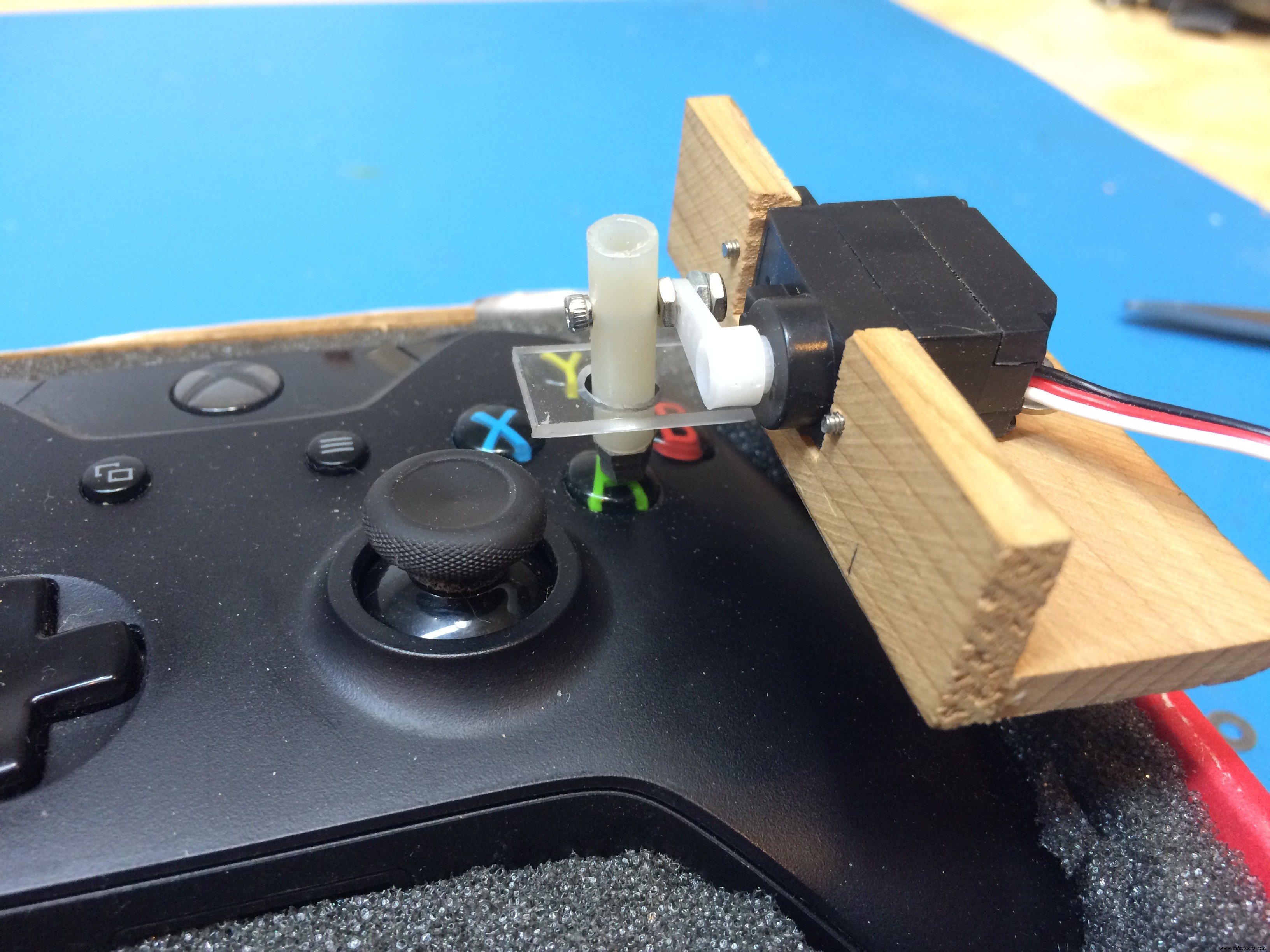
I glued together some bass wood sheets to make a servo holder. A Styrene tube with a rubber bumper attached to one end for the auto thumb and some arcrylic sheet to hold the "thumb" in place. (As I write this up over 3 years later, now owning a 3D printer, this is unacceptable maker craft and will be corrected directly. :D)
IBM Watson better watch out. This code may contain the future AI that wipes out man kind... just sayin' you've been warned.
Seriously though, its a really simple sketch.
#include <Servo.h> //From Library
Servo servoMain; // Define Servo
void setup()
{
servoMain.attach(9); // servo on digital pin 9
}
void loop()
{
servoMain.write(45); // Turn Servo Left to 45 degrees
delay(1500); // Wait 1.5 second
servoMain.write(0); // Turn Servo Left to 0 degrees
delay(750); // Wait .75 second
}
This project started out somewhat as a joke between friends and steam rolled into existence. Gamers getting a good laugh from a little creativity. There are a ton of things to improve on the design, but sometimes it's best to keep it simple.
Future VersionsAt some point I plan on revisiting the auto-controller. 3D print a cage attachment, add all the functions with some sensory feedback from the screen (photo) and controller (vibration). An auto-racer would be an interesting challenge. Down the road I could see it competing against the best humans like the Chess computers did in the 80's. If you have any suggestions or feedback, I'd love to hear it. Know of any games with annoying tasks to tackle? Please post below.
Exit
y(o.o)y
Code
- Press O Button
Press O ButtonArduino
Operate a servo every x seconds to press a button on a remote.#include <Servo.h> //From Library
Servo servoMain; // Define Servo
void setup()
{
servoMain.attach(9); // servo on digital pin 9
}
void loop()
{
servoMain.write(45); // Turn Servo Left to 45 degrees
delay(1500); // Wait 1.5 second
servoMain.write(0); // Turn Servo Left to 0 degrees
delay(750); // Wait .75 second
}
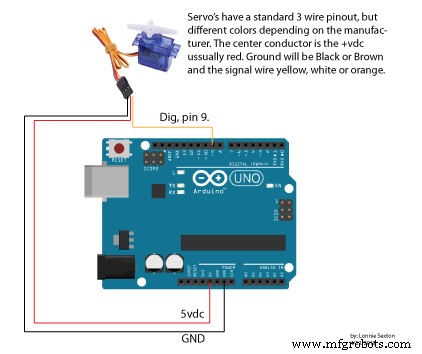
Schematics
Manufacturing process
- Chess: From Ancient Origins to Modern Manufacturing – An Expert Overview
- Pinball: History, Design, and Manufacturing of a Classic Arcade Game
- The Evolution and Craftsmanship of American Football: From Ancient Games to Modern NFL Standards
- Renesas Launches First 4‑Lane MIPI‑CSI2 LCD Video Controller for Automotive Full‑HD Displays
- Build a Raspberry Pi‑Powered Home Automation System for Remote Control
- DIY Arduino USB Gaming Controller – Build Your Own High-Performance Gamepad
- Build a Classic Arduino LCD Arcade Game with Buzzer and Joystick
- Selecting the Right Industrial Automation Controller: A Comprehensive Guide
- How RPA Drives Business Resilience After COVID-19
- Optimizing PLCnext Control Devices with SNMP: A Practical Guide