



Ingegno Retro Games Console – 8‑Bit Gaming Redefined
Components and supplies
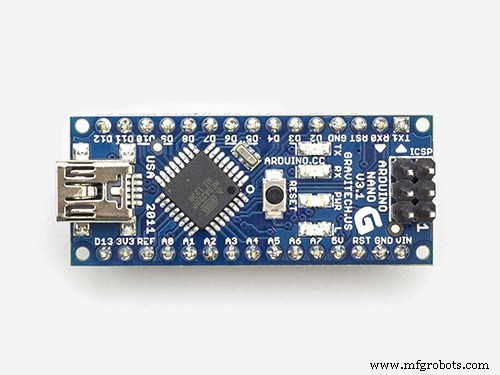 |
| × | 1 | |||
| × | 1 | ||||
 |
| × | 1 | |||
 |
| × | 2 | |||
| × | 1 | ||||
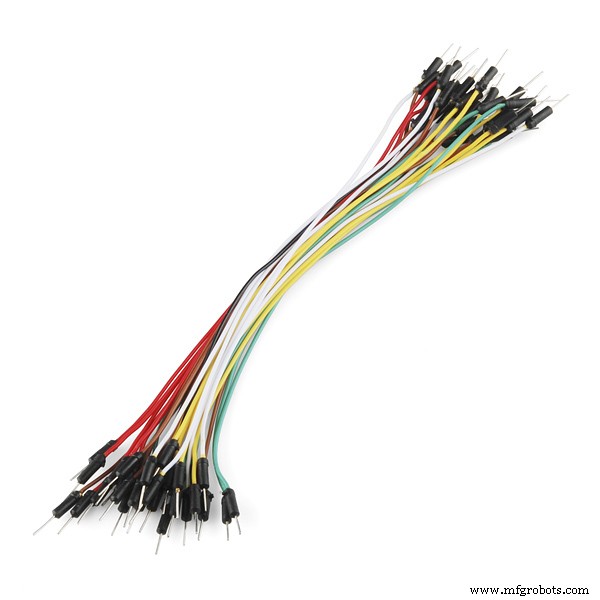 |
| × | 1 |
Necessary tools and machines
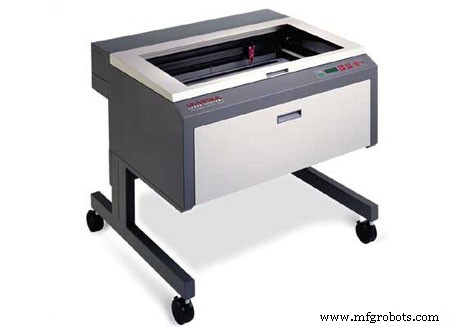 |
|
Apps and online services
 |
| |||
|
About this project
RetroGames
EN: Arduino Retro Games installable on the Ingegno Retro Game console.
NL: Arduino Retro Games instaleerbaar op de Ingegno Retro Game console.
You can play / Je kan spelen:
- Tetris
- Snake
- Flappy Bird
- Breakout
- Pong (1 and 2 player mode)
- PacMan
- Race
EN: Tetris plays with the joystick and two buttons (A to start and drop, B to rotate).
NL: Tetris speel je met de joystick en de twee knoppen (A om te starten en blok te laten vallen, B om te roteren).
SnakeEN: In Snake you are a snake that needs to eat strawberries. Try to survive as long as possible. Use the joystick to move around or the A and B buttons to go left and right.
NL: In Snake ben je een slang die aarbeien moet eten. Probeer zo lang mogelijk te overleven. Gebruik de joystick om te bewegen, of de A en B knop om links of rechts af te slaan.
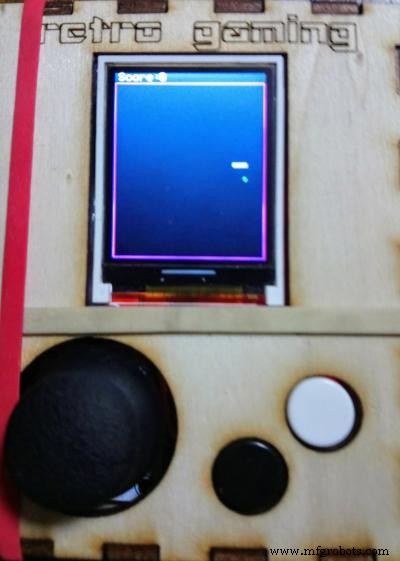
EN: Flappy Bird is very, very difficult. Fly the bird between the holes! Only one button needed: jump!
NL: Flappy Bird is heel, heel moeilijk. Vlieg met de vogel tussen de gaten! Slechts 1 knop nodig: Spring!
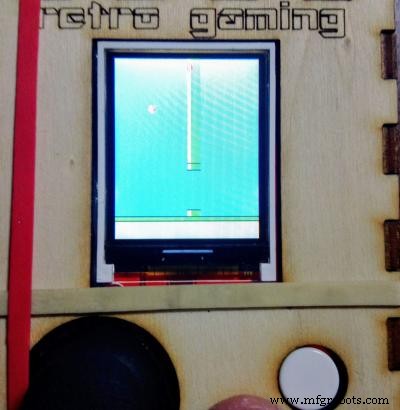
EN: Destroy with the paddle all blocks. On level up you obtain an extra life, but there is an extra row and the ball goes a little bit faster. Controls: Joystick + A button to start and serve.
NL: Vernietig alle blokken. Bij Level Up krijg je een extra leven, maar er is een extra rij en de bal gaat een beetje sneller. Controle: Joystick + A knop om te starten en te serveren.
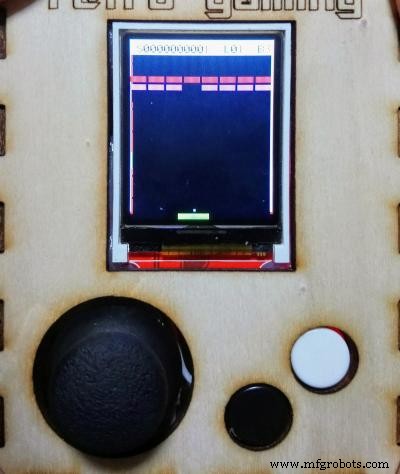
EN: Play a match of Pong against the computer or a friend. If alone, use A and B button to change the paddle. If two-player, the second player uses the joystick.
NL: Speel een Pong match tegen de computer of een friend. Als alleen, gebruik A en B knop voor je racket bovenaan het scherm. Als met 2, de tweede speler gebruikt de Joystick.
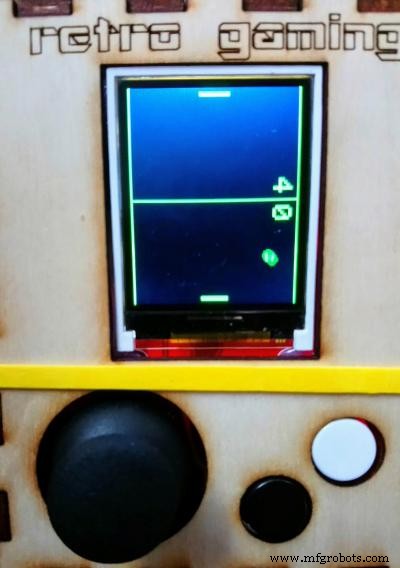
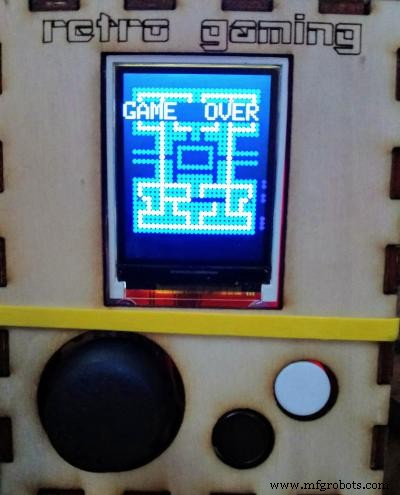
EN: A simple dot version of PacMan. Run around, don't get caught by the ghosts. When you eat a colored dot, you can chase the ghosts. There is only one board. Use the joystick to move and A button to start.
NL: Simple versie van PacMan als een stipje. Ren rond, wordt niet gevangen door spoken. Als je een gekleurde stip eet kun je op de spoken jagen. Gebruik Joystick om te bewegen, A knop om te starten.
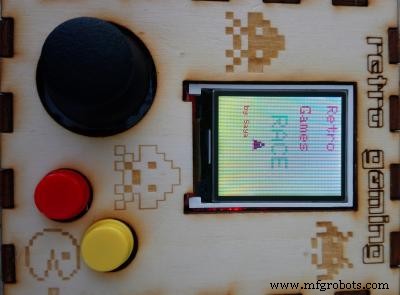
EN: Race with your sprite and avoid falling blocks. This directory contains two xml you can upload to Blockly4Arduino to see how you can make the game. One is the easy version from the manual, the other is an advanced version with score, extra blocks, and moving rocket! The Arduino code of this last game is preset to use the Joystick only to start (press) and move around.
NL: Race met je sprite en ontwijk vallende blokken. Deze map bevat twee xml welke je kan laden in Blockly4Arduino om te zien hoe het spel gemaakt is. Zo kun je eenvoudig spel aanpassen. Een xml is de simpele versie, en een is de speciale finale versie met score, extra blokken en bewegende raket. De arduino code van deze laatste is ook aanwezig, gebruik de Joystick om te starten (indrukken) en rond te bewegen.
Construction
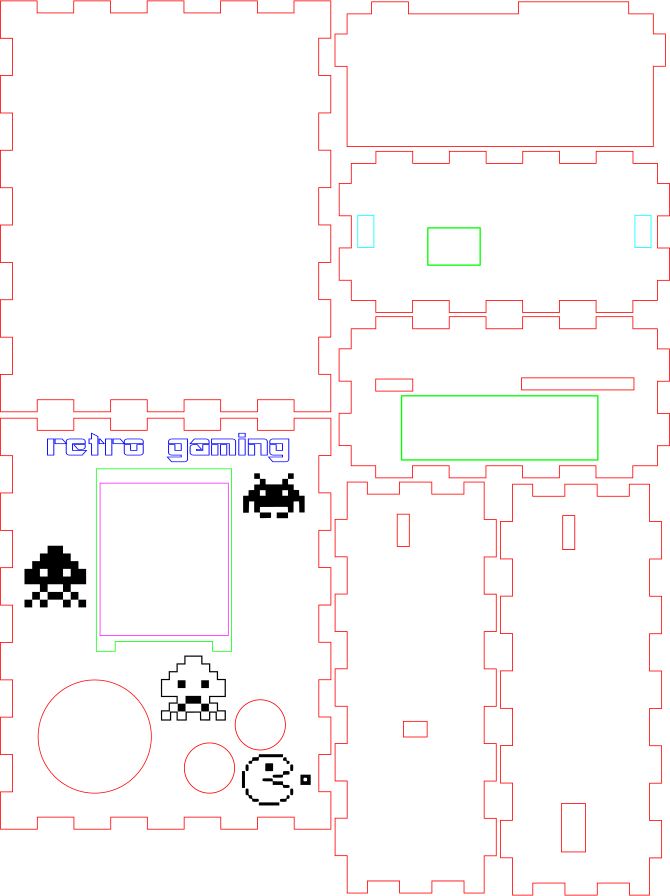
CaseEN: The case can be lasercut with the following svg file:
NL: Het omhulsel kun je lasercutten met de volgende svg file:
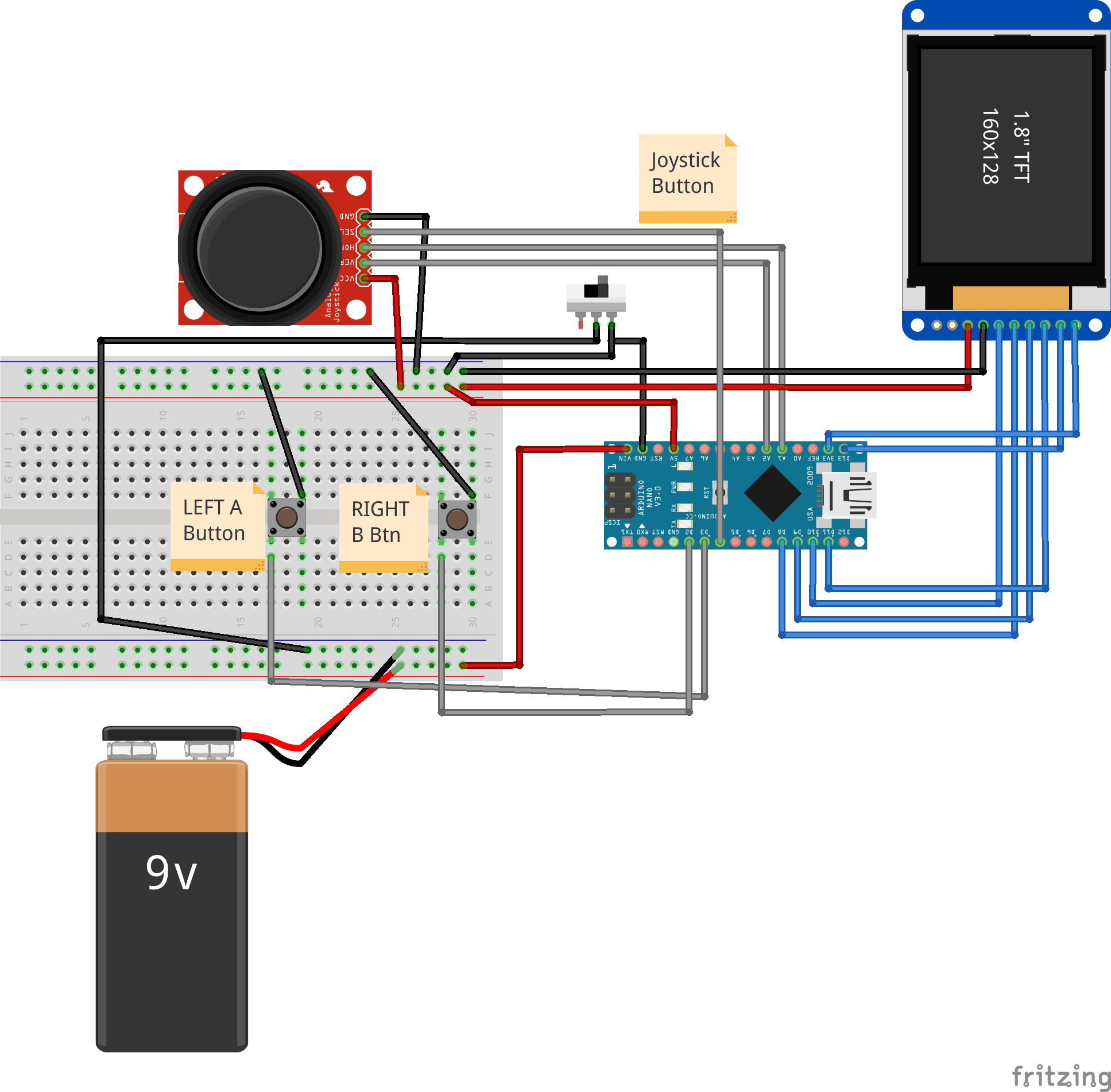
EN: The wiring and components can be found in the manual: Retro Game console Manual
NL: De bedrading en componenten kan gevonden worden in de handleiding: Retro Game console Manual
Schematically:
Code
Github
https://github.com/ingegno/RetroGameshttps://github.com/ingegno/RetroGamesCustom parts and enclosures

Schematics
ingegnoretrogamingwiring_Bx99o9wloM.fzz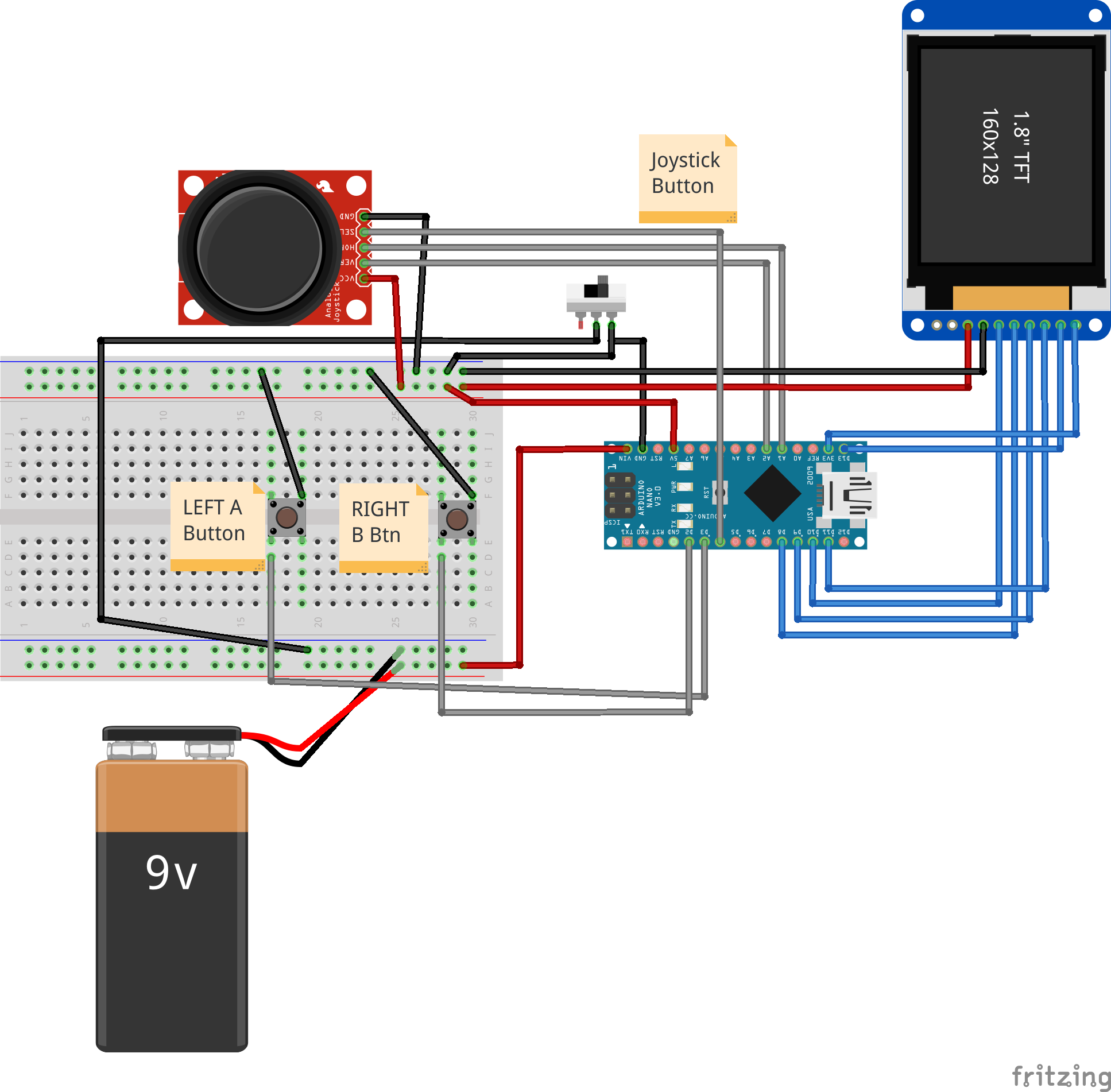
Manufacturing process
- Pinball: History, Design, and Manufacturing of a Classic Arcade Game
- TeleBall Retro Handheld Game Console – Build Your Own Arduino-Based Breakout & Tennis Game
- 3D RGB Arduclock – Bluetooth LED Timepiece with Real‑Time Clock
- River Health Monitor: Arduino-Based Water Quality System
- Interactive Joystick Game with Arduino and LED Feedback
- Find Me: Smart Item Locator with Arduino and Bluetooth
- Arduino-Powered Little Rover: Build Your Own Autonomous Robot
- Build a Custom Arduino Joystick Steering Wheel for Gaming
- Retro Arcade Clock: Arduino-Powered Interactive Bedside Timer with Arcade Animations
- Smart Pet Food Catapult – Automatically Toss Treats, Balls, and Toys for Your Furry Friends