



Build a Precise DIY Measuring Wheel with Arduino Nano & Rotary Encoder
Components and supplies
 |
| × | 1 | |||
 |
| × | 1 | |||
 |
| × | 1 | |||
 |
| × | 1 | |||
 |
| × | 1 |
Necessary tools and machines
 |
|
Apps and online services
|
|
About this project
A measuring wheel is a construction measuring tool. The wheel rotates and, using basic rotational kinematics (s=rθ), you can determine the distance between two points.
The video below shows a reduced functional model of such a device made with several components:
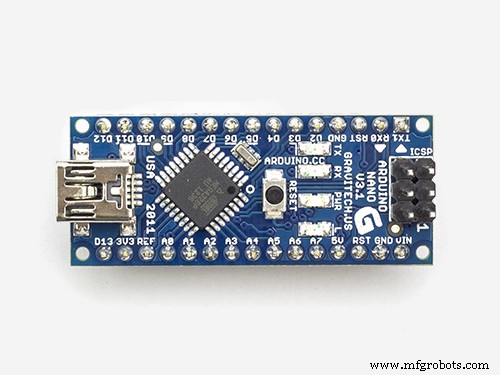
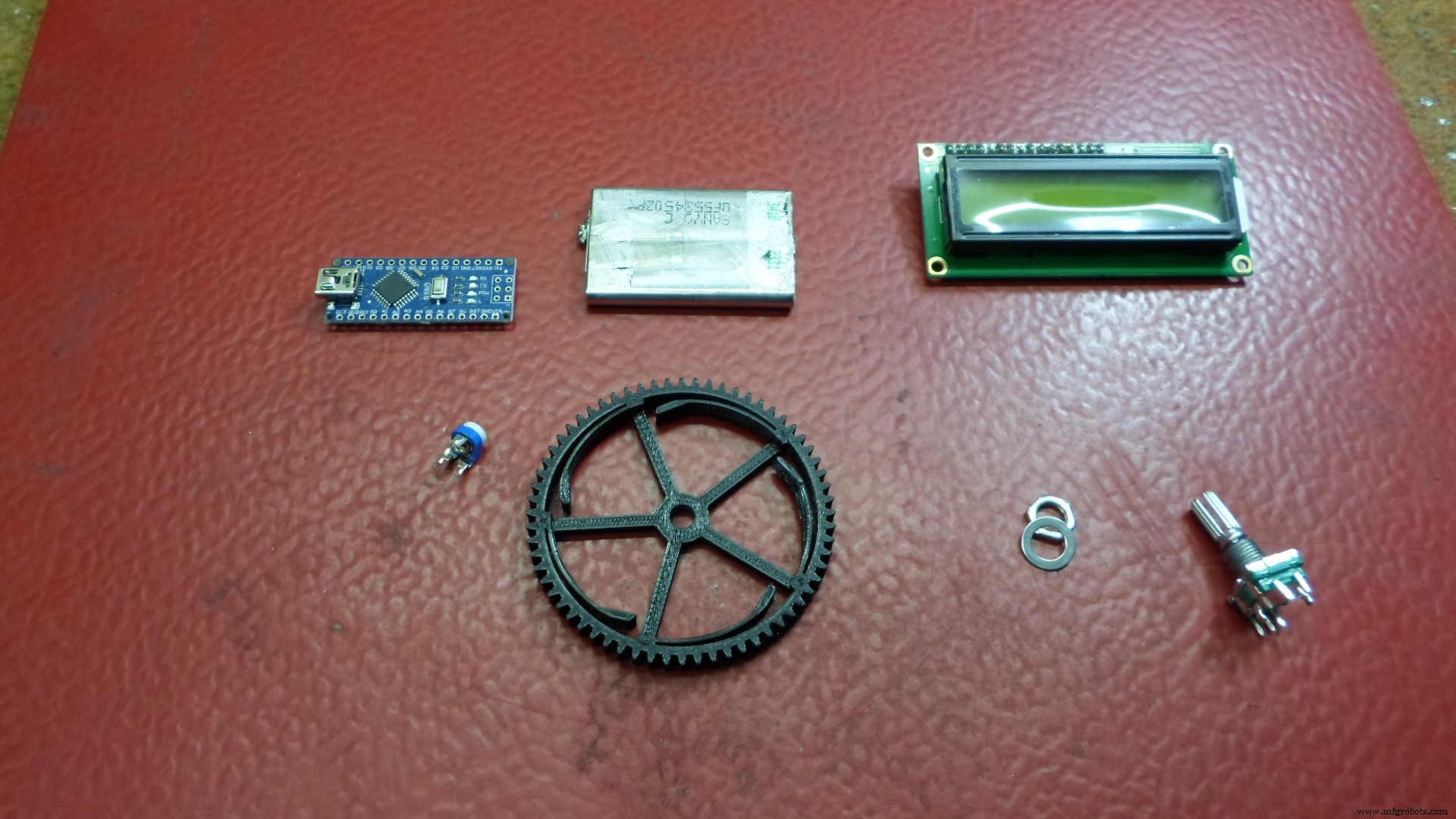
- Arduino Nano
- Rotary encoder
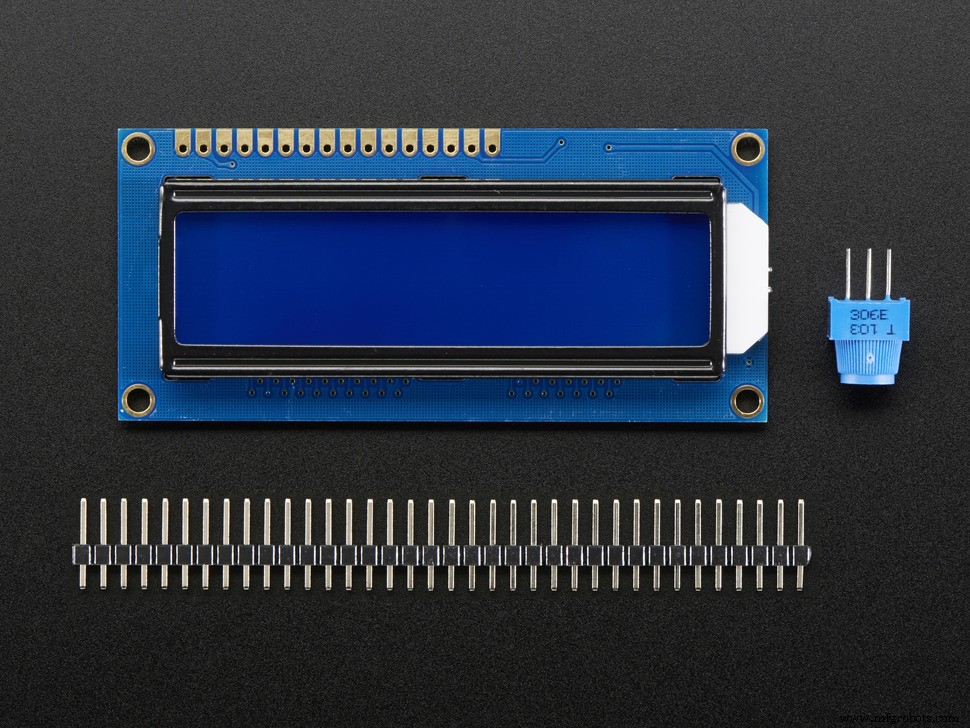
- 16x2 LCD display
- 10k pot.
- 220 ohm resistor
The operating principle is as follows:
The rotary encoder measures the number of the rotation but we have to convert the rotation into travelled distance. Travelled distance depends on the diameter of the wheel. Rotary encoder moves N steps in one complete rotation (360 degree). Steps per rotation depends on the rotary encoder which can be changed from 8 to 48. Suppose N is the steps per rotation and R is the radius of wheel.
Travelled distance in one Rotation is = 2xπxR
Travelled distance in one Step is = 2xπxR/N
I wrote a very simple code for this purpose and the traveled distance is displayed on the LCD screen in centimeters. Depending on the components used in the code we change the values of "N" and "R".
In my case the wheel is made on a 3D printer and the whole assembly is mounted on an aluminum rod, as seen in the video.
Code
- Code
CodeC/C++
/*   Measurning Whell
 *
 *  by Mirko Pavleski,
 *
 *   https://www.youtube.com/channel/UCHLzc76TZel_vCTy0Znvqyw
 */

#include <LiquidCrystal.h>

LiquidCrystal lcd(5, 6, 7, 8, 9, 10);

int pin1 = 2;
int pin2 = 3;

int Pos = 0;
int State;
int LastState;

const float pi = 3.14;

const float R = 3.25;
const int N = 40;

float distance = 0;

void setup() {
  pinMode (pin1 ,INPUT_PULLUP);
  pinMode (pin2 ,INPUT_PULLUP);

  lcd.begin(16, 2);
  lcd.print("MEASURNING WHEEL");

  LastState = digitalRead(pin1);
}

void loop() {
  State = digitalRead(pin1);
   if (State != LastState){
     if (digitalRead(pin2) != State) {
       Pos ++;
     }

     else {
       Pos --;
     }
   }

  distance = ((2*pi*R)/N) * Pos ;

  lcd.setCursor(0, 1);
  lcd.print( distance);

  lcd.setCursor(5, 1);
  lcd.print("cm  ");

  LastState = State;
 }
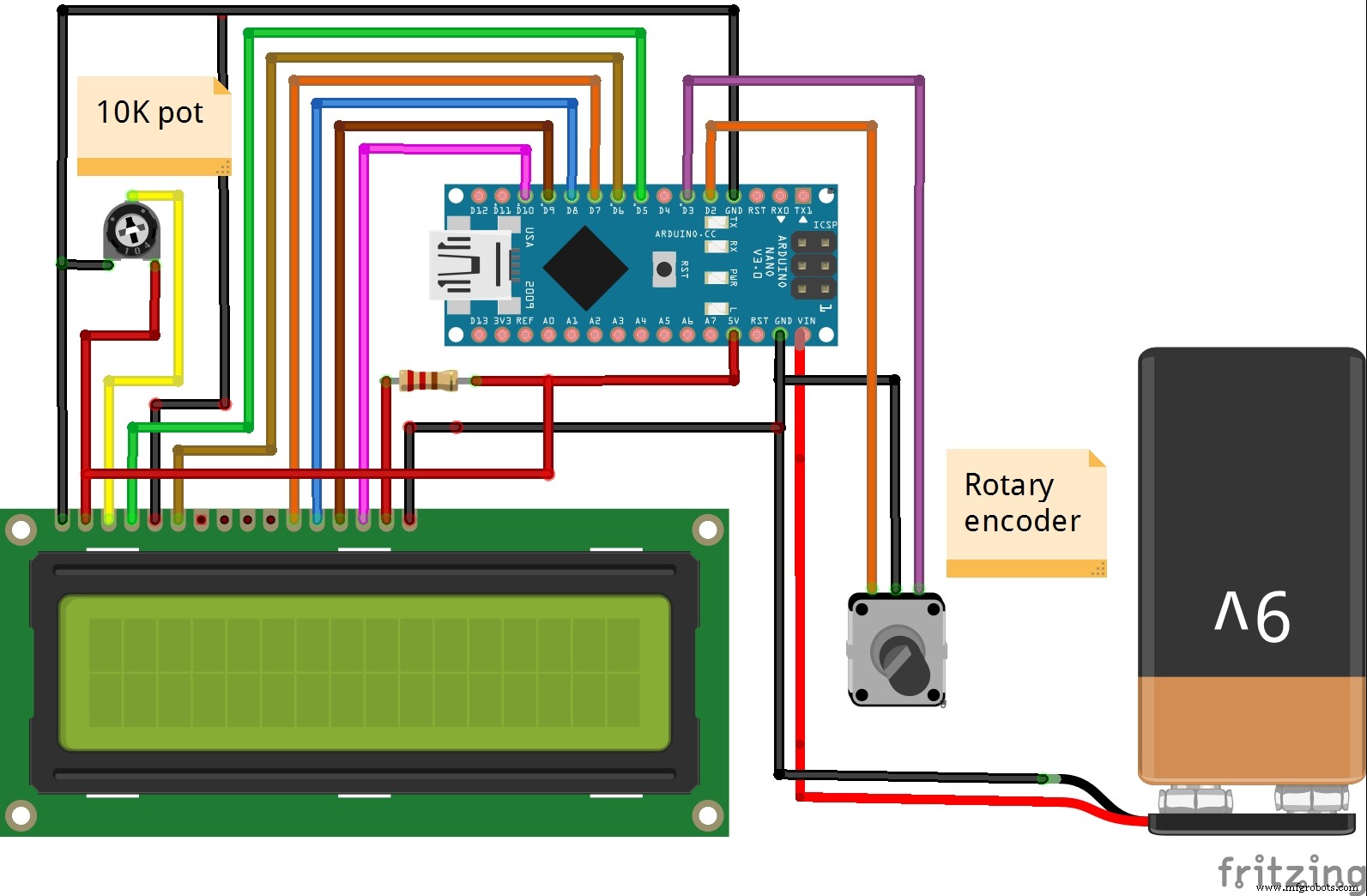
Schematics
Manufacturing process
- Build a Retro Numitron Clock with Arduino: Simple, Reliable, and Energy‑Efficient
- Accurate Solar Radiation Measurement Using Arduino UNO and Ethernet Shield
- Build a 1‑D Pong Game with Arduino and WS2812 LED Strip – Step‑by‑Step DIY Tutorial
- Build a Portable RFID Door Lock with Arduino – Step-by-Step Guide
- Build a Sensitive Arduino Metal Detector with Ferrous/Nonferrous Discrimination
- DIY Arduino Height Measurement Device – Accurate & Easy to Build
- Arduino-Based Pressure Sensor & Data Logger for Accurate Air Pressure Monitoring
- Build a Sensitive Metal Detector with Arduino Nano – DIY Guide
- Master Rotary Encoders with Arduino: How They Work & Step‑by‑Step Integration
- Mastering Arduino Rotary Encoders: A Comprehensive Guide to Setup, Types, and Applications