Build the Simplest Arduino Line‑Following Robot with SparkFun L298
Components and supplies
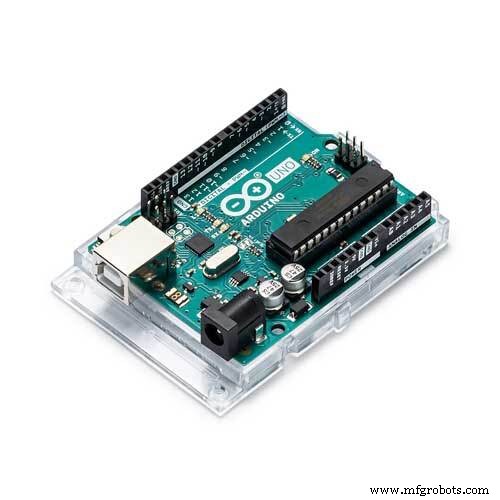 | | × | 1 | |
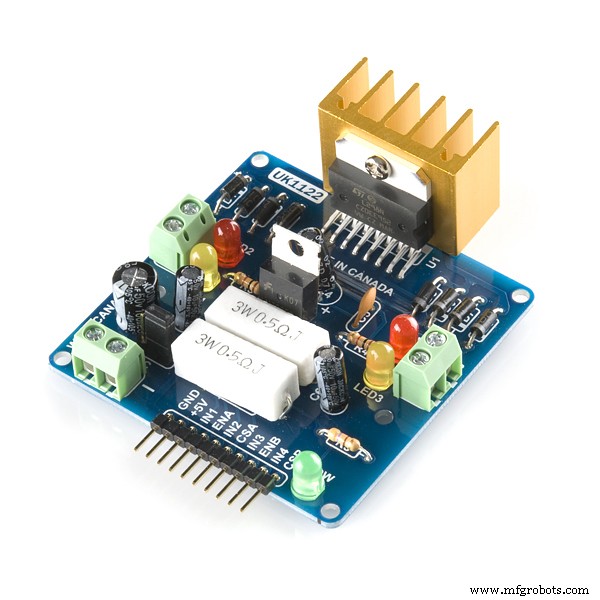 | | SparkFun Dual H-Bridge motor drivers L298 |
| × | 1 | |
| | × | 2 | |
 | | × | 1 | |
About this project
Line follower robot is hello world to robotics arena. This line follower is very simple, easy to build robot.
Code
- Arduino Based Line follower Robot
Arduino Based Line follower Robot C/C++
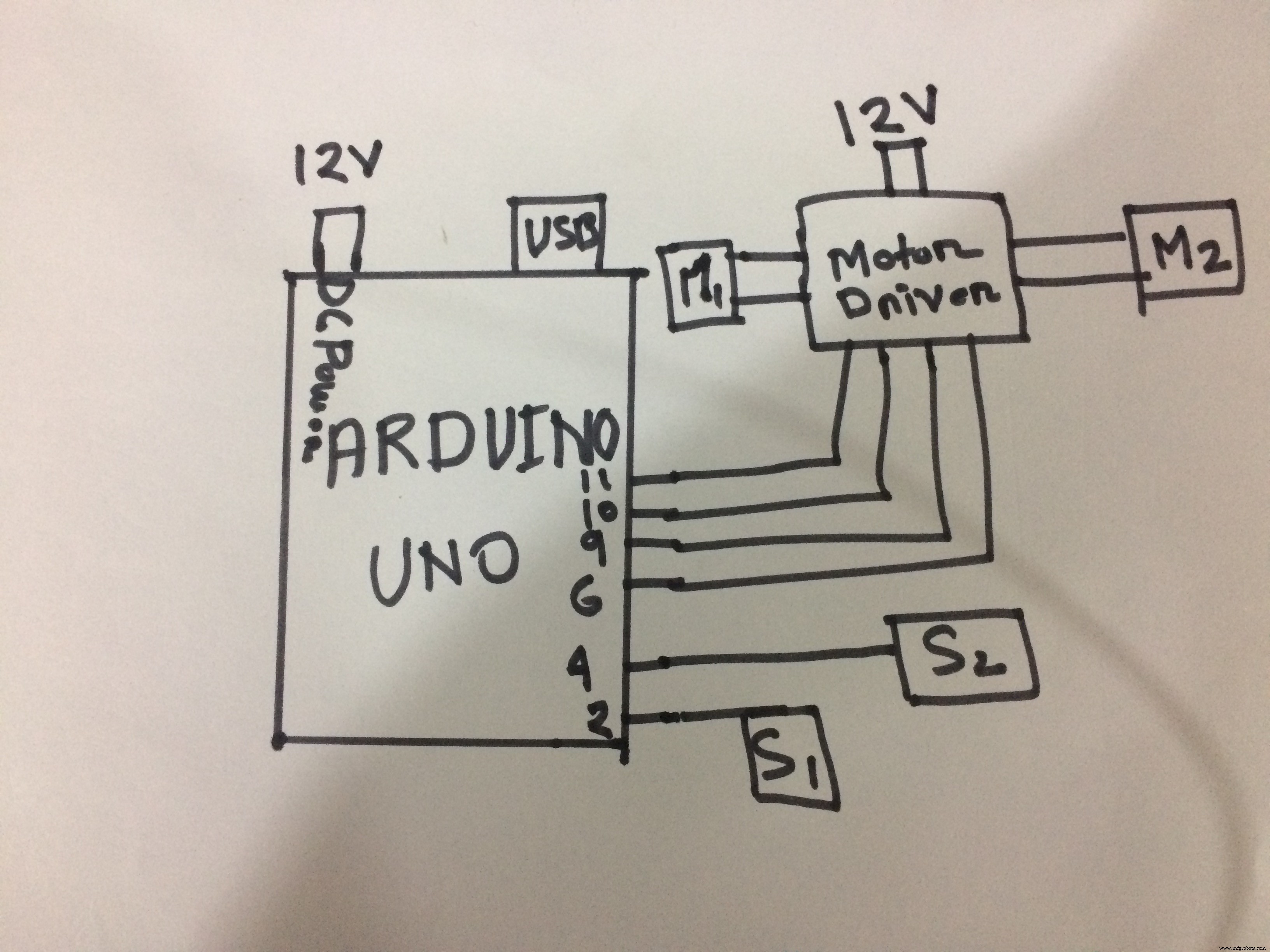
/*-------definning Inputs------*/
#define LS  2    // left sensor
#define RS  5    // right sensor


/*-------definning Outputs------*/
#define LM1 11    // left motor
#define LM2 10    // left motor
#define RM1 9    // right motor
#define RM2 6     // right motor

void setup()
{
  pinMode(LS, INPUT);
  pinMode(RS, INPUT);
  pinMode(LM1, OUTPUT);
  pinMode(LM2, OUTPUT);
  pinMode(RM1, OUTPUT);
  pinMode(RM2, OUTPUT);

}

void loop(){
if((digitalRead(LS)==LOW) && (digitalRead(RS)==LOW))    // Condition_1 stop
{
    MoveForward();
  }

  if((digitalRead(LS)==HIGH) && (digitalRead(RS)==HIGH))  //CONDITION-2 FORWRD
  {
      Stop();
    }
  if((digitalRead(LS)==LOW) && (digitalRead(RS)==HIGH))  // RIGHT
  {
    TurnLeft();
  }
  if((digitalRead(LS)==HIGH) && (digitalRead(RS)==LOW))
  {
    TurnRight();
  }
}


void MoveForward()
{
    analogWrite(LM1, 50);
    analogWrite(LM2, 0);
    analogWrite(RM1, 50);
    analogWrite(RM2, 0);
    delay(20);
}

void TurnRight()
{
    analogWrite(LM1, 0);
    analogWrite(LM2, 60);
    analogWrite(RM1, 60);
    analogWrite(RM2, 0);
    delay(30);
}

void TurnLeft()
{
    analogWrite(LM1, 60);
    analogWrite(LM2, 0);
    analogWrite(RM1, 0);
    analogWrite(RM2, 60);
    delay(30);
}

void Stop()
{
    analogWrite(LM1, 0);
    analogWrite(LM2, 0);
    analogWrite(RM1, 0);
    analogWrite(RM2, 0);
    delay(20);
}
Schematics