



Understanding Java's throws Keyword: Examples & Best Practices
Java throws Keyword
The throws keyword in Java lets you declare that a method may throw one or more exceptions. By explicitly listing these potential failures, you signal to callers that they must either handle the exception or propagate it further, keeping your code clear and reliable.
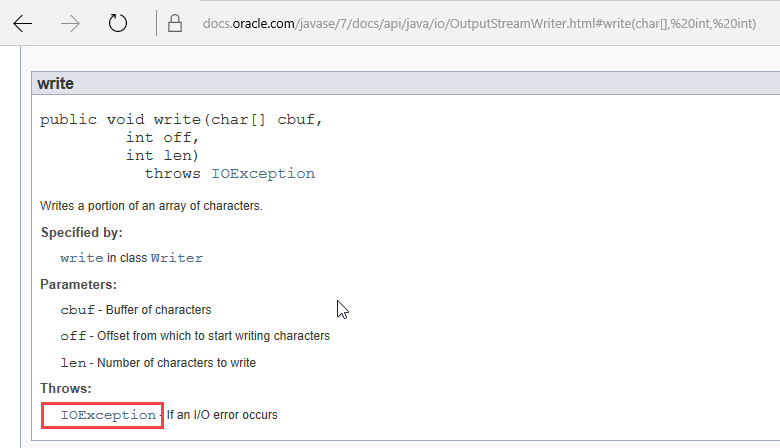
When you call a library method that can throw a checked exception, Java forces you to address it. Normally you would wrap the risky code in a try‑catch block:
import java.io.*;
class File1 {
    public static void main(String[] args) {
        try {
            FileWriter file = new FileWriter("c:\\Data1.txt");
            file.write("Guru99");
            file.close();
        } catch (IOException e) {
            e.printStackTrace();
        }
    }
}
If you omit the try‑catch, the compiler will reject the program. While handling every exception individually can be verbose, Java offers a cleaner alternative: declare the exception in the method signature using throws and let the caller decide how to handle it.
throws Syntax
public void methodName(Parameters) throws Exception1, Exception2, … { … }
throws Example
Below is the same file‑writing example, but the main method declares that it throws IOException instead of catching it:
import java.io.*;
class File1 {
    public static void main(String[] args) throws IOException {
        FileWriter file = new FileWriter("c:\\Data1.txt");
        file.write("Guru99");
        file.close();
    }
}
Before running this code, create an empty file named Data1.txt in the C:\ drive. Java offers two ways to satisfy the compiler’s requirement that checked exceptions be addressed:
- Wrap the risky code in a
try‑catchblock. - Declare the method with
throwsand propagate the exception to the caller.
Choosing the right approach depends on the context. If the method is part of a public API, propagating the exception often keeps the API surface clean and forces callers to handle failures explicitly.
Throw vs. Throws
| throw | throws |
|---|---|
| Used to create and throw a new exception instance. | Used in a method signature to declare the exceptions that the method may propagate. |
| Can throw only one exception at a time. | Can list multiple exception types separated by commas. |
| Example: | Example: |
throw new IOException("cannot open connection"); |
throws IOException, ArrayIndexOutOfBoundsException |
Summary
The throws keyword is essential for clear exception propagation in Java. When a method declares throws, any caller must handle or further declare the exception, ensuring that error conditions are never silently ignored.
Java
- Encapsulation in Java: A Comprehensive Guide with Practical Example
- Understanding Java String.charAt(): Syntax, Return Type, Exceptions, and a Practical Example
- Mastering Java’s String.endsWith(): How to Check String Suffixes with Examples
- Java HashMap: A Comprehensive Guide
- Command‑Line Arguments in Java: A Practical Guide with Code Examples
- Mastering the 'this' Keyword in Java: Purpose, Usage, and Practical Examples
- Java Abstraction: Mastering Abstract Classes, Methods, and Practical Examples
- Master Java Exception Handling: Try‑Catch, Finally, and Class Hierarchy Explained
- Java Switch‑Case Statement Explained: Syntax, Examples, and Best Practices
- Mastering Java's split() Method: A Practical Guide with Code Examples