



JasperReports for Java: Comprehensive Tutorial with Installation, Features, and Sample Report
What Is JasperReports for Java?
JasperReports is a powerful, open‑source Java reporting engine that lets developers embed rich, dynamic reports into applications. It supports output formats such as HTML, PDF, XLS, RTF, CSV, XML, ODT, and TXT, and can be integrated with Java EE, Spring, and other web frameworks.
In this step‑by‑step guide you’ll learn:
- What JasperReports is and its core concepts
- How to install and configure Jaspersoft Studio CE
- Why it’s a top choice for Java reporting
- The complete lifecycle of a JasperReport
- Key features and best‑practice usage
- Comparison with Pentaho
- How to create a report template from scratch
- Common challenges and how to overcome them
- Limitations to be aware of
Installing JasperReports – Environment Setup
Follow these steps to install Jaspersoft Studio Community Edition:
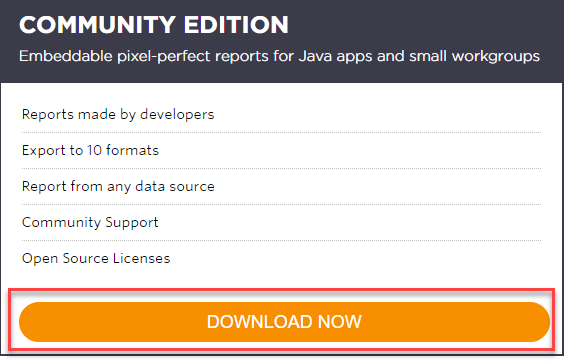
- Download the Community Edition – Click Download Now on the official site.
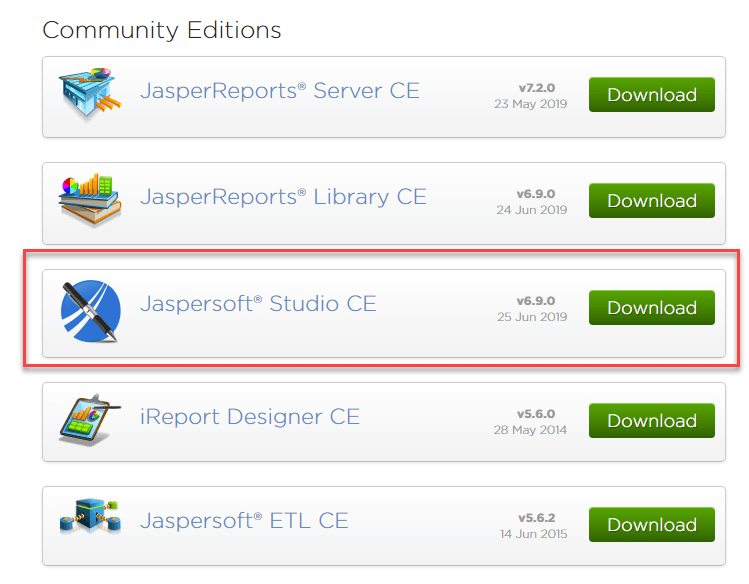
- Choose Jaspersoft Studio CE from the list of community editions.
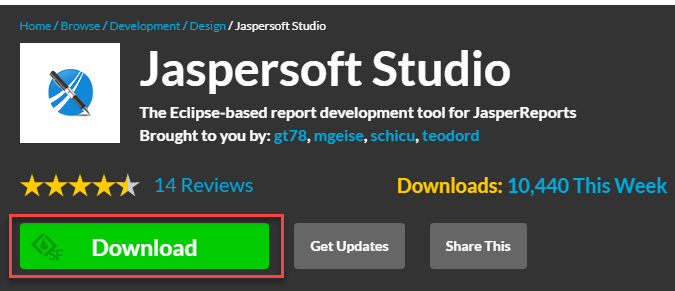
- Open the installer (e.g.,
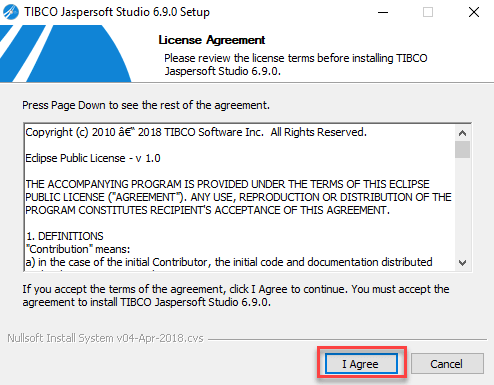
TIB_js-studiocomm_6.9.0_windows_x86_64.exe) and click Download. - Accept the license agreement.
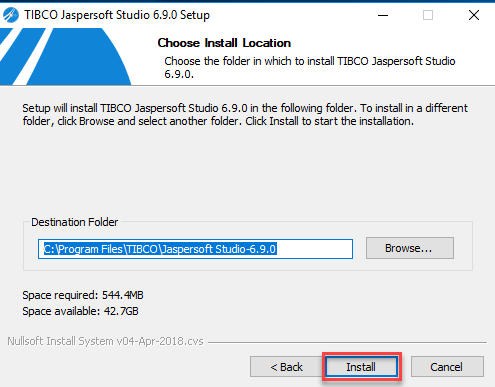
- Select an installation directory and click Next.
- Wait for the installation progress to complete.
- Click Finish on the final screen.
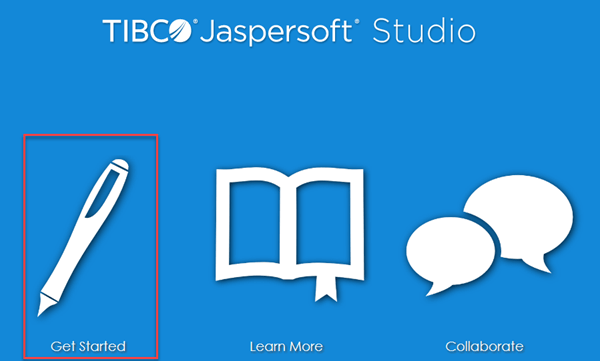
- Launch Jaspersoft Studio by clicking Get Started.
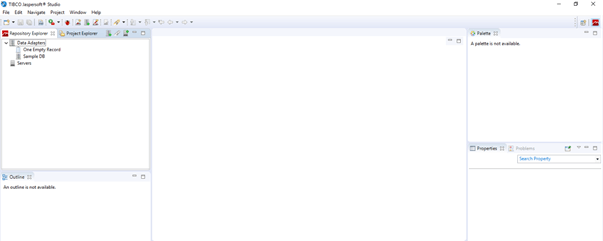
- Start creating reports.
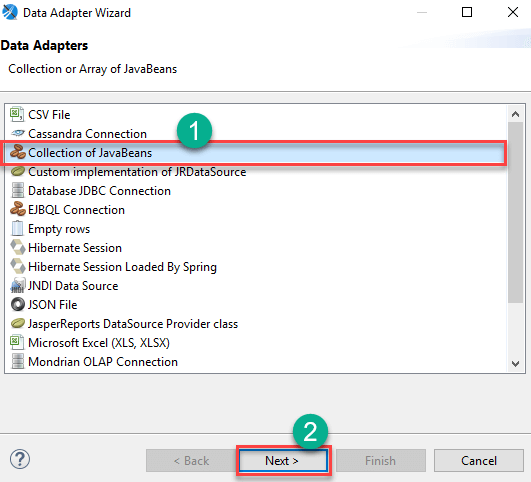
Images illustrate each step:

Why Choose JasperReports?
- High‑performance report generation and delivery.
- Rich textual and graphical output.
- Standalone and embedded reporting server capabilities.
- Role‑based access control for secure distribution.
- Spring Security integration for custom authentication.
- Schedule and automate report delivery.
- Embedable in Java or non‑Java applications.
- Export to PDF, HTML, XLS, RTF, CSV, XML, ODT, TXT, and more.
- Multiple data sources, including JDBC, JavaBeans, and custom adapters.
- Watermark support for branding.
- SOAP, REST, and web‑service APIs for remote execution.
- Support for composite reports using sub‑reports.
The JasperReports Lifecycle
Understanding the lifecycle helps streamline development and deployment.
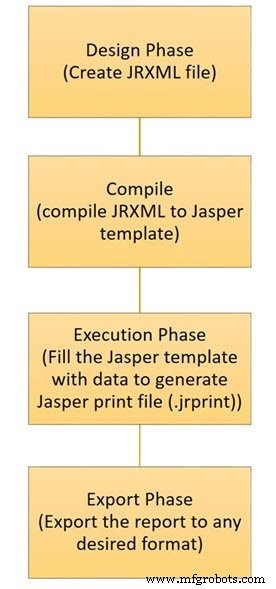
1. Designing the Report
Create a JRXML file that defines layout and data fields. While a text editor can be used, Jaspersoft Studio visualizes the design for easier editing.
2. Compiling the Report
The JRXML is compiled into a binary .jasper file. Compiling improves runtime performance and the file is bundled with the application.
3. Executing the Report
Data is supplied to the compiled report via JasperFillManager, producing a .jprint object that can be printed or exported.
4. Exporting the Report
Use JasperExportManager to convert the .jprint into PDF, HTML, XLS, RTF, etc. The same source can generate multiple formats.
Key Features of JasperReports
- Highly customizable layout engine.
- Multiple data source support.
- Watermark and background capabilities.
- Sub‑report and cross‑tab generation.
- Chart integration (bar, line, pie, time‑series, etc.).
- Export to popular office and web formats.
- Extensible via custom Java adapters.
JasperReports vs. Pentaho
| Feature | JasperReports | Pentaho |
|---|---|---|
| Report Designer | JasperSoft Studio | Pentaho Report Designer |
| ETL Tool | Talend Open Studio | Pentaho Data Integrator |
| Dashboard | Available in Enterprise edition | Full feature set in Community edition |
| Mobile BI | Strong native support | Requires third‑party plugins |
| Documentation | Comprehensive online resources | Limited official docs |
| Notable Strength | Easy to find needed components | Data mining & iPhone integration |
| Enterprise Add‑Ons | Ad‑hoc query, web dashboards | LDAP, SSO, auditing, etc. |
Creating a Report Template – Step‑by‑Step
The report template is a simple .jrxml file. Use Jaspersoft Studio to design it:
- File > New > Jasper Report.
- Select a template (e.g., “cherry”) and click Next.
- Choose a destination folder (e.g., MyReports) and name the file (e.g., Cherry Report), then Next.
- In the Data Source window, click New to create an adapter.
- Select an adapter type such as Collection of JavaBeans and click Next.
- Provide an adapter name, choose the factory class via …, and specify the method (e.g.,
createBeanCollection). If your JavaBeans include field descriptions, enable the corresponding checkbox. - Set a name prefix or pattern, click Match Items, then OK.
- Add the path to any required JAR files, then Finish.
- Confirm all settings and click Finish to create the report.
Resulting report preview:
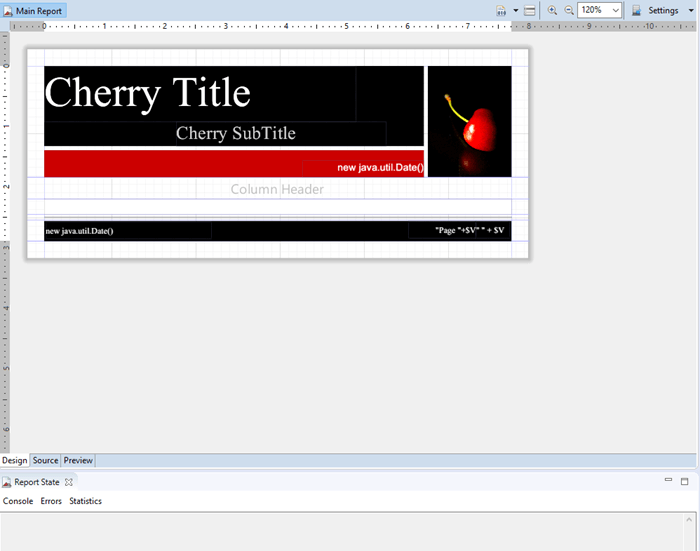
The .jrxml file is compiled into a .jasper binary using the JRCompiler interface, which can be implemented in Java, Groovy, or JavaScript. You can compile programmatically or via an Apache ANT task.
Understanding Report Bands
JasperReports uses a set of report bands that structure the output:
- Title – First page banner. Use
isTitleNewPage="true"to start on a new page. - Page Header – Repeats on each page except the first when a title is present.
- Column Header – Above the detail band.
- Detail – Main data rows, can have multiple detail bands.
- Column Footer – Below detail; can float under the last detail with
isFloatColumnFooter="true". - Page Footer – Bottom of each page.
- Last Page Footer – Replaces Page Footer on the final page if configured.
- Summary – Appears after all data. Use
isSummaryNewPage="true"to start on a new page. - Group Header/Footer – Display when group expression changes.
- Background – Rendered beneath all bands.
- No Data – Shows when the data source is empty.
Common Challenges
- Adapting to business logic changes requires core report modifications.
- Complex layouts like sub‑reports or cross‑tabs increase development time.
- Charts (XY line, pie, bar, etc.) demand careful data preparation.
Limitations to Consider
- Changing or removing package features can be difficult to reverse.
- The design interface is less flexible for advanced layouts.
- Adding subtotals in grouped reports is less intuitive than in other designers.
- Compilation before execution necessitates the Java SDK.
- Preview may differ from the final web output.
Takeaway
- JasperReports is a robust, open‑source Java reporting engine.
- Its lifecycle—design, compile, execute, export—provides clear development stages.
- It supports multiple data sources, export formats, and embedded reporting.
- Its main competitor, Pentaho, offers a different set of strengths and limitations.
- Mastering JRXML, report bands, and data adapters unlocks the full potential of JasperReports.
Java
- Master Java For Loops: Syntax, Examples, and Best Practices
- C# Abstract Classes: A Practical Tutorial with Code Examples
- Understanding Java Classes and Objects: Clear Concepts, Practical Examples
- Mastering the 'this' Keyword in Java: Purpose, Usage, and Practical Examples
- Polymorphism in Java: A Comprehensive Guide with Practical Examples
- Java Interfaces Explained: How to Define and Implement Them with Practical Examples
- Java For‑Each Loop: Simplifying Array Iteration Without Counters
- Master Java Reflection API: A Practical Guide with Code Examples
- Mastering Groovy: A Beginner’s Guide to Scripting on the Java Platform
- Apache Ant Tutorial – A Comprehensive Guide to the Build Tool and Practical Example