



Binary Switch Game – Arduino UNO Project
Components and supplies
 |
| × | 1 | |||
| × | 7 | ||||
| × | 15 | ||||
| × | 3 | ||||
 |
| × | 1 | |||
| × | 4 | ||||
| × | 1 | ||||
| × | 9 | ||||
| × | 1 |
About this project
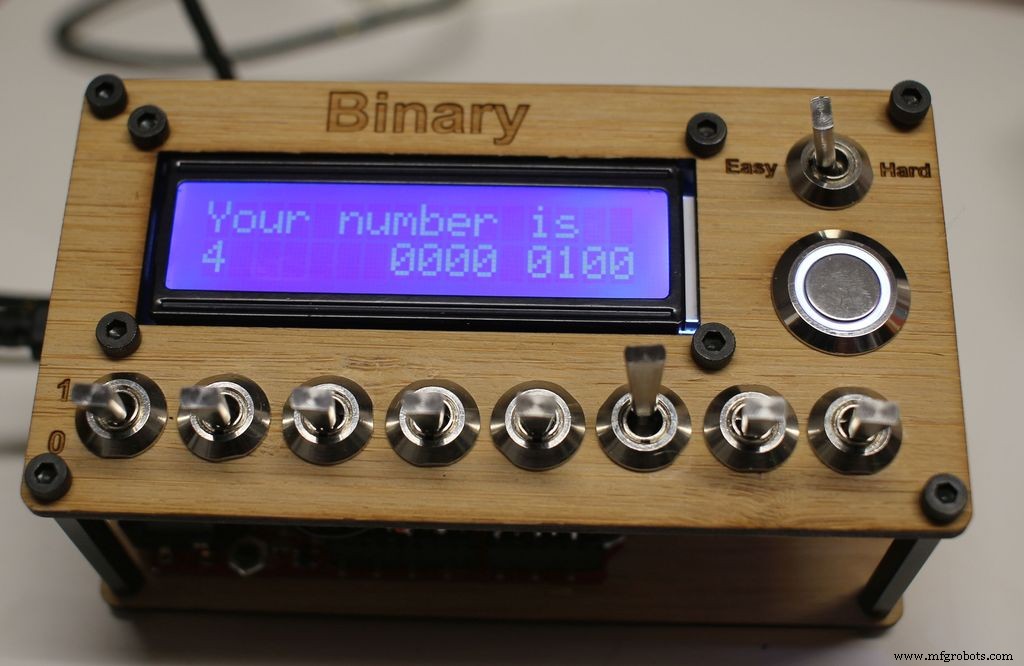
This is a game I created on Autodesk Circuits to learn binary numbers.
A playable online version can be found at https://circuits.io/circuits/2924784-binary-game
If you want to follow along with this guide and build your own the files and code can be found on my github at https://github.com/keebie81/BinaryGame
Step 1: Parts needed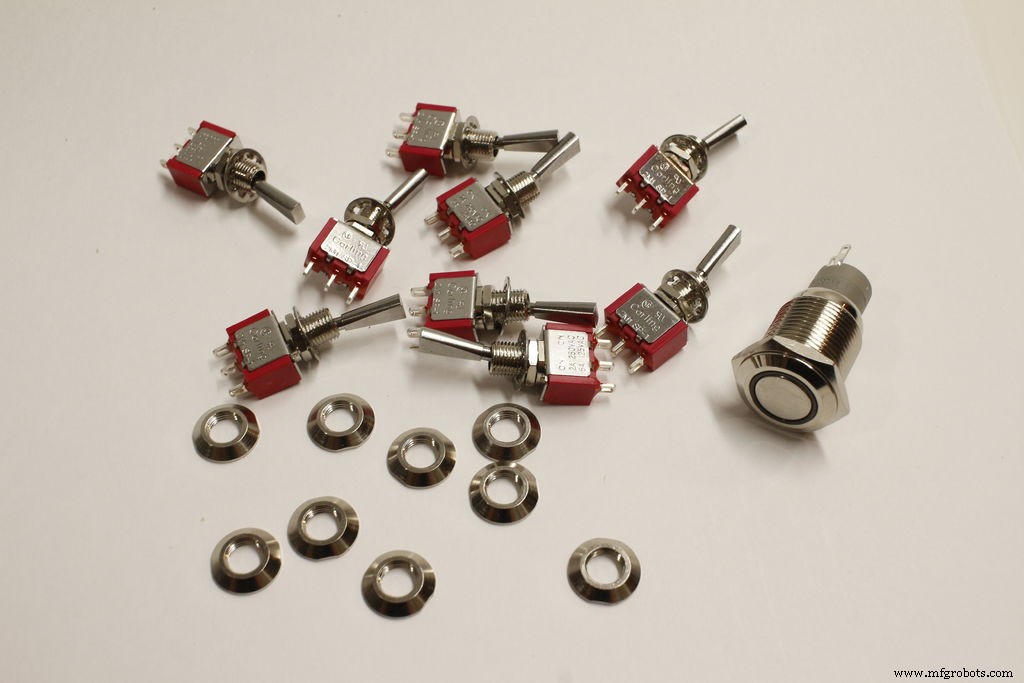
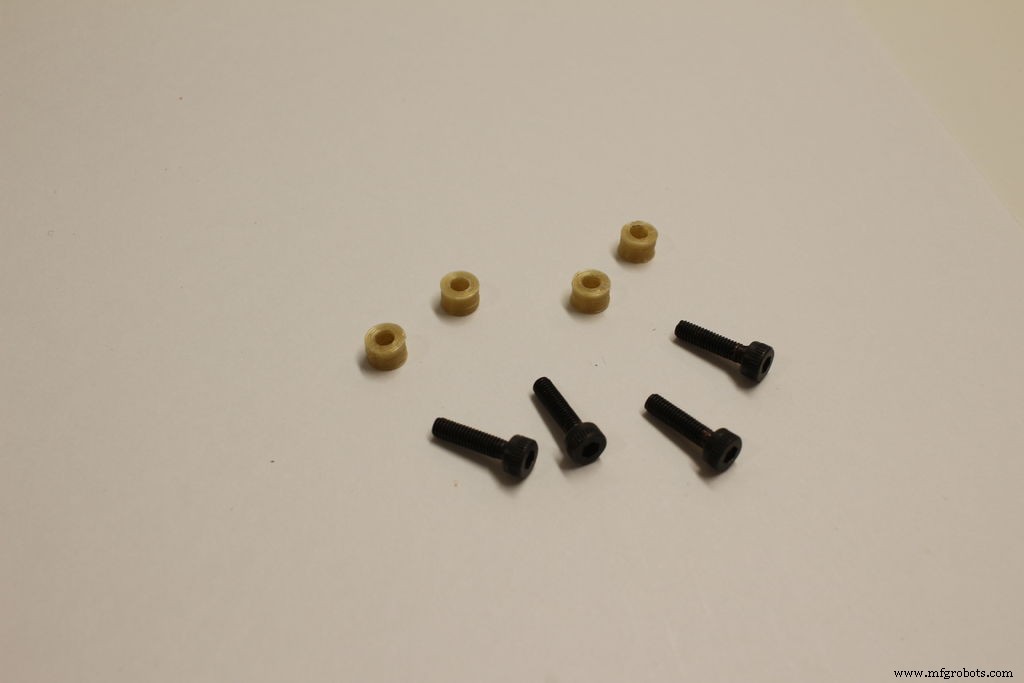
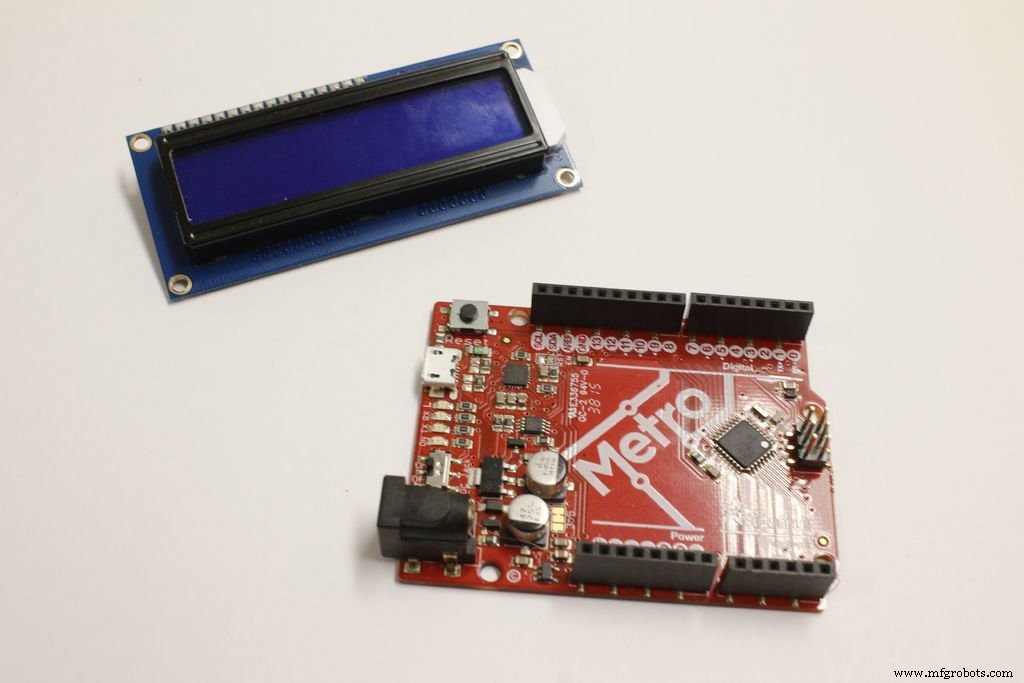
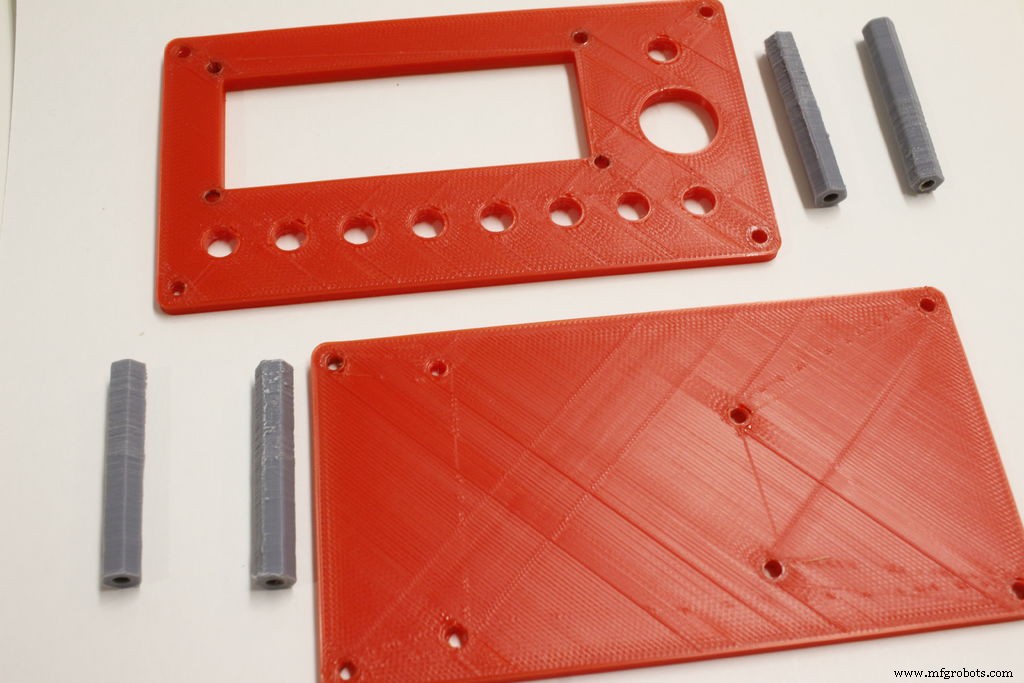
- 1 Rugged Metal Pushbutton with White LED Ring - 16mm White Momentary
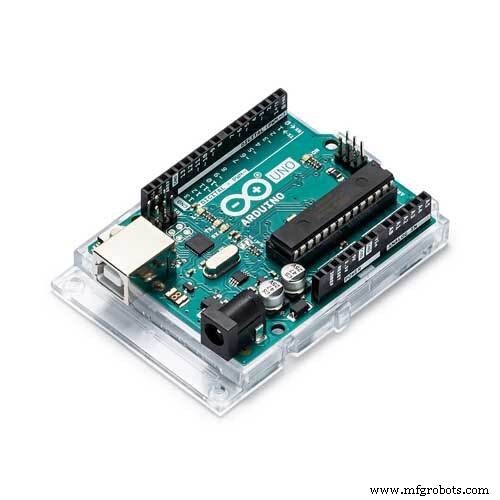
- 1 Adafruit METRO 328 with Headers - ATmega328 - Any Arduino Uno variation would also work. I like the Metro because the bottom is smooth, so I didn't need to put standoffs for the board in my design.
- 15 M3 x 8 Socket Head Cap Screw
- 3 M3 Nuts
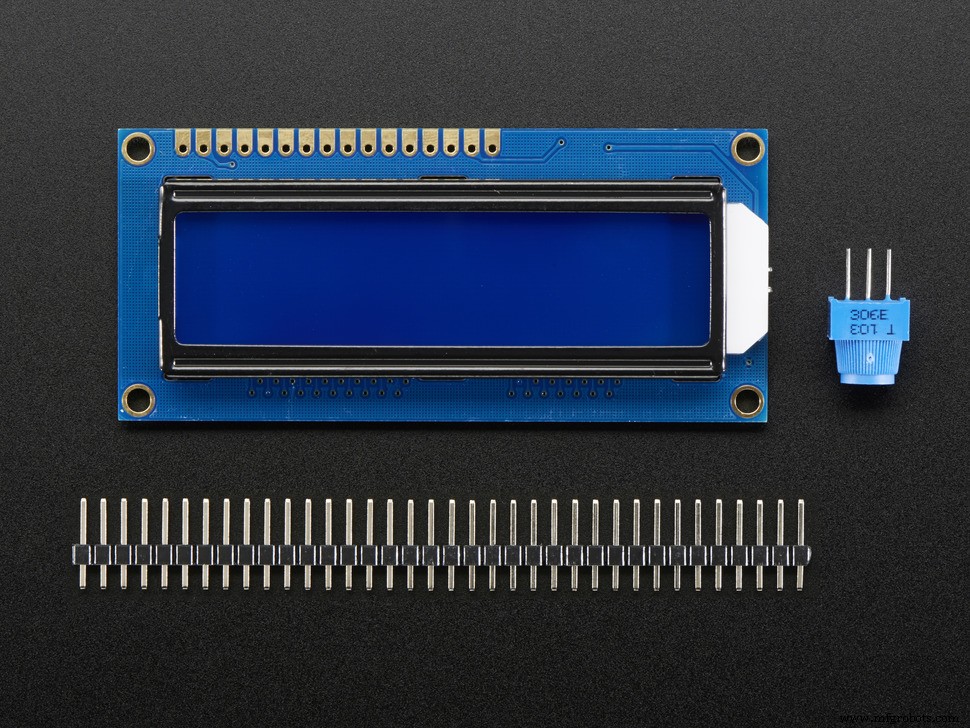
- 1 16x2 LCD
- 4 40mm Standoffs
- Silicone Cover Stranded-Core Wire - 30AWG - I used multiple colors to make wiring easy to follow.
- 9 Toggle Switch SPDT Panel Mount - Any style will work, but I wanted the flatted style.
- 9 Switch Dress Nut 1/4-40 - Optional, for appearance. You can also use the hardware the switch came with.
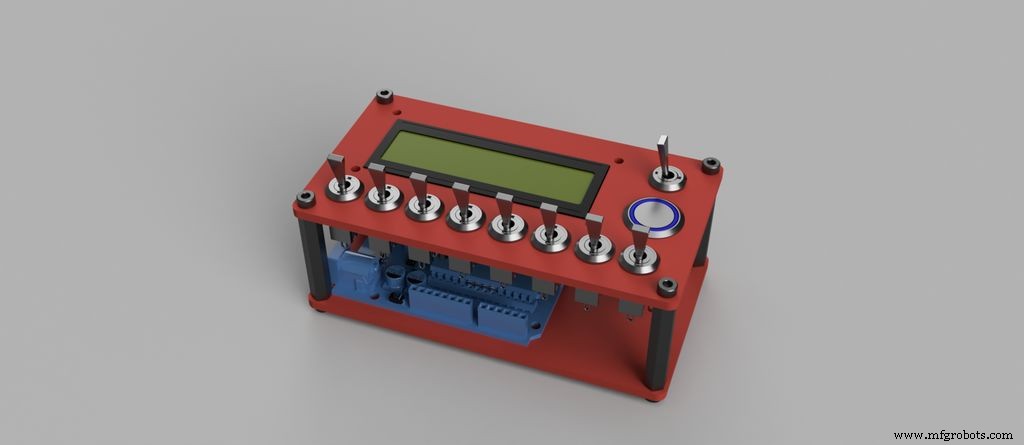
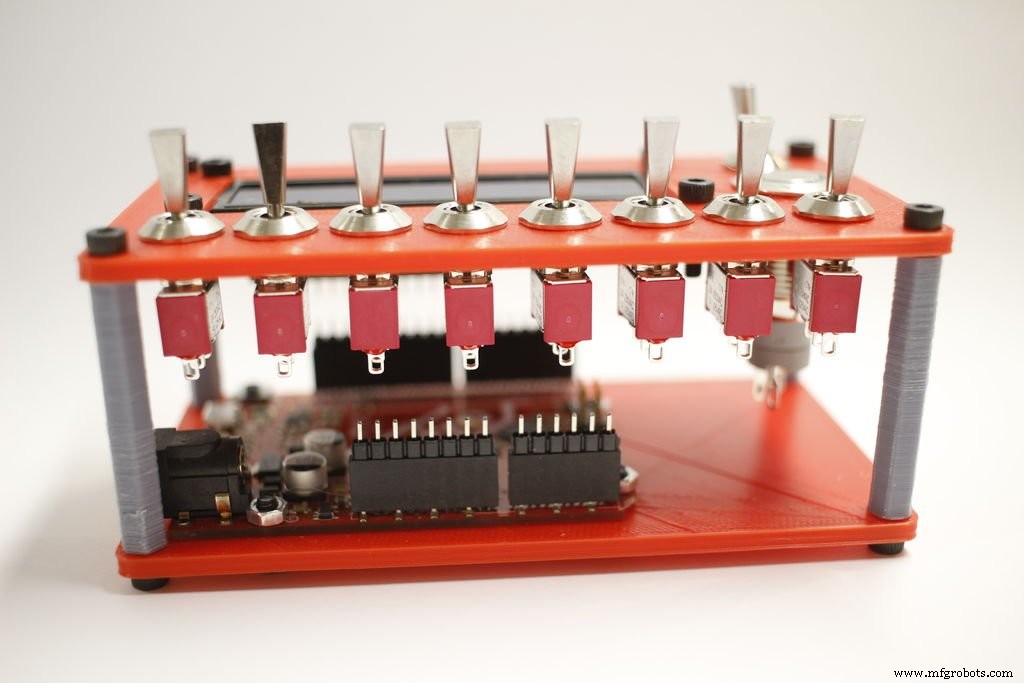
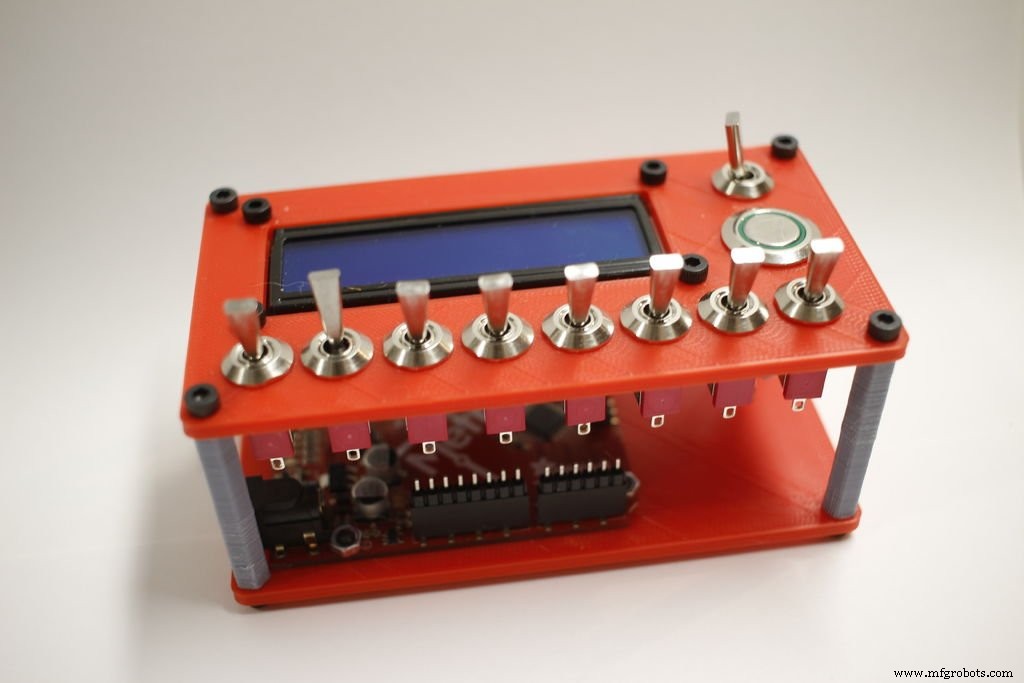
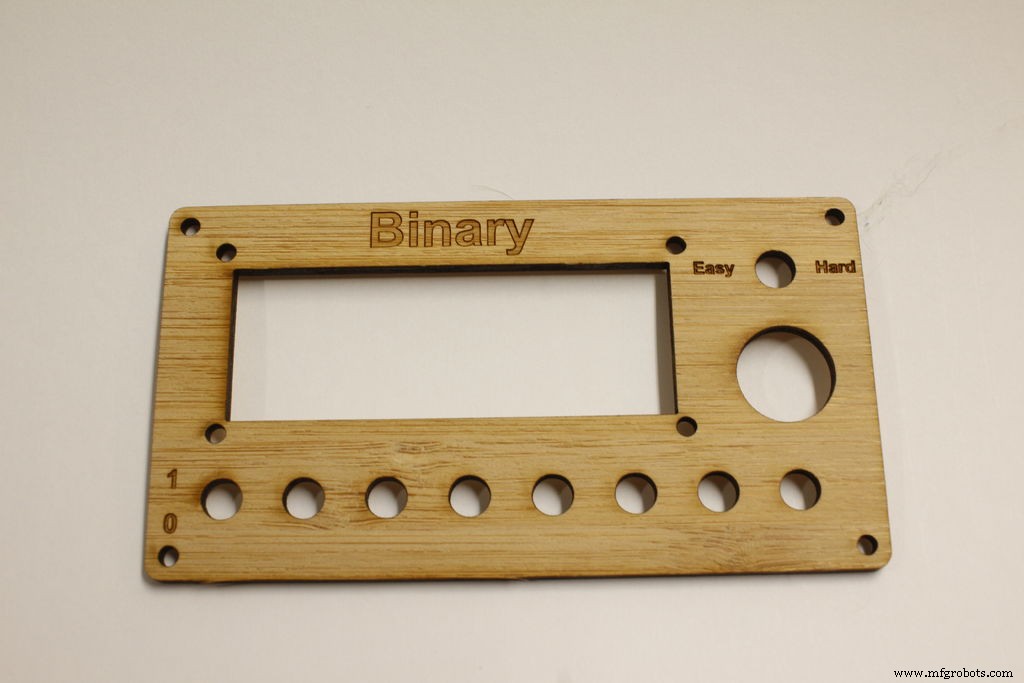
I designed the case in Fusion 360. This allowed me to position all the parts and make sure they fit. Once that was done I was able to 3d print the case and see how it fits.
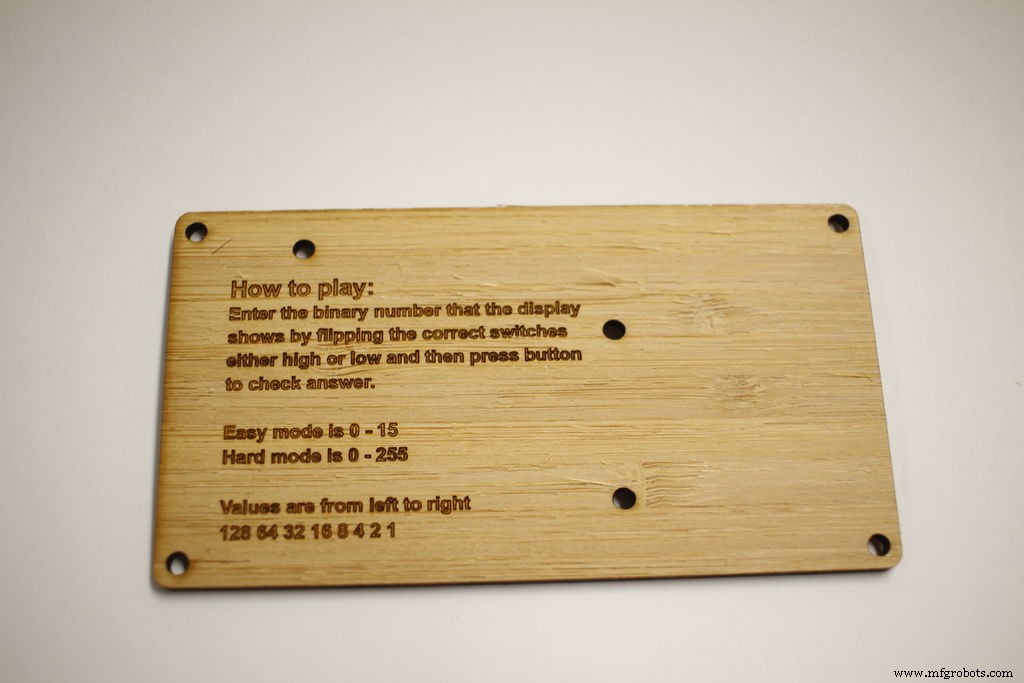
It fit together well so then I created an svg of the two panels. The next step was to get the files ready to be sent out for laser cutting. I followed the templates provided by Ponoko. The instructions also got put on the bottom plate so people would know how the game works.
It took a bit over a week to get my parts from Ponoko.
Step 3: Assembling top panel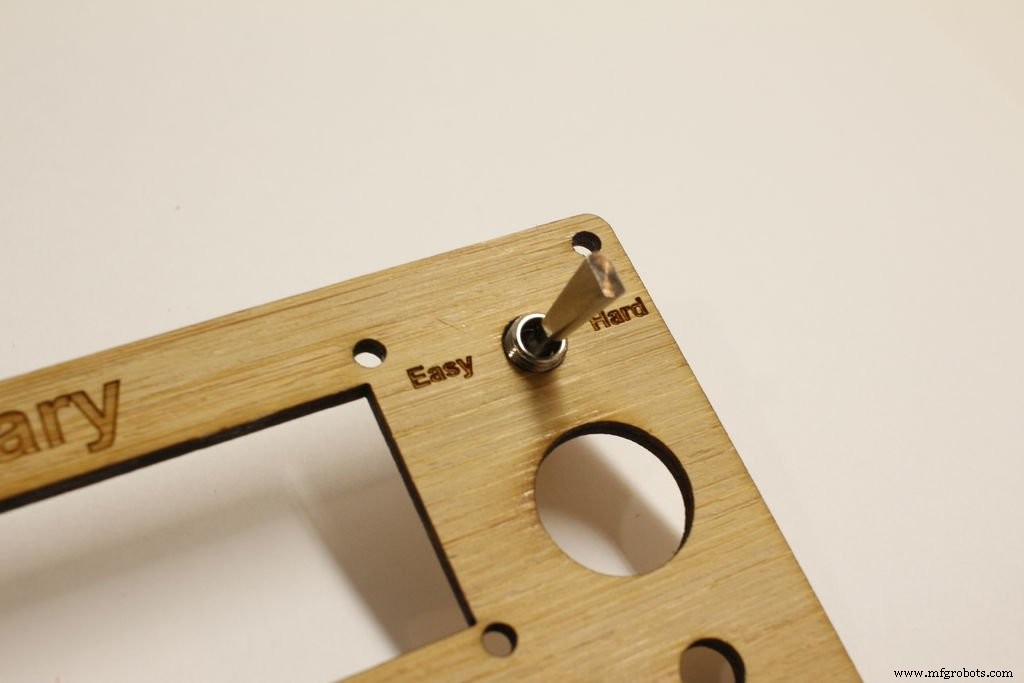
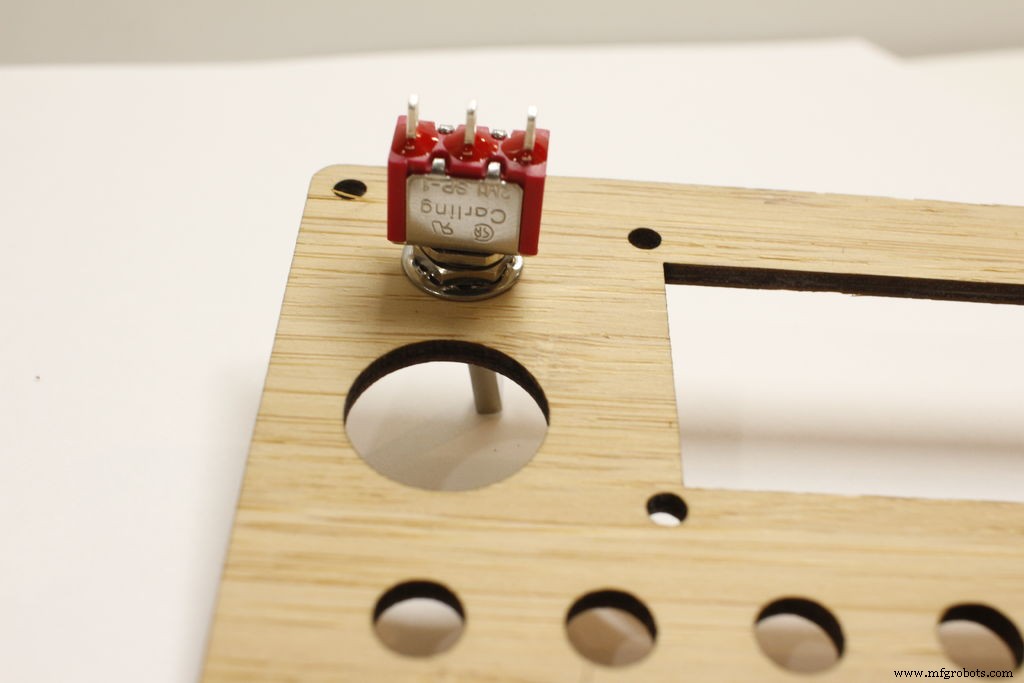
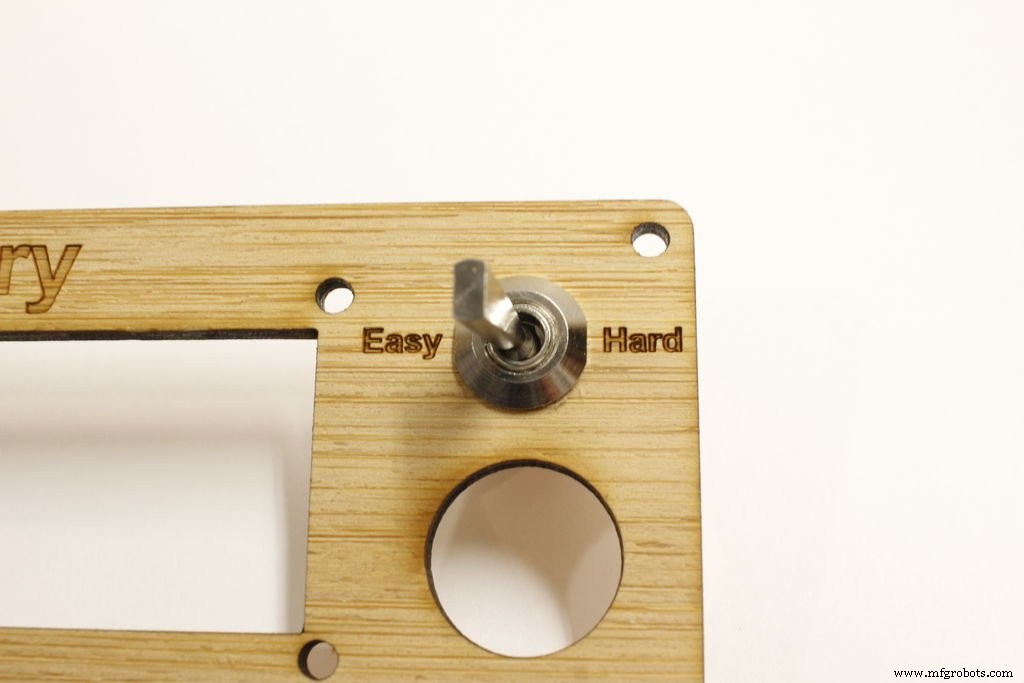
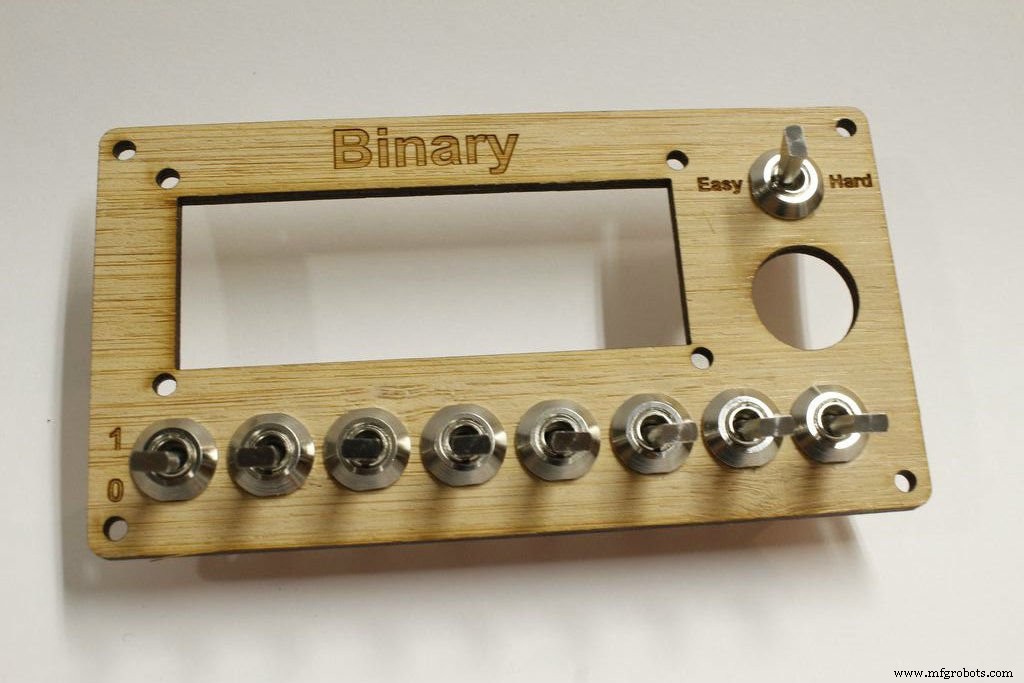
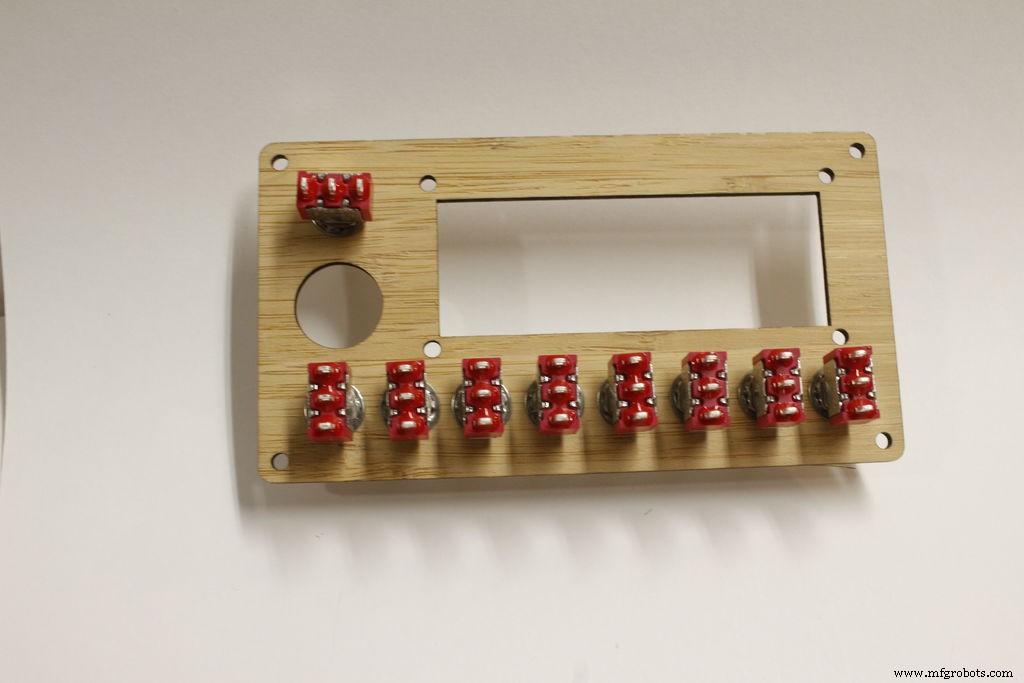
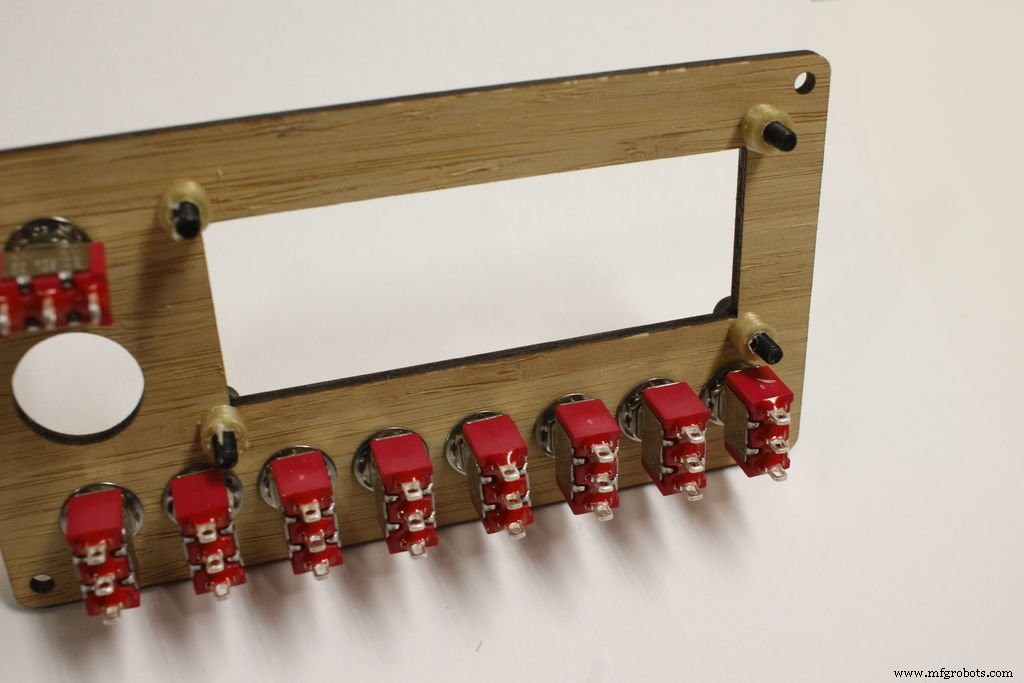
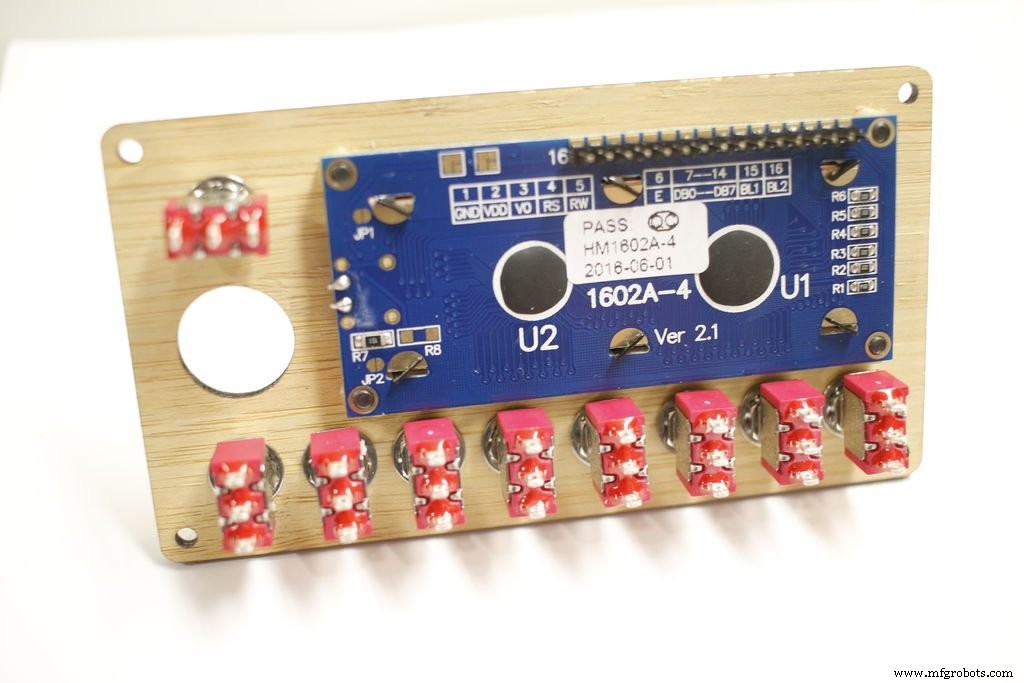
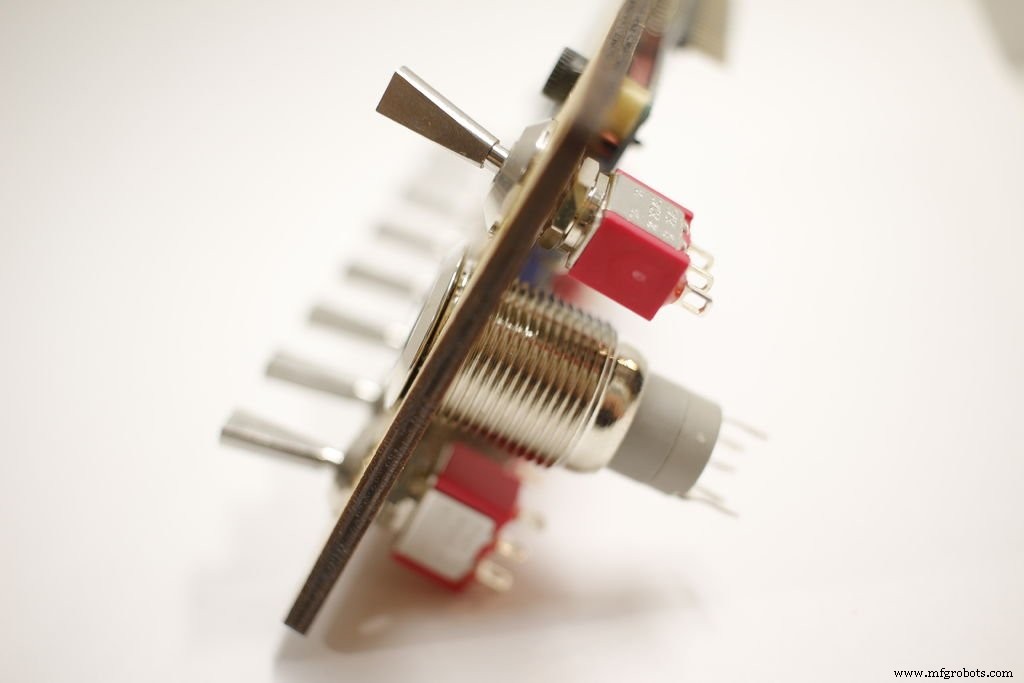
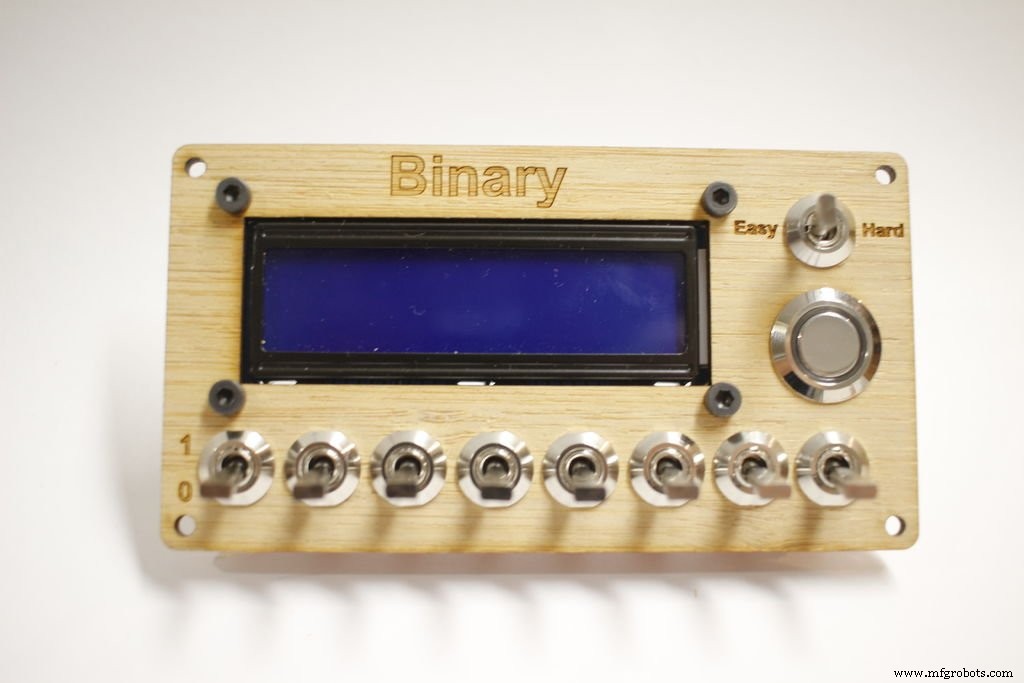
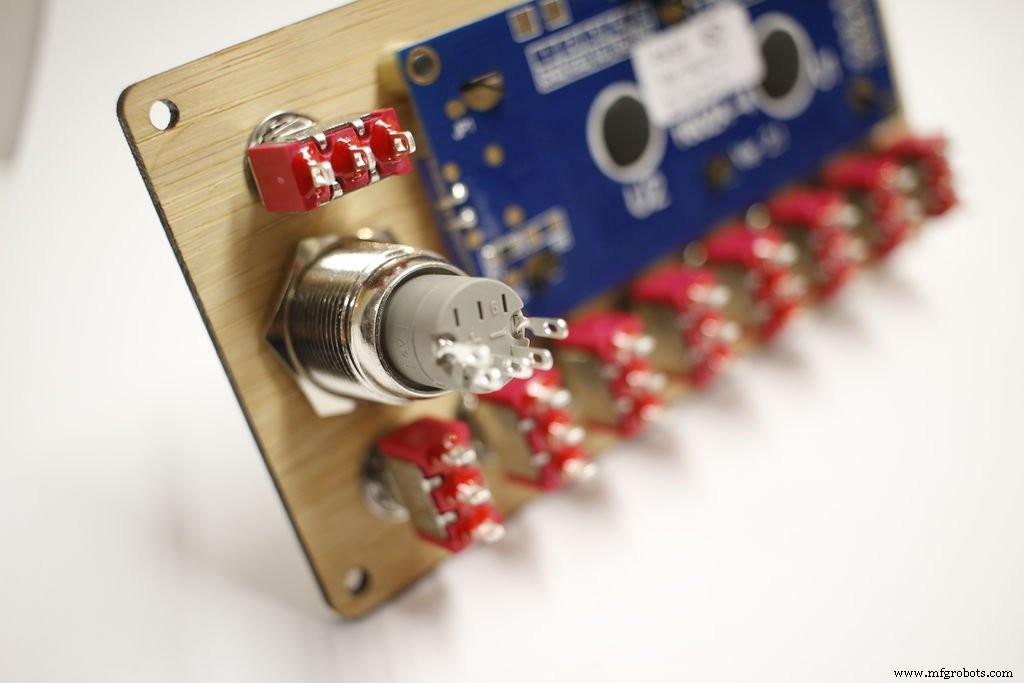
The top panel goes together pretty easy.
First put the nine toggle switches through and tighten them down. Then put the m3 screws for the display in. Put the spacers on the other side and then thread the screws through the mounting holes on the display. Last part is the 16mm button.
Step 4: Assemble Bottom Panel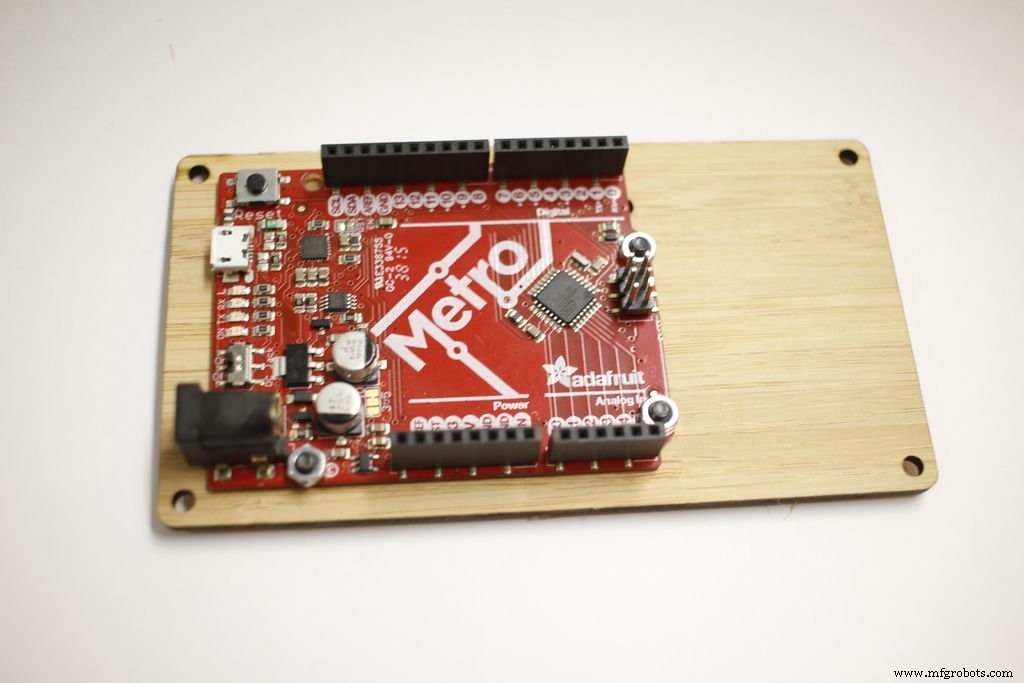
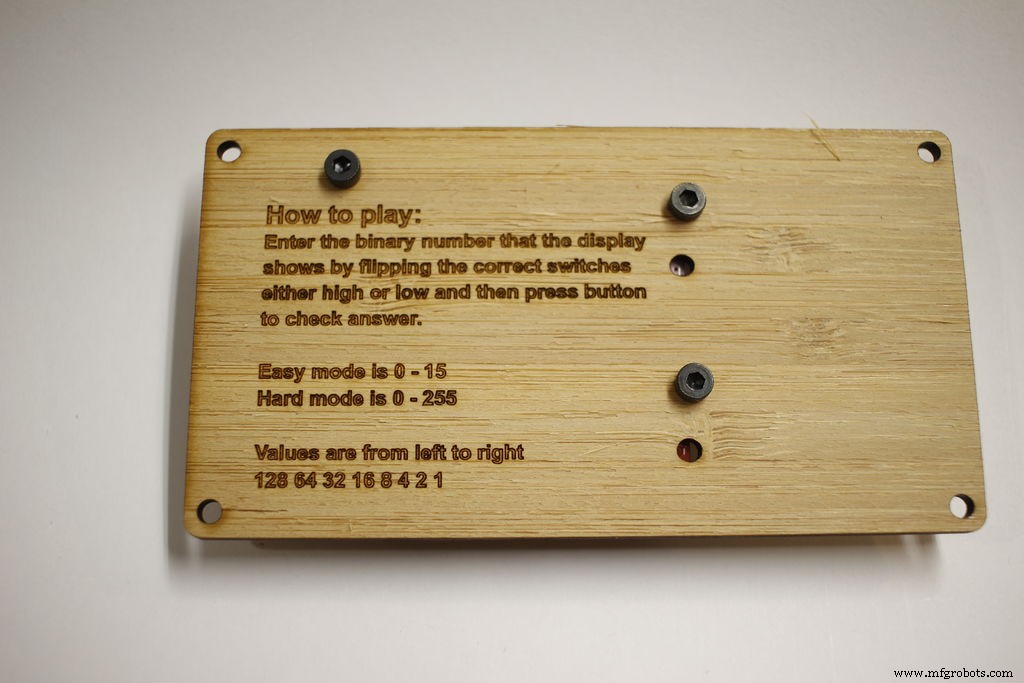
Use 3 M3 screws and nuts to fasten the board to the bottom plate. As you can see in the picture I had the holes wrong when laser cutting. I have fixed this for the template I put on github
Step 5: Wiring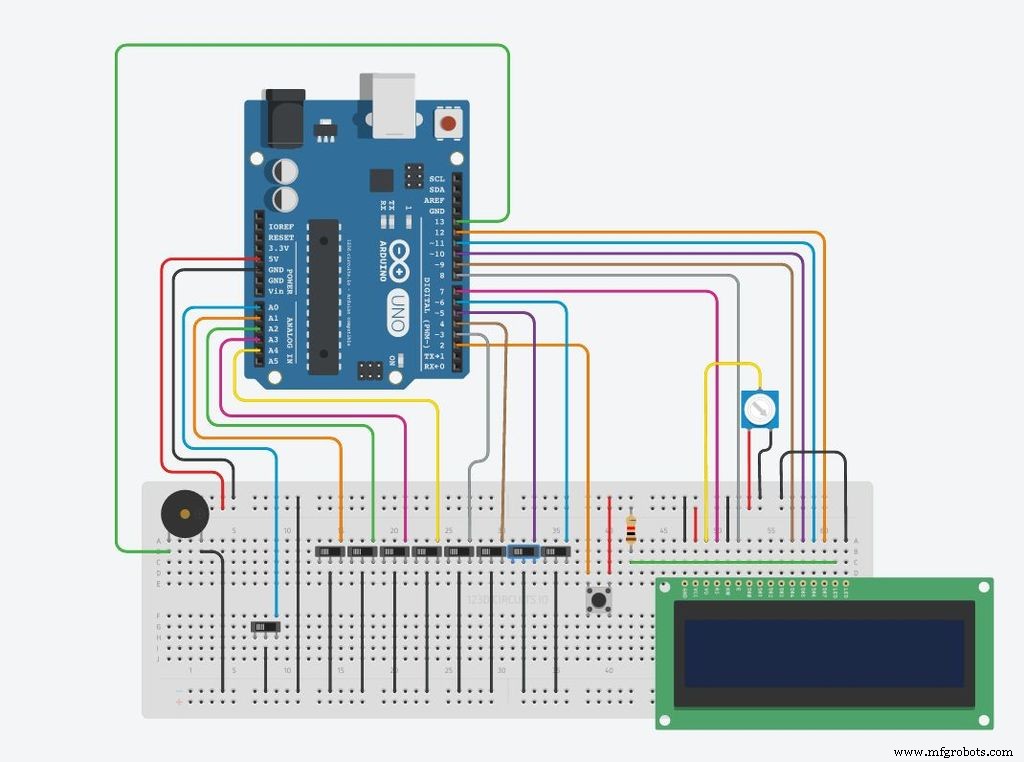
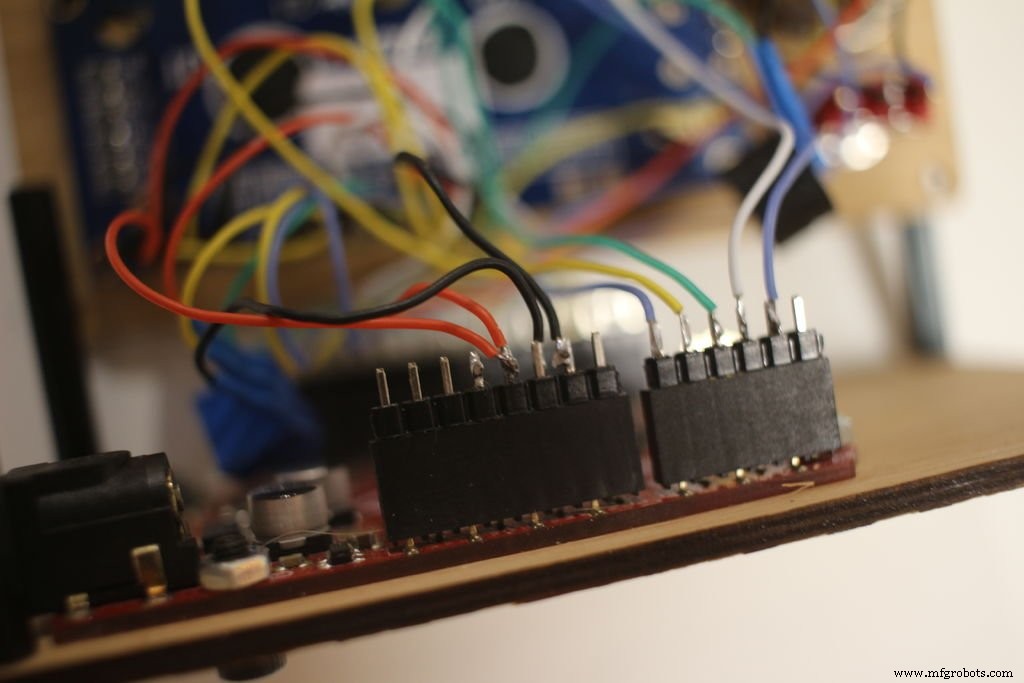
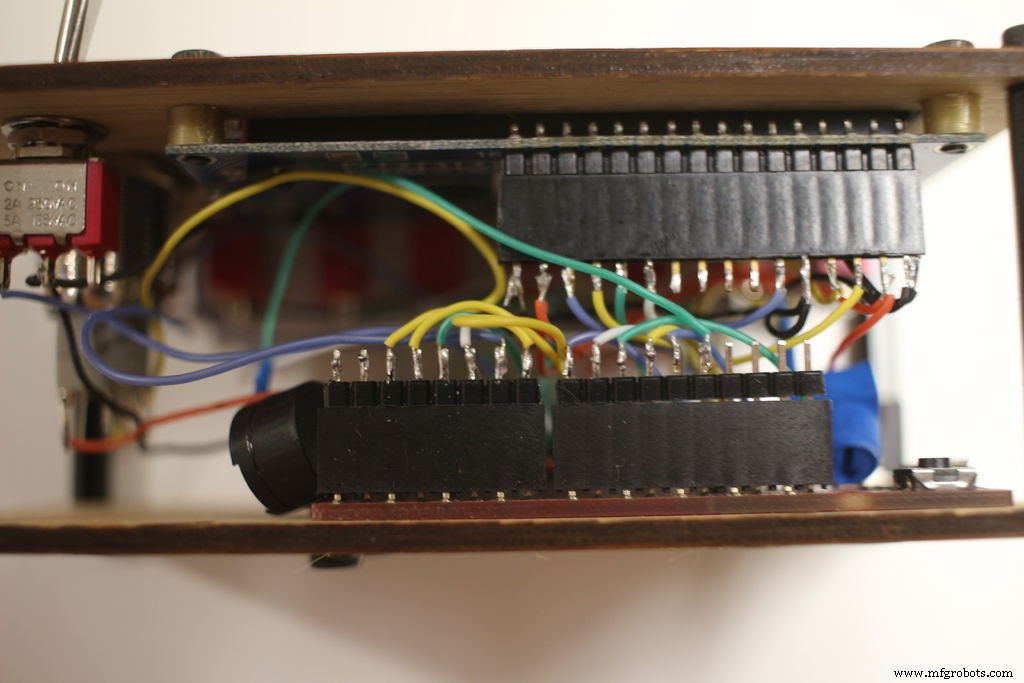
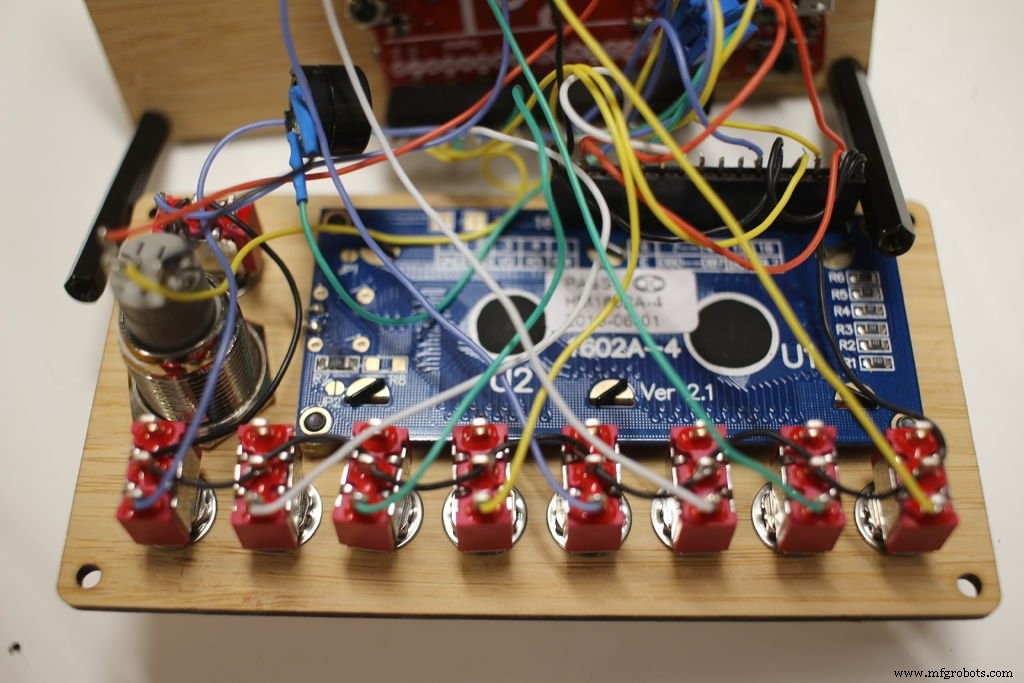
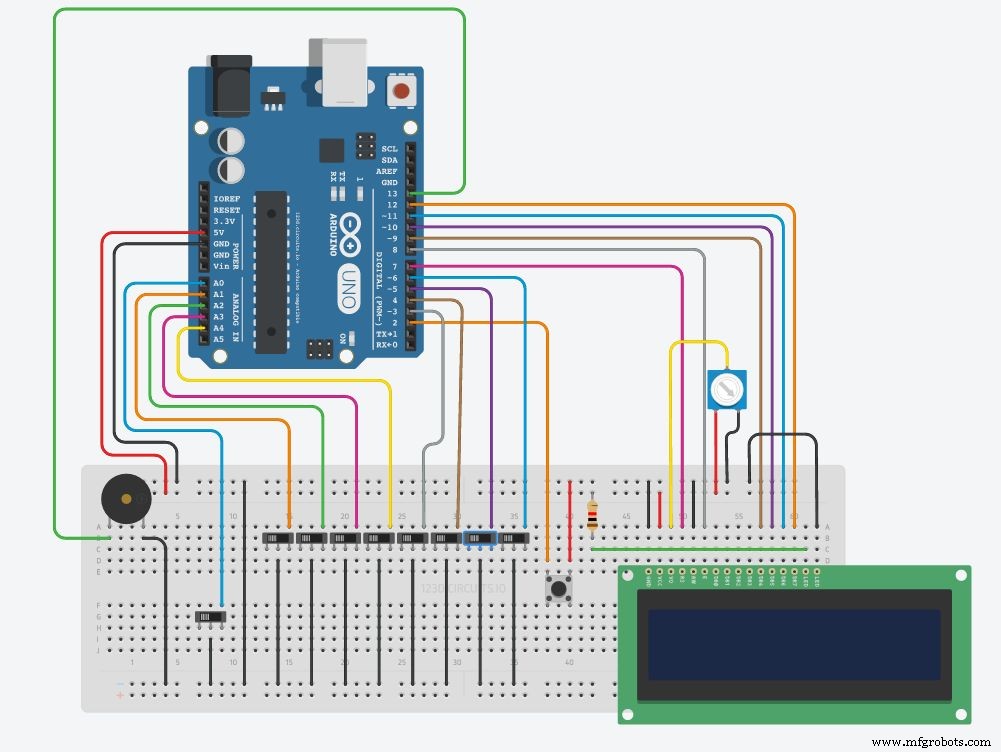
To wire follow the diagram. The original design also used digital 1 and 0, but if the switches weren't in the correct position the board would have issues uploading code.
I soldered the wires to male headers plugged in to the Arduino board. This allows easy disconnecting in the future if you ever re-purpose the board. The LCD display also uses female headers to solder to.
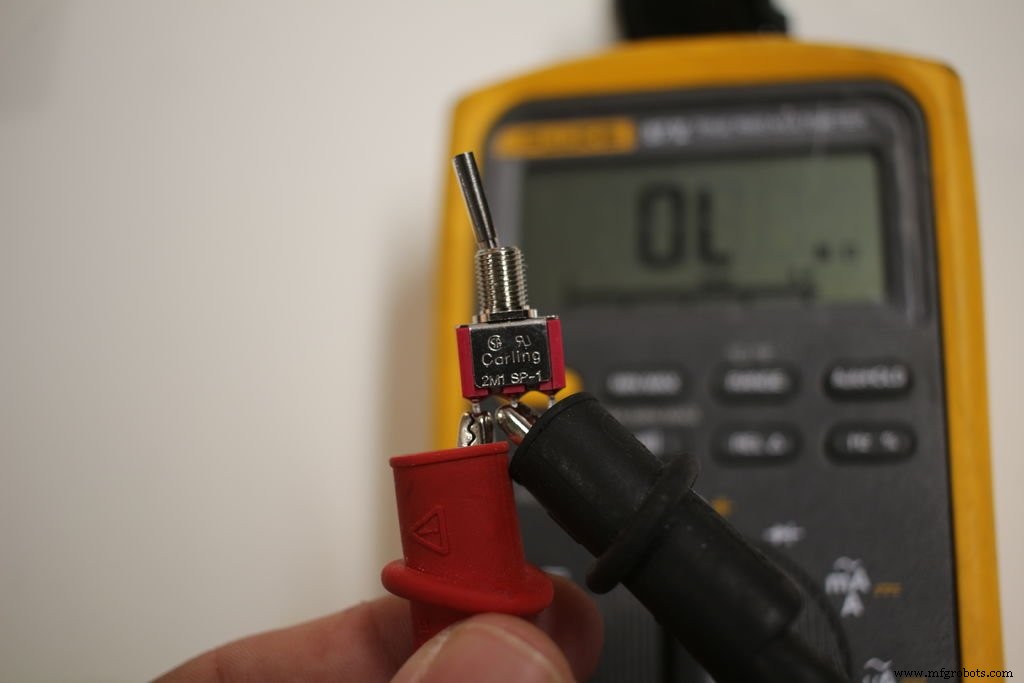
One issue I had noticed after I wired was the wiring of the switches. You should verify the connections for a closed circuit. Using the switches I listed earlier when the lever is down the middle and top pin are closed. Since I wired mine wrong I needed to change my code. For the code I provide in this guide it is assumed yours is wired properly.
Also when wiring up the metal push button it should be in the normal open configuration.
Step 6: Powering it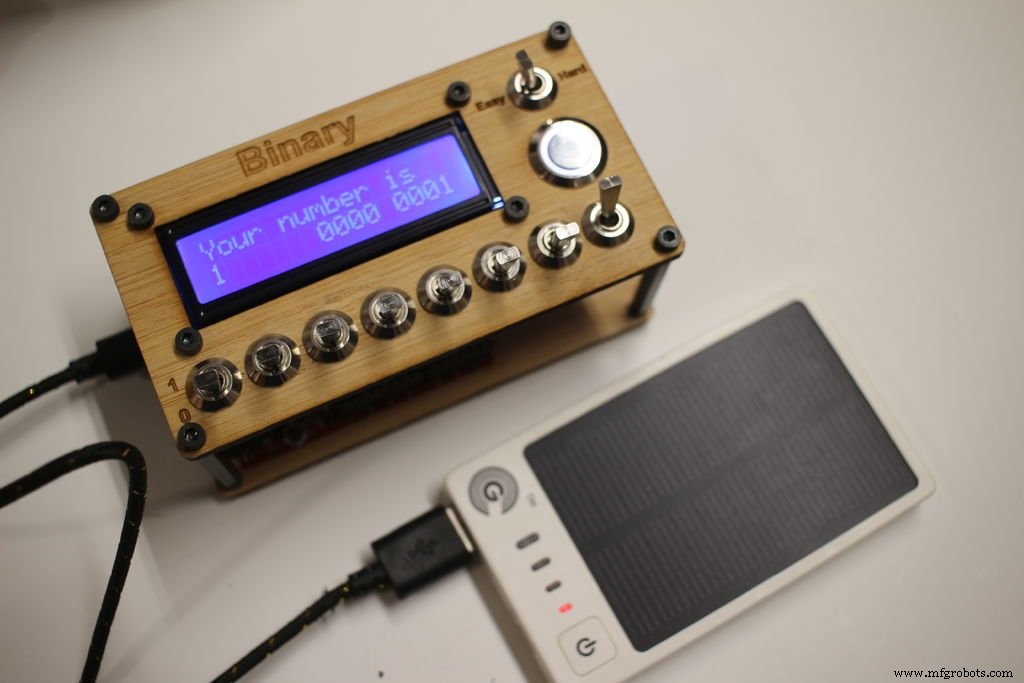
You can connect the board to a computer via the usb cable to power it or use a portable phone charger batterypack such as this one https://www.adafruit.com/products/1959
Step 7: How to Play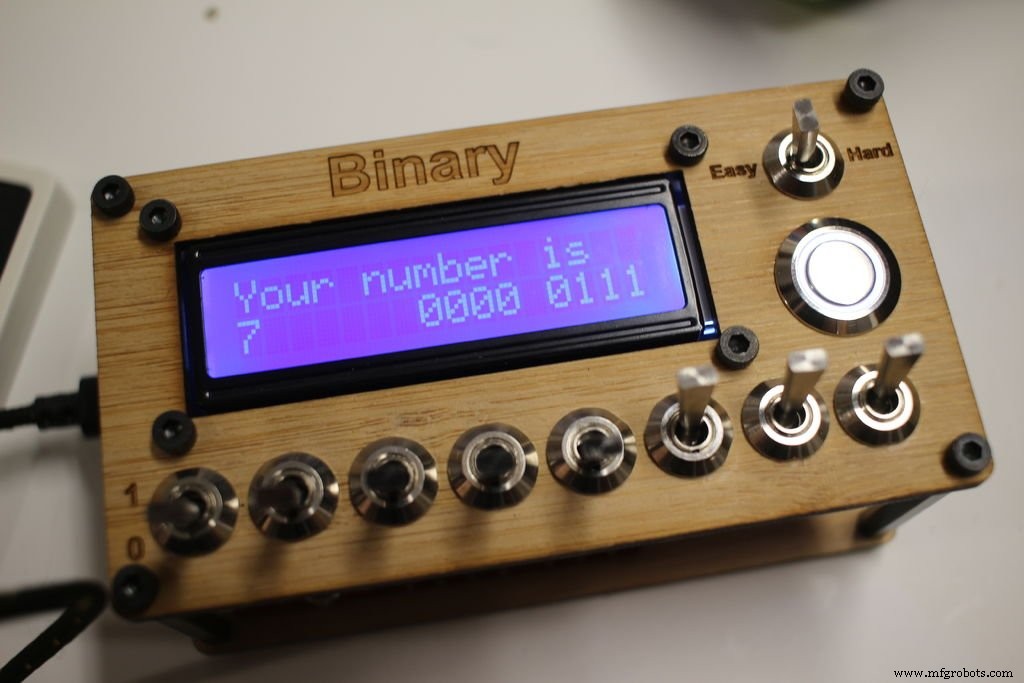
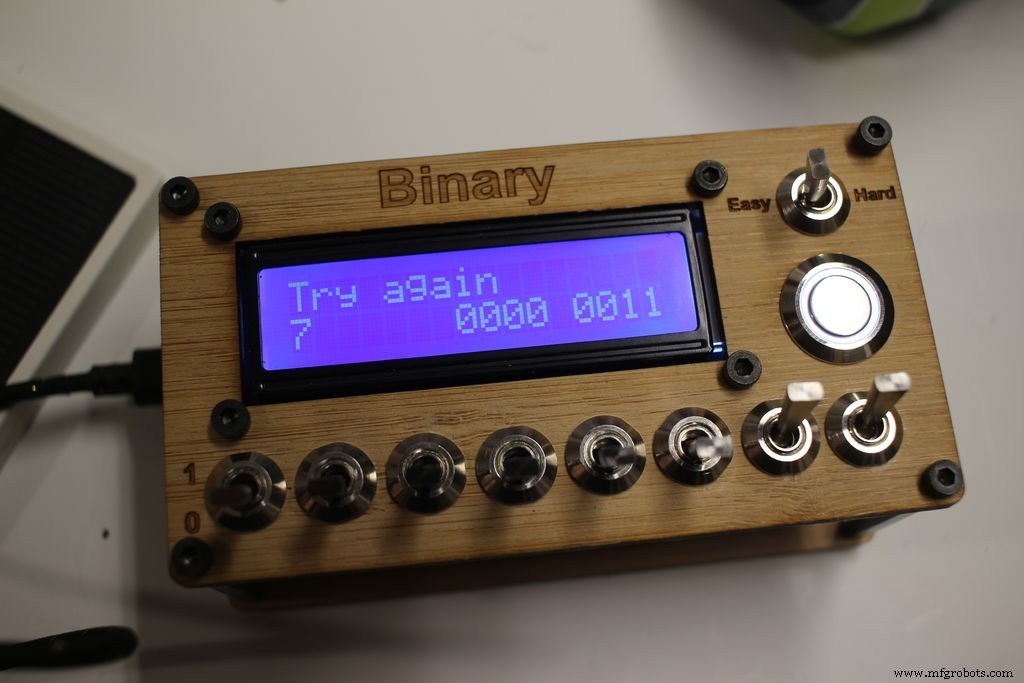
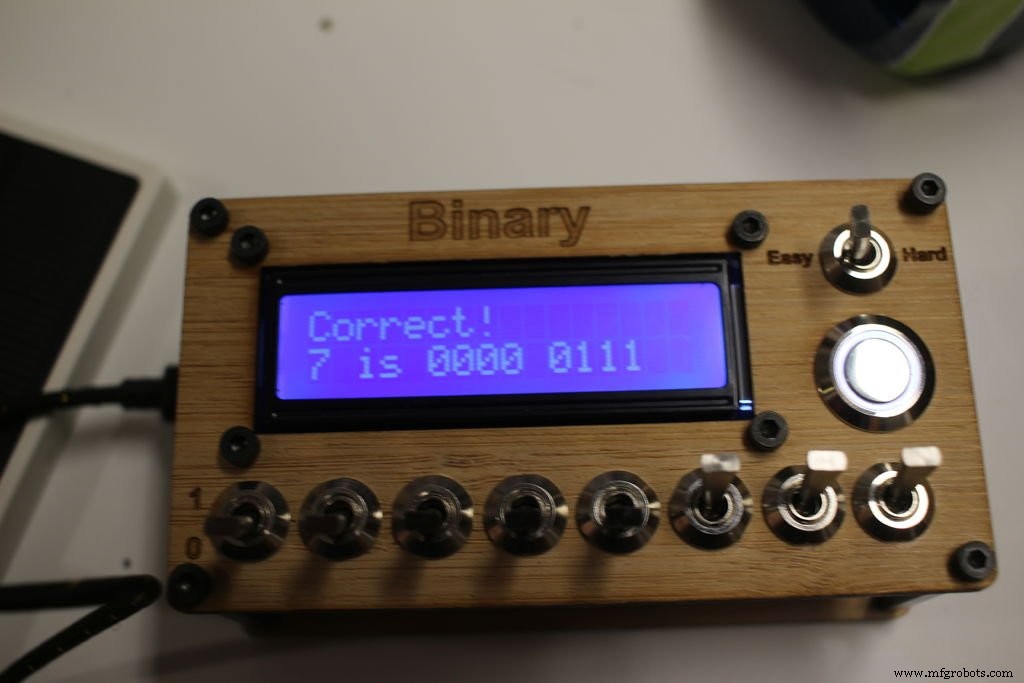
When it turns on if it is in easy mode you will be given a random number between 0 - 15. If hard mode it will be 0 - 255.
You then flip the switches up to represent 1 or down for 0, then press the push button to see if you have it correct. If correct it will play the correct answer tone and give you a new number. If wrong it will buzz and say try again.
The value of the switches from left to right is 2^7(128), 2^6(64), 2^5(32), 2^4(16), 2^3(8), 2^2(4), 2^1(2), 2^0(1).
If the random number was 18 the binary value would be 0001 0010. That is because 2^4(16) + 2^1(2) would equal 18.
If it was 255 it would be 1111 1111, since all the numbers added up equal 255.
Step 8: Video of it being playedCode
Github
https://github.com/keebie81/BinaryGamehttps://github.com/keebie81/BinaryGameSchematics
Manufacturing process
- Binary Addition Explained: Rules, Examples, and Its Role in Digital Computers
- Binary Subtraction Using Two's Complement
- Binary Overflow: How Sign Bits Affect Binary Addition
- Designing a Binary Half‑Adder: From Logic Gates to Ladder Diagrams
- Chess: From Ancient Origins to Modern Manufacturing – An Expert Overview
- Pinball: History, Design, and Manufacturing of a Classic Arcade Game
- The Soccer Ball: From Ancient Games to Modern Innovation
- The Evolution and Craftsmanship of American Football: From Ancient Games to Modern NFL Standards
- Interactive Joystick Game with Arduino and LED Feedback
- Build an Arduino Tic‑Tac‑Toe Game on a Touchscreen: A Step‑by‑Step Tutorial