



Food Quality Sensor: Detecting Food Freshness with Arduino
Components and supplies
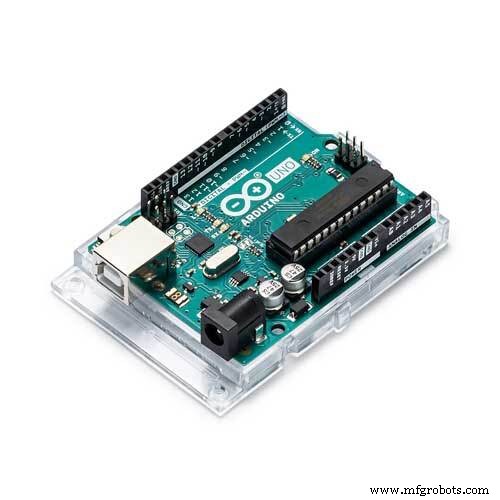 |
| × | 1 | |||
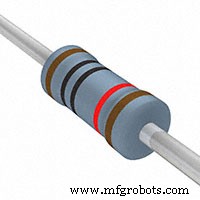 |
| × | 1 | |||
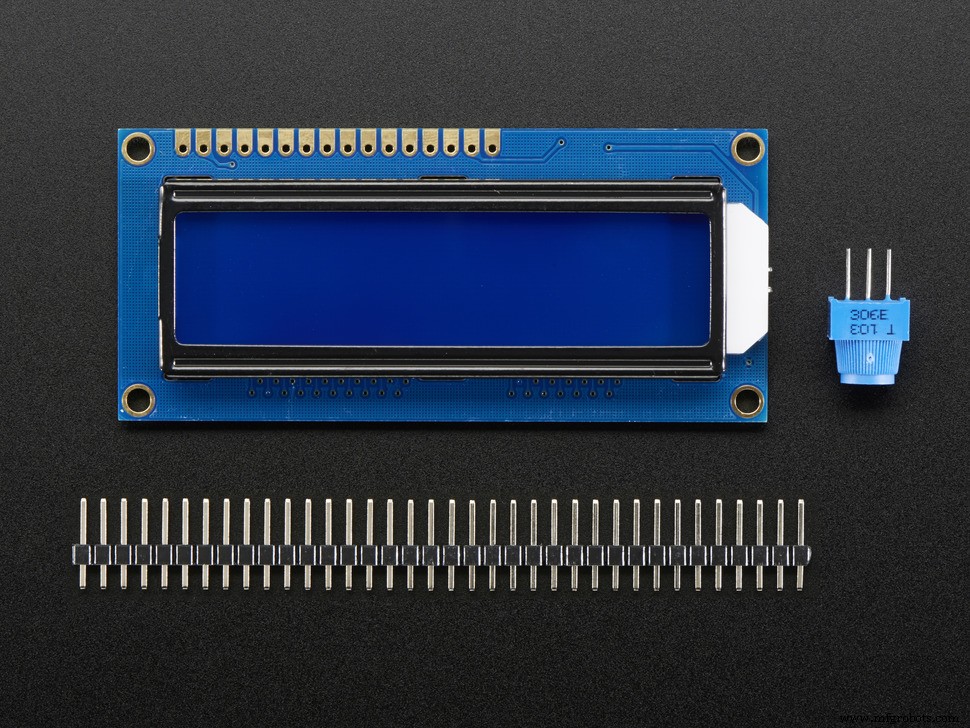 |
| × | 1 | |||
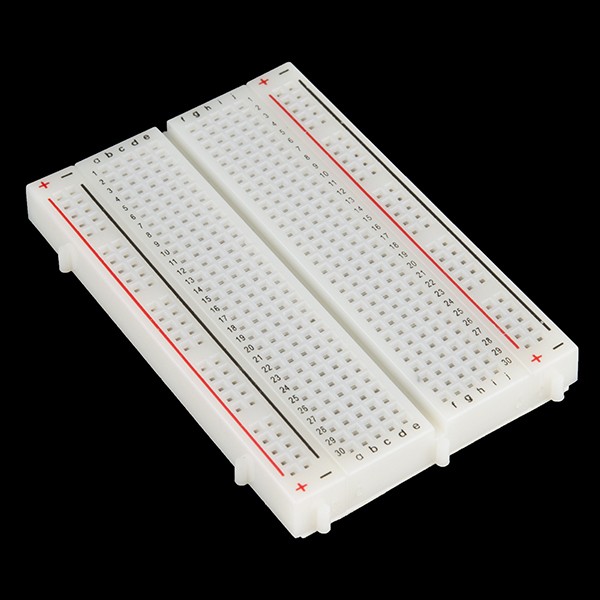 |
| × | 1 | |||
 |
| × | 1 |
About this project
So, I was just bored and was browsing Arduino Project Ideas page, and saw something odd and fascinating: it said something like Food Detector: By Measuring Resistances) and there was a link too.
Click the link, and see how it blew my mind, sadly there was no tutorial on how to do it. But when you scroll down, there is a picture of guy plugging ammeter into cucumber, which got me thinking.
So here it is, a super simple circuit, you just need Arduino and 10k resistor. If you would like to add a LCD screen (mine came with SparkFun Inventor Kit) so go on.
Step 1: Setup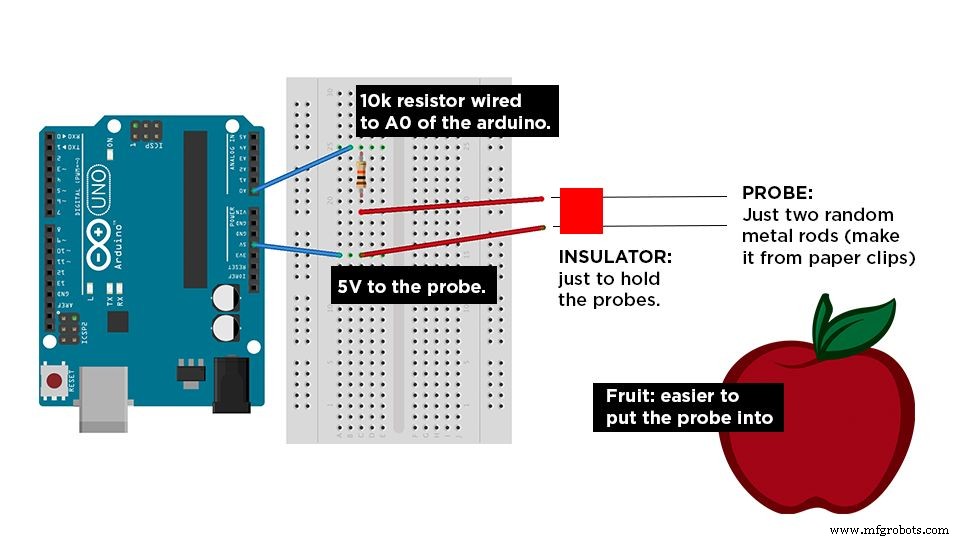
You would need:
- Arduino UNO R3 or anything that has a computer brain.
- 10k Ohm Resistor
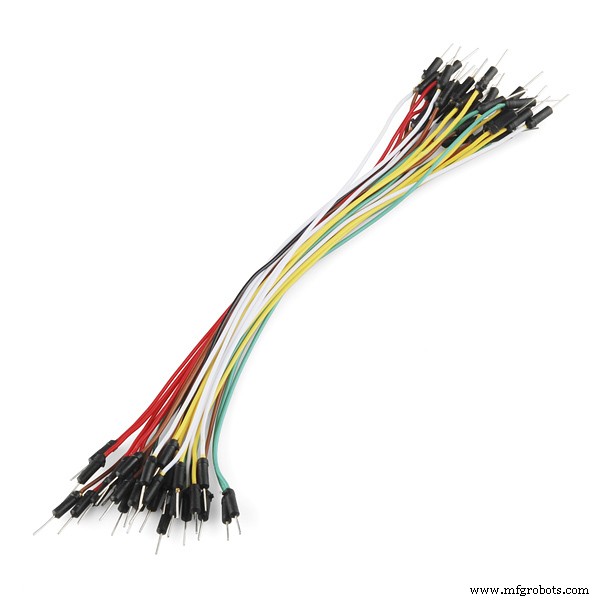
- Wires
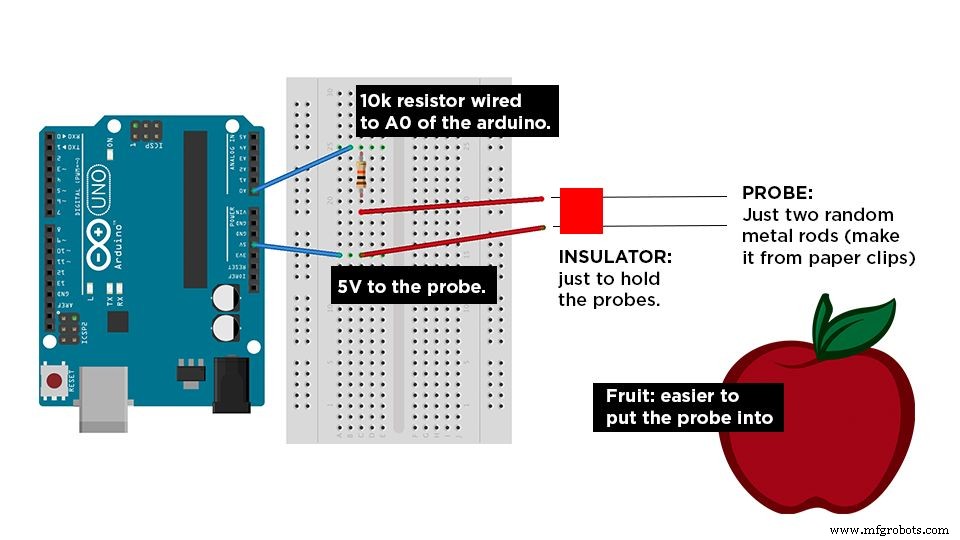
As shown in the picture, do that.
Step 2: Time to CodeOkay so here is the idea. So by now you've must guessed it like oh, different foods have different resistances so that's almost. Just put it into IF and ELSE loop, and there we go.
So here is the breakdown for you:
- Check resistance range of different foods using Serial Output.
- Use those resistances to make create a range.
- Serial Output the food name
The code below will cut down your time, but do it yourself, so you can learn.
NOTE: The Resistances below are not gonna be similar to the fruits I used, so use your own.
HEADS UP:
I was trying to get resistance values for cut open apple, but they kept changing abnormally from time to time. Probably the chemical changes inside the apple due to the air was changing the resistances. Experiment and lemme know which food works the best. Cucumber and Strawberry work great tho'.
Code
- Arduion Food Detect
Arduion Food DetectC/C++
Copy paste onto Arduino IDEconst int frootSense = 0;
int frootResistance, high = 0, low = 1023;
int frootDetect;
#include <LiquidCrystal.h> //remove this if u don't have LCD, anyways it wont affect.
LiquidCrystal lcd(12,11,5,4,3,2); //remove this if u don't have LCD, anyways it wont affect.
void setup(){
Serial.begin(9600);
lcd.begin(16, 2); //remove this if u don't have LCD, anyways it wont affect.
lcd.clear(); //remove this if u don't have LCD, anyways it wont affect.
}
void loop()
{
lcd.clear(); //remove this if u don't have LCD, anyways it wont affect.
lcd.setCursor(0,0); //remove this if u don't have LCD, anyways it wont affect.
lcd.print("Food Detect:"); //remove this if u don't have LCD, anyways it wont affect.
lcd.setCursor(0,1); //remove this if u don't have LCD, anyways it wont affect.
frootResistance = analogRead(frootSense);
Serial.print("Resistance:");
Serial.print(frootResistance);
Serial.print("\n");
if (frootResistance>400 & frootResistance<700){
Serial.print("Cucumber \n");
lcd.print("Cucumber"); //remove this if u don't have LCD, anyways it wont affect.
}
else if(frootResistance>140 & frootResistance<300){
Serial.print("Apple");
lcd.print("Apple"); //remove this if u don't have LCD, anyways it wont affect.
}
else {
Serial.print("No Food \n");
lcd.print("No Food"); //remove this if u don't have LCD, anyways it wont affect.
}
delay(1000);
}
Schematics
Manufacturing process
- The Complete Guide to Freeze‑Dried Food: Preservation, Production, and Future Trends
- Pet Food Production: From Ingredients to Regulation – A Complete Guide
- Smoke Detectors: Life‑Saving Technology, History, and Modern Innovations
- Arduino Audio Frequency Detector – Measure Loudest Sound Peaks with High‑Sensitivity Module
- Build an Ultrasonic Range Detector Using Arduino UNO and SR04 Sensor
- Build a Cost-Effective Lightning Detector with Arduino Uno
- Food Quality Sensor: Detecting Food Freshness with Arduino
- Build an Ultra‑Sensitive EMF Detector with Arduino Nano
- Build a Sensitive Metal Detector with Arduino Nano – DIY Guide
- Build a Reliable Arduino-Based Lie Detector