



C# Data Types Explained: Int, Double, Bool, String & More
What are Data Types in C#?
C# offers a set of fundamental data types that form the backbone of any application. These types define the kind of values that variables can hold and determine how the runtime handles them. Below we’ll walk through the most common types—int, double, bool, and string—with clear, executable examples.
1) Integer (int)
The int (Int32) type stores whole numbers ranging from –2,147,483,648 to 2,147,483,647. It’s the most frequently used numeric type for counting, indexing, and arithmetic operations.
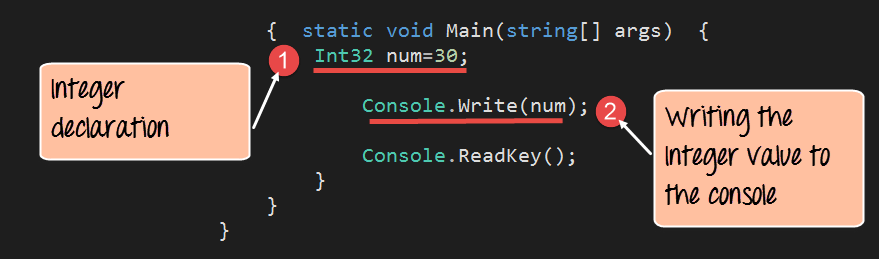
using System;

namespace DemoApplication
{
    class Program
    {
        static void Main(string[] args)
        {
            int num = 30;
            Console.Write(num);
            Console.ReadKey();
        }
    }
}
Explanation
- Declare an
intvariablenumand assign it the value 30. - Print
numto the console.
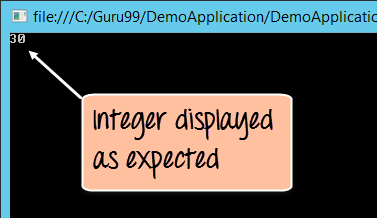
Running the program produces the output:
2) Double (double)
The double type represents a double‑precision floating‑point number, suitable for high‑precision calculations such as scientific data.
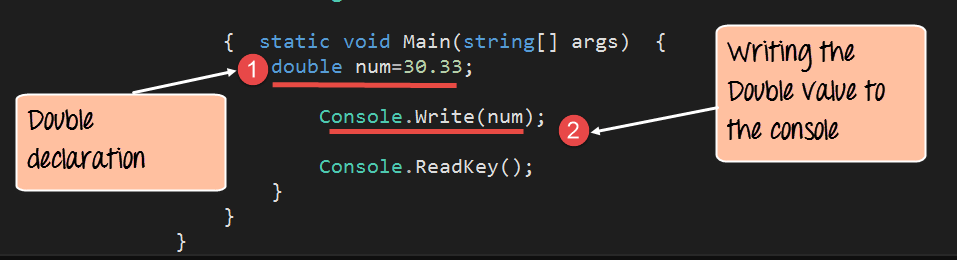
using System;

namespace DemoApplication
{
    class Program
    {
        static void Main(string[] args)
        {
            double num = 30.33;
            Console.Write(num);
            Console.ReadKey();
        }
    }
}
Explanation
- Declare a
doublevariablenumand assign it 30.33. - Display
numon the console.
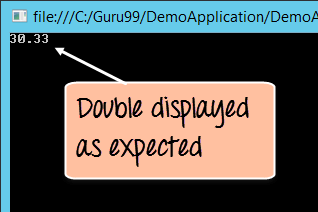
The console shows:
3) Boolean (bool)
Booleans hold the logical values true or false and are essential for control flow, conditionals, and flags.
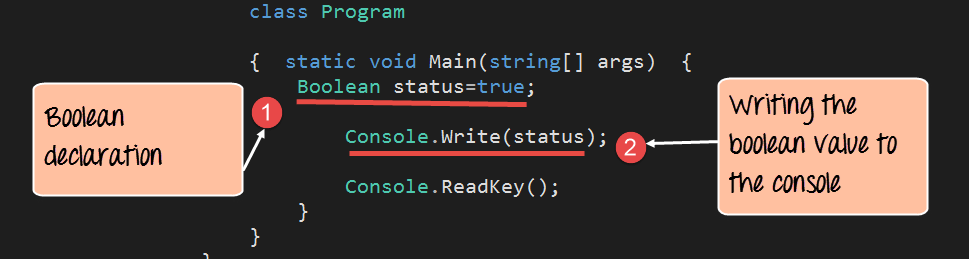
using System;

namespace DemoApplication
{
    class Program
    {
        static void Main(string[] args)
        {
            bool status = true;
            Console.Write(status);
            Console.ReadKey();
        }
    }
}
Explanation
- Define a
boolvariablestatusand set it totrue. - Print the boolean value.
Output:

4) String (string)
Strings store sequences of Unicode characters and are indispensable for text processing, user interaction, and data serialization.
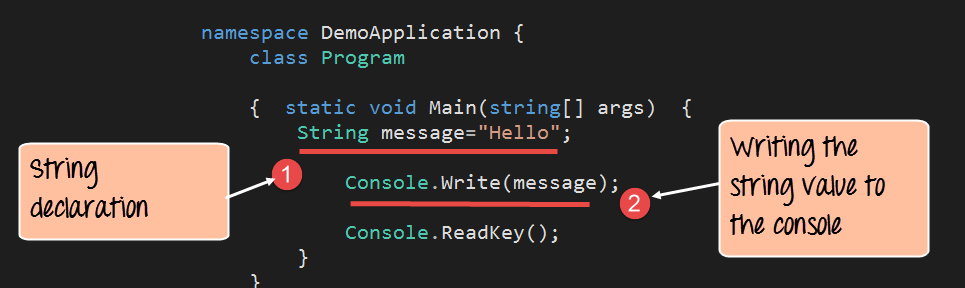
using System;

namespace DemoApplication
{
    class Program
    {
        static void Main(string[] args)
        {
            string message = "Hello";
            Console.Write(message);
            Console.ReadKey();
        }
    }
}
Explanation
- Declare a
stringvariablemessageand initialize it with "Hello". - Output the string to the console.
Result:

These examples illustrate the core data types that every C# developer should master. By understanding the semantics and appropriate use cases for each type, you can write cleaner, safer, and more performant code.
C Language
- Mastering C# Using Statements: Imports, Aliases, and Static Directives
- C Data Types Explained: int, float, char, and More – A Complete Guide
- C++ Variables and Data Types: Expert Guide to int, double, char, string, bool
- C++ Operators Explained: Types, Examples, and Sample Programs
- Mastering C++ Char Data Types: Declaration, ASCII, and Conversion Techniques
- C Typecasting: Mastering Implicit and Explicit Conversions with Code Examples
- Mastering C’s free() Function: Practical Guide & Example
- Java Variables and Data Types – A Comprehensive Guide with Examples
- Java Inheritance Explained: Types, Syntax, and Practical Examples
- Integrating Senseye with ThingSpeak: A Quick Start Guide