



SunGlass‑BOT: Smart Sunglasses That Auto‑Adjust to Light
Components and supplies
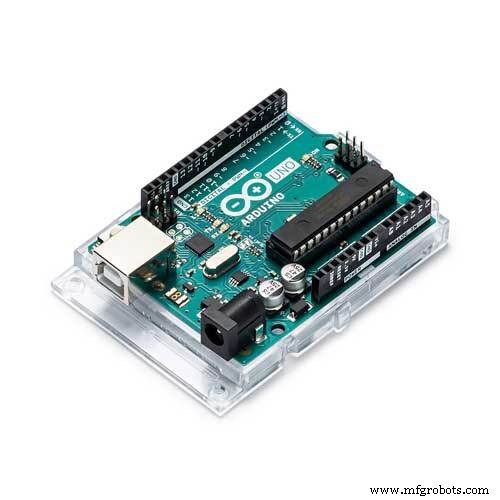 |
| × | 1 | |||
| × | 1 | ||||
 |
| × | 1 |
Apps and online services
 |
|
About this project
A pair of sunglasses that automatically detects light intensity and closes or opens its black shade.
So from now on, you don't need to worry about eyes. Instead, this pair of glasses is here to automatically protect your eyes and also open the shades for ease of viewing at low light.
This robot is made using Arduino and some basic parts. Sounds cool, isn't it?
Update: This robot has been Featured as TOP PROJECT on HAckSpace Magazine https://hackspace.raspberrypi.org/issues/9
Step 1: Parts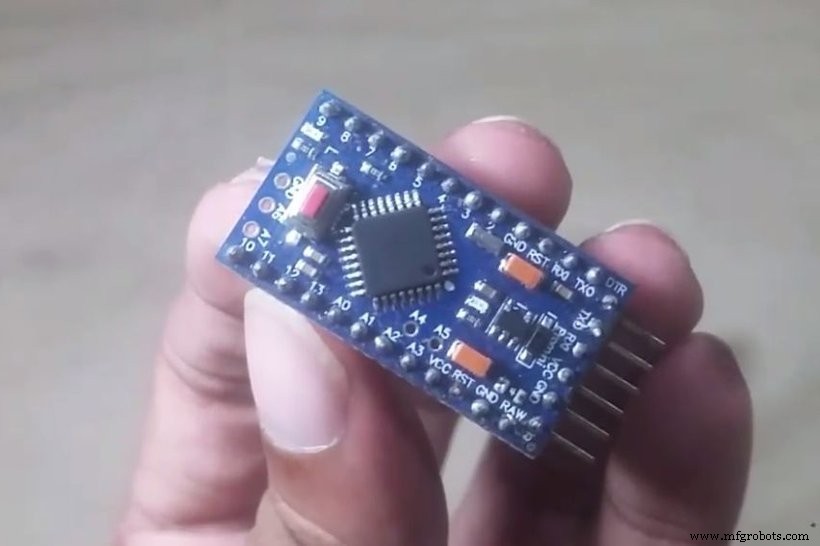
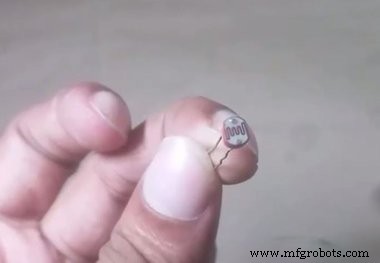
- 1x Arduino Pro Mini (5v 16 MHz)
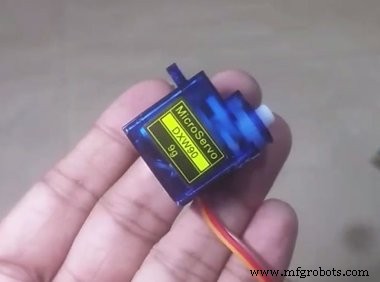
- 1x micro servo motor (any model is good but it needs to be small)
- 1x LDR (light dependent resistor)
- 1x 10k ohm resistor
- a pair of sunglasses
For programming, you'll need a USB to TTl converter or Arduino Uno. I'll upload code using an Uno.
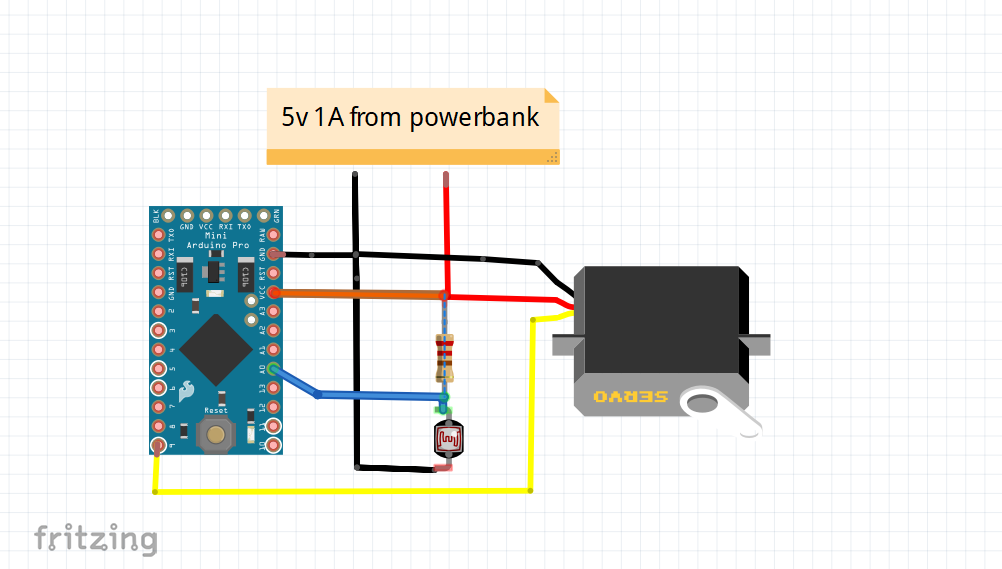
Step 2: PrincipleWe'll make a voltage divider circuit and connect it with Arduino. Now we know that LDR is a variable resistor and its resistance value changes according to light intensity. Since our resistor is 10k, our value will be in between 0 to 1023. If there is bright or a medium sun light, the value will be less than 100. In room light, the value will be something around 500 to 600. If too dark, the amount will be 1023. You got it, right? Let's proceed!
Step 3: The Circuit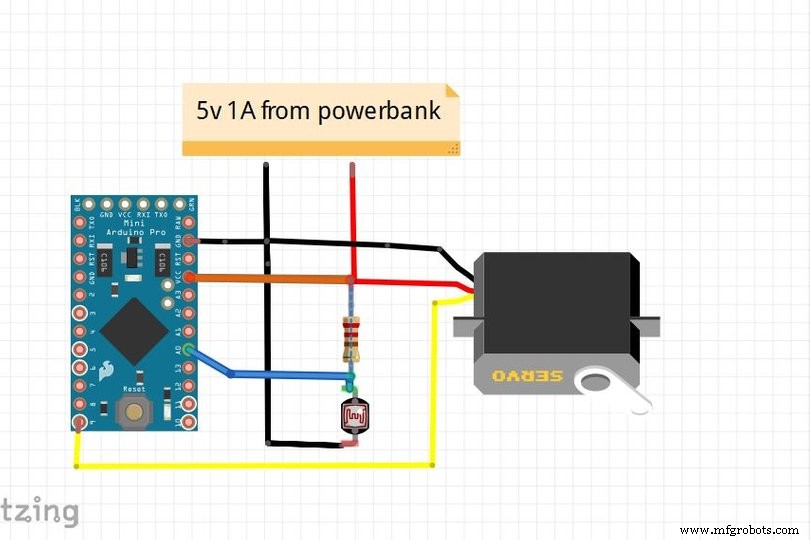
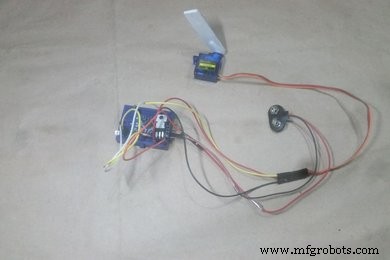
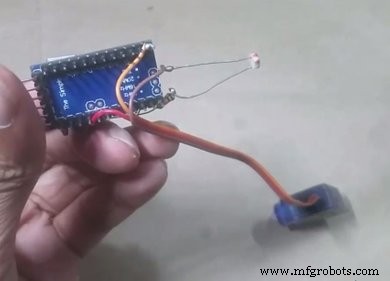
The circuit is simple enough to build. I've tested it on breadboard, and then soldered it onto an Arduino Pro Mini. Make room for the LDR as it will have to detect the light.
Step 4: Programming the Arduino Pro Mini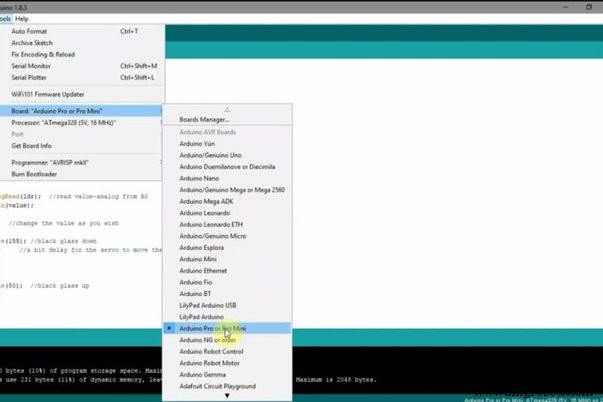
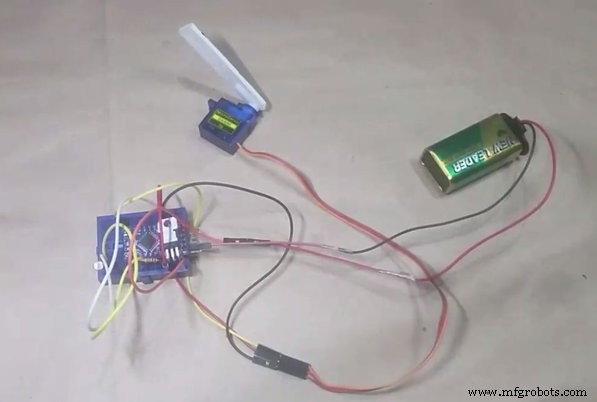
As you can see, we don't have a USB programming option on the Pro Mini. Use a USB to TTL converter or use an Arduino Uno. After all, we all have an Uno, right? So why waste money?
Just remove the ATmega328P IC from the Arduino Uno using a screwdriver to lift it up. Then connect the pin as follows:
- UNO -------- Pro mini
- 5v---------------vcc
- Gnd------------Gnd
- tx----------------tx
- rx----------------rx
- reset----------- rst
You may watch the video to do so (language different):
That's it! Then connect Arduino Uno USB cable and connect to your PC or Android to upload the code. Before uploading go to tools>board type> select Arduino Pro Mini (also select the right processor 5V 16 MHz in our case). See the picture.
Then upload the code.
Code link: https://github.com/ashraf-minhaj/SunGlass-Bot-Auto...
//*SunGlass-Bot an automatic sunglass by ashraf minhaj.
//full tutorial on youtube: www.youtube.com/c/fusebatti
//Contact if necessary ashraf_minhaj@yahoo.com
#include<Servo.h>
Servo sglass; //servo name
int ldr= 0;   //connect LDR to A0
int value= 0; //define value 0
void setup()
{
 Serial.begin(9600); //this is not necessary-but to show value to pc
 sglass.attach(9);   //declare in which pin the servo you attach
}
void loop()
{
 value = analogRead(ldr);  //read value-analog from A0
 Serial.println(value);
 delay(100);
 if(value<100)  //change the value as you wish
 {
   sglass.write(155); //black glass down
   delay(100);     //a bit delay for the servo to move there
 }
 else
 {
   sglass.write(80);  //black glass up
   delay(100);
 }
}
Upload it and see how it works!
Step 5: Prepare the Sunglasses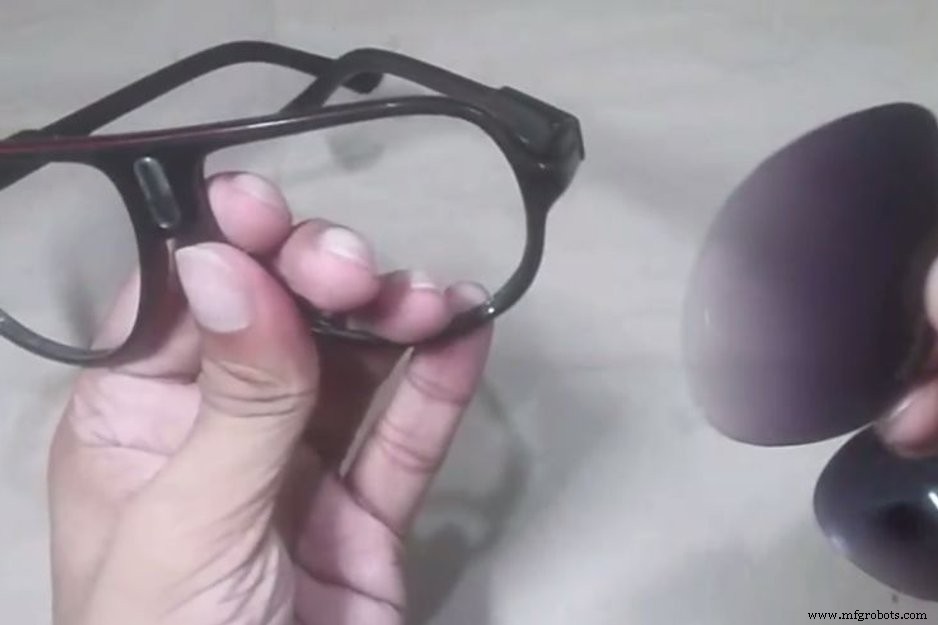
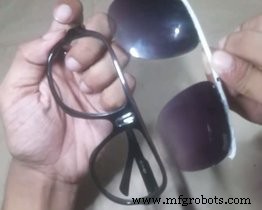
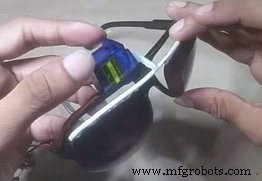
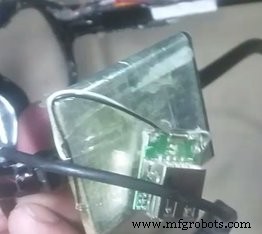
Push hard to remove the black glasses and glue them on a hard wire just like this. Then mount the servo and add a servo arm to glue it with the extra glass frame we made. You may power it up using any 5V 1A power source. I'll be using a homemade power bank.
Step 6: Done!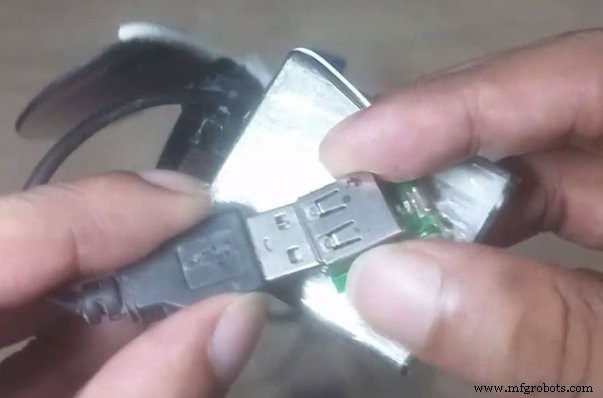
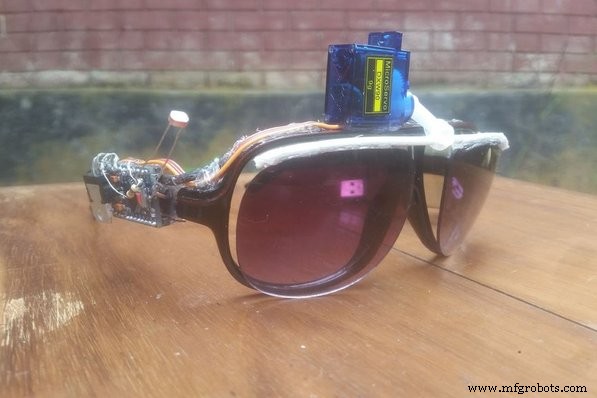
Power up the circuit and you should see the Arduino light up. Now go out and have fun with this weird-looking yet amazing sunglass robot!
Code
- subglass-bot.code.c
subglass-bot.code.cC/C++
//*SunGlass-Bot an automatic sunglass by ashraf minhaj.
//full tutorial on youtube: www.youtube.com/c/fusebatti
//Contact if necessary ashraf_minhaj@yahoo.com
#include<Servo.h>
Servo sglass; //servo name
int ldr= 0;   //connect LDR to A0
int value= 0; //define value 0
void setup()
{
 Serial.begin(9600); //this is not necessary-but to show value to pc
 sglass.attach(9);   //declare in which pin the servo you attach
}
void loop()
{
 value = analogRead(ldr);  //read value-analog from A0
 Serial.println(value);
 delay(100);
 if(value<100)  //change the value as you wish
 {
   sglass.write(155); //black glass down
   delay(100);     //a bit delay for the servo to move there
 }
 else
 {
   sglass.write(80);  //black glass up
   delay(100);
 }
}
sunglass-bot.code
https://github.com/ashraf-minhaj/SunGlass-Bot-Automatic-SunGlass-Robot-Schematics
Manufacturing process
- Build an Automated LEGO Star Wars Shooter with Arduino Uno
- Smart Wireless Light Switch Controller: Arduino‑Based Remote Switch Manipulator
- Build an Arduino-Powered Automated Google Chrome Dino Game
- Capacitive Touch LED Switch with Arduino UNO – Easy DIY Project
- Arduino-Driven Automated Dehumidifier Sump Pump – DIY System
- Smart Arduino-Powered Automated Parking Garage System
- Arduino Web-Controlled Light Bulb: Step-by-Step Guide
- Smart Automated Garden System with Arduino UNO and Raspberry Pi
- Building an Arduino LIDAR System with VL6180X and Servo Motor
- Build a Realistic Traffic Light Simulator with Arduino UNO