



Arduino‑Powered Smart Trash Bin with Auto‑Open Lid
Components and supplies
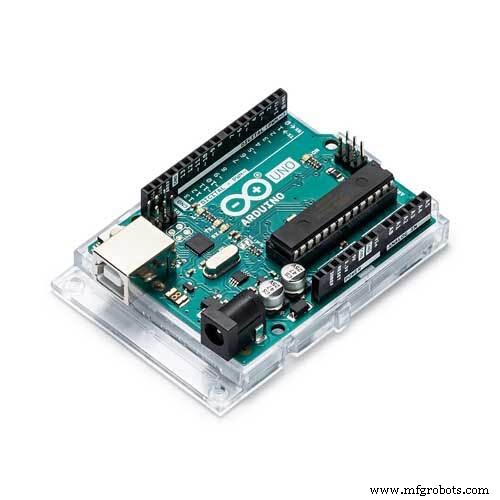 |
| × | 1 | |||
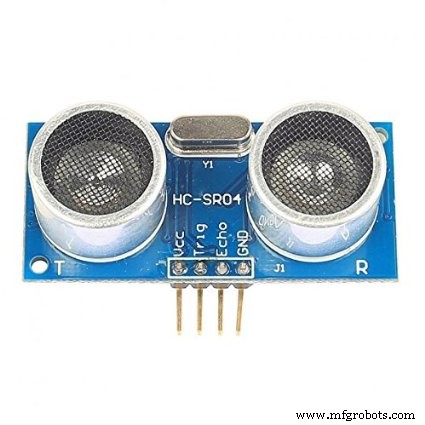 |
| × | 1 | |||
| × | 1 | ||||
 |
| × | 1 |
Apps and online services
 |
|
About this project
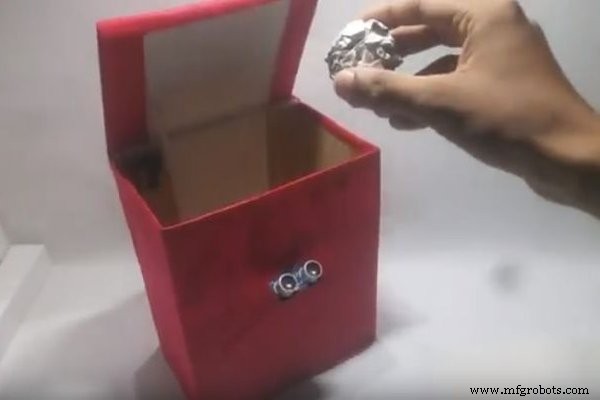
Everything's getting smarter right? So why not your trash bin? This trash bin opens and closes its lid if it sees any rubbish in front of it. You just need to bring the rubbish to it and it'll open automatically and will wait for you to feed it more then after a certain delay it'll close automatically. Watch the video to see exactly what it can do.
Let's get started.
Step 1: Components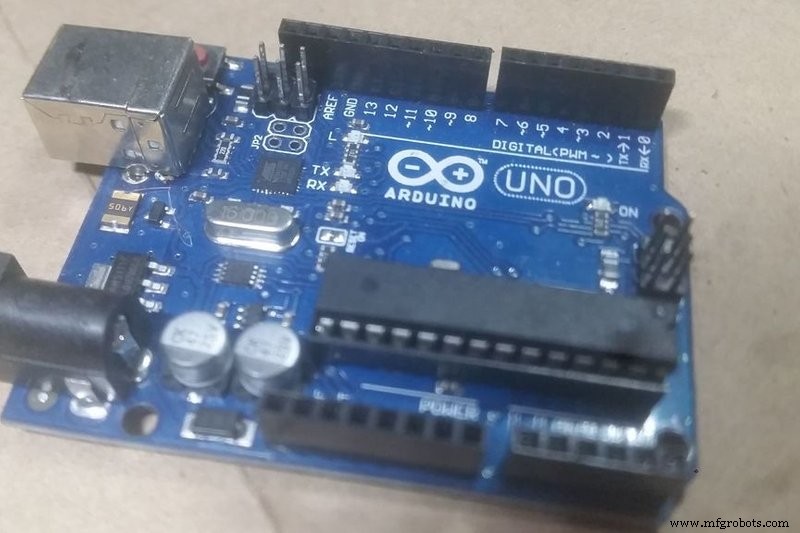
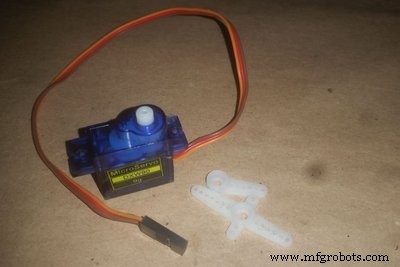
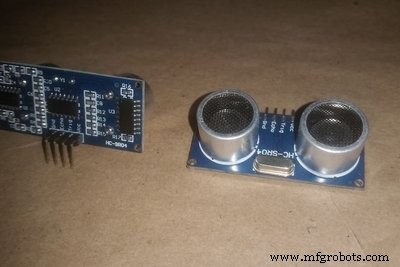
(2 More Images)
- Arduino Uno (any board)
- Servo motor (I'm using micro servo sg90)
- HCSR04 ultrasound sensor
- Servo arms (beside the servo in pic 2)
- Cardboard (just slice piece)
- Trash bin
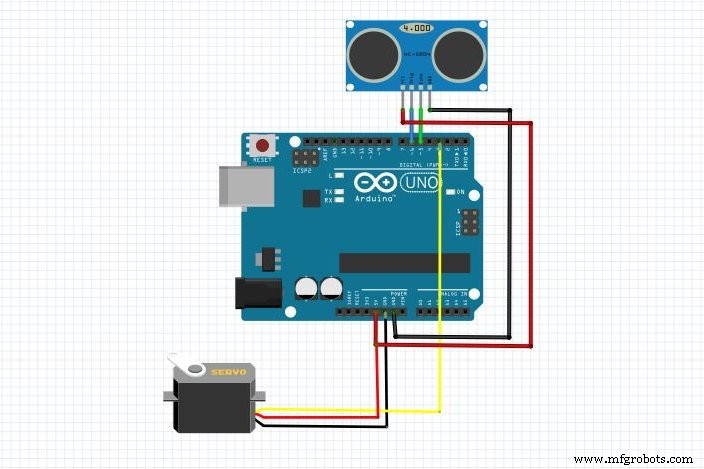
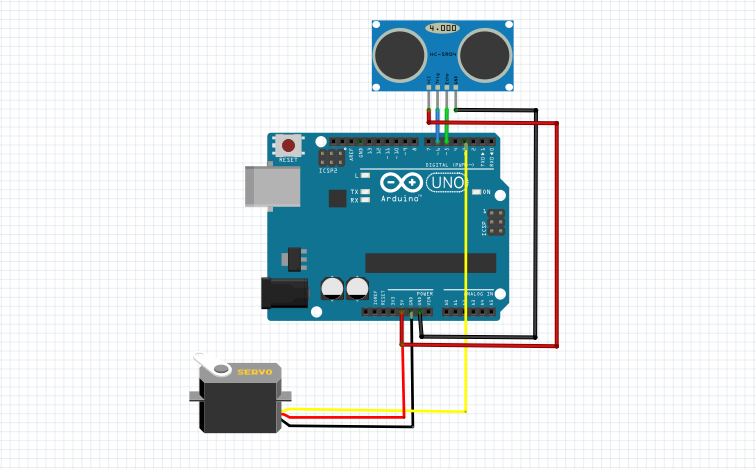
The circuit is so easy. As the servo and sonar only takes less power you can just power them directly from Arduino 5v source. Just remember to power the Arduino with more than 7.4 V DC or at least 7v.
- Servo data (yellow) to pin 3 of arduino
- Servo vcc (red) to 5v of Arduino
- Servo ground (black/gray) to Arduino Gnd
- Sonar sensor trig to Arduino 6
- Sonar sensor echo to Arduino 5
- Vcc to Arduino 5v
- Gnd to Arduino Gnd
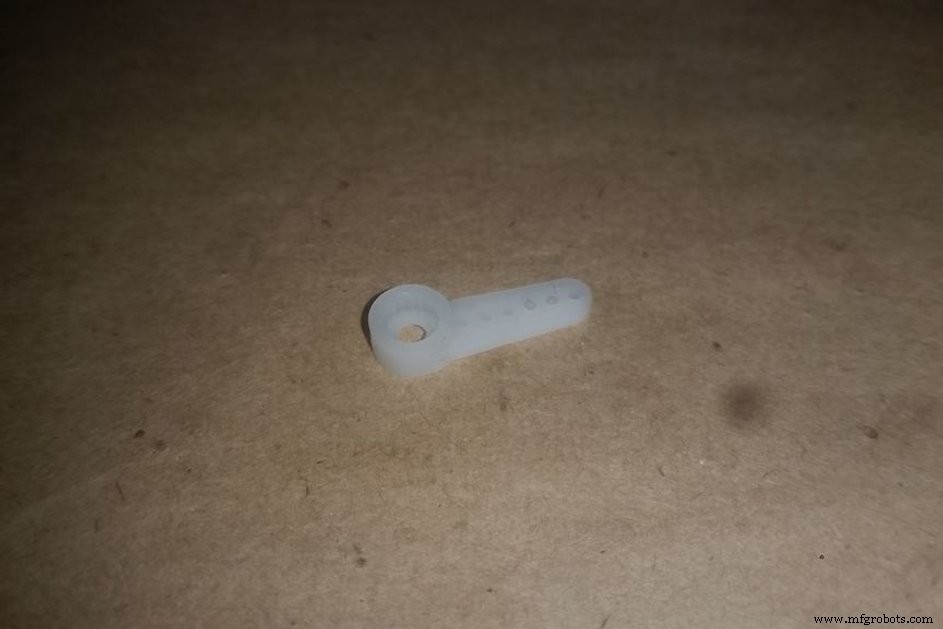
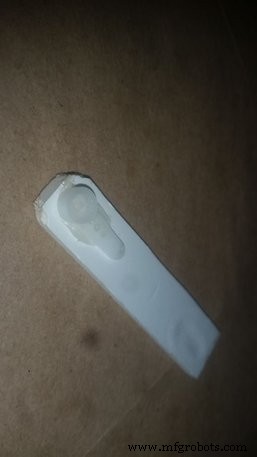
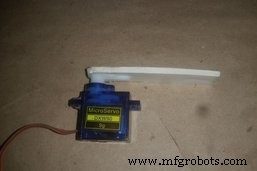
Just take this servo arm and connect it to a long cardboard piece with hot glue or other glues. You can also use ice cream stick instead of cardboard. Then connect the long servo arm to servo motor.
Step 4: Add Servo & Sonar Sensor to the Trash Bin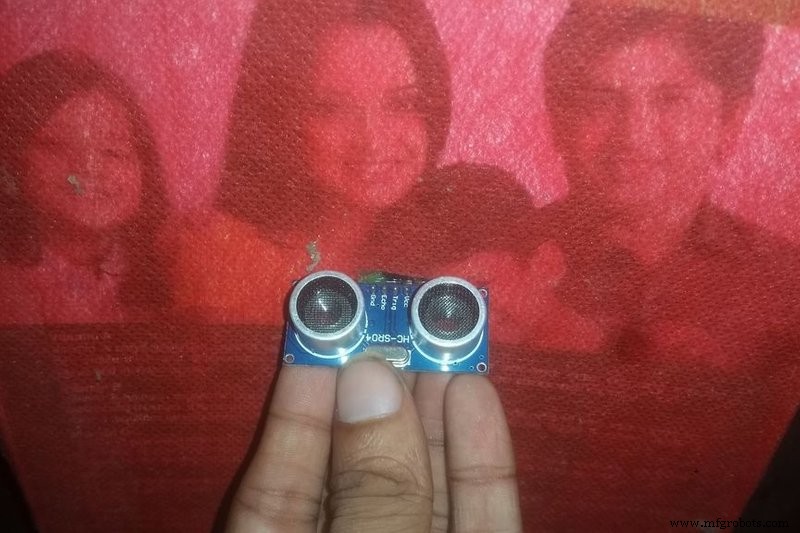
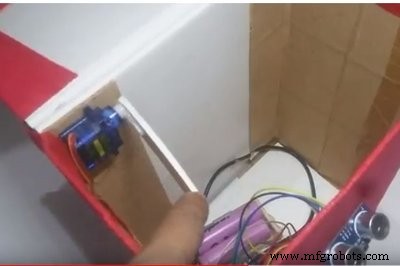
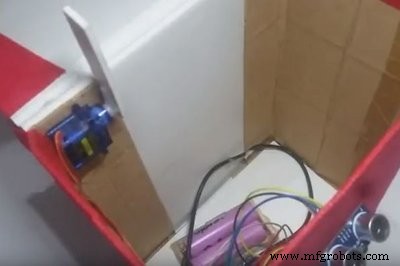
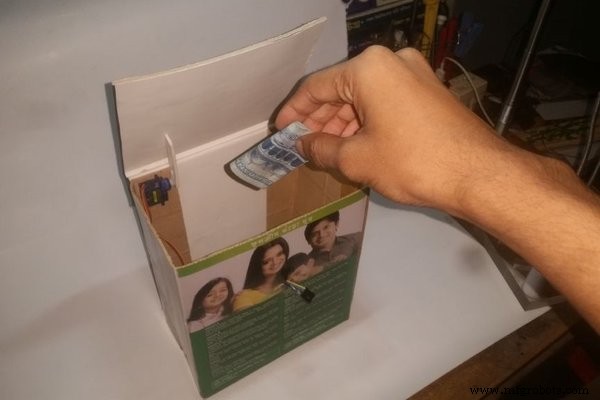
Connect the sonar sensor facing up to the bin like this. And then add the servo motor like this on pic 2 & 3, so that the servo can rotate to up.
Step 5: The CodeCode link: https://github.com/ashraf-minhaj/Trash-bot
I've programmed the Arduino so that if it sees any rubbish (literally anything) in a 50 cm range the servo goes to 50 degrees and hits the upper lid of the bin, so that the upper lid is opened, waits for three seconds, then automatically turns to 160 degrees and thus the upper lid gets closed. So now you see an auto open/close trash-bot.
#include<Servo.h>
Servo servo;
int const trigPin = 6;
int const echoPin = 5;
void setup()
{
pinMode(trigPin, OUTPUT);
pinMode(echoPin, INPUT);
servo.attach(3);
}
void loop()
{
int duration, distance;
digitalWrite(trigPin, HIGH);
delay(1);
digitalWrite(trigPin, LOW);// Measure the pulse input in echo pin
duration = pulseIn(echoPin, HIGH);// Distance is half the duration devided by 29.1 (from datasheet)
distance = (duration/2) / 29.1;// if distance less than 0.5 meter and more than 0 (0 or less means over range)
if (distance <= 50 && distance >= 0)
{
servo.write(50);    delay(3000);
}
else
{
servo.write(160);
}
So now just power the Arduino with more than 7v and you have a trash bin robot.
Thank you.
[If you like my work, please support me by subscribing my YouTube channel]
Code
- arduino trash-bot code
arduino trash-bot codeC/C++
#include<Servo.h>
Servo servo;
int const trigPin = 6;
int const echoPin = 5;
void setup()
{
pinMode(trigPin, OUTPUT);
pinMode(echoPin, INPUT);
    servo.attach(3);
}
void loop()
{       int duration, distance;
digitalWrite(trigPin, HIGH);
delay(1);
digitalWrite(trigPin, LOW);
// Measure the pulse input in echo pin
duration = pulseIn(echoPin, HIGH);
// Distance is half the duration devided by 29.1 (from datasheet)
distance = (duration/2) / 29.1;
// if distance less than 0.5 meter and more than 0 (0 or less means over range)
if (distance <= 50 && distance >= 0) {
	servo.write(50);
    delay(3000);
} else {

	servo.write(160);
}
// Waiting 60 ms won't hurt any one
delay(60);
}
Schematics
arduino trash-bot code
https://github.com/ashraf-minhaj/Trash-botManufacturing process
- Intelligent Smart Waste Bin: Optimising Waste Collection with IoT Sensors
- Servo‑Driven Obstacle‑Avoiding Robot: Build with Arduino & HC‑SR04
- Arduino & MPU6050: Precise Servo Motor Control with SG90 & MG996R
- Master Solo Drone Servo Control with Arduino: Easy Setup & Sweep Tutorial
- Control Multiple Servos via Bluetooth: Arduino & Android App
- Build a Two-Legged Arduino Robot: Baby Dino DIY Guide
- Bluetooth‑Controlled Servo Motor with Arduino Uno & HC‑05
- Build a Self-Stabilizing Arduino Gimbal with 3‑Axis Servo Control
- Build an Arduino Color Sorter: Simple Guide with TCS3200 & Servos
- Build an Arduino Radar System with Ultrasonic Sensor & Servo – Step‑by‑Step Guide