


Industrial manufacturing
Industrial Technology

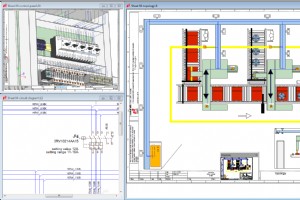
Mark T. Hoske, editor-in-chief of Control Engineering magazine, talks about technological advances for engineering projects. Mark cites some of the reasons and advantages of using E-CAE platforms for industrial processes and increased productivity. Check it out below. Computer-aided de

This article shows the process of organizing project sheets in E3.series. The process is smart and fast, making it possible to view sheets in folders and sub-folders. After inserting sheets into the project, the organization is defined with Document Type and later on as Sheet Type. The
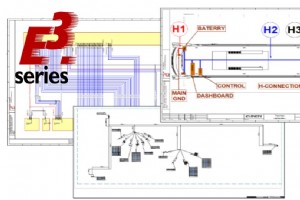
The differences between the CAD and CAE software platforms, as we have already discussed, become even more evident when there is an increase in complexity and the need for greater technical detail in electrical projects. When representing a wire, for example, the difference in the use o
In this article we show how to create a terminal strip within E3.series. Read the full article. The terminals are inserted separately with unique pin names on a schematic sheet. Afterwards, the terminal strip is created from the name of the inserted component and a panel sheet is used
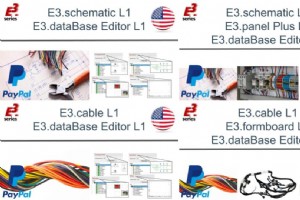
E3.series technical training courses are available in new packages at discounted prices! See each of them below: E3.Package #1 This Course Package Contains: E3.schematic L1 - Developing your first project E3.dataBase Editor L1 - The Optimized Database for Your Demand Heres what you
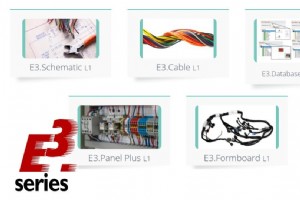
The engineering for creating electrical harnesses is quite complex and often demands large design hours. Therefore, to make this process faster and more reliable, we present the E3.formboard solution. This is a complete solution for creating fabrication harness drawings on any sheet si
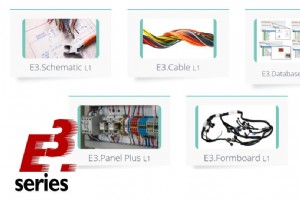
In this video, we show how the creation and editing of cables can be easy and intuitive inside E3.series. Cables are created as components of the database editor to later be added to your project sheet. Options such as shielding and twisted pair can be added and are graphically represen
The product creation process requires design, engineering and manufacturing steps. With this, different tools and solutions are created to specifically meet each demand. So, in this article you can learn a little better about the differences between CAD and CAE tools. See below: CAD -
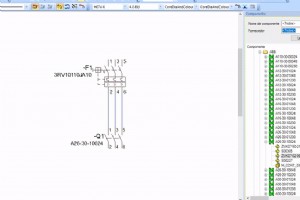
E3.schematic is considered the base module of the E3.series electrical engineering software. It provides an easy-to-use solution for creating and documenting electrical control systems, including schematics, terminal strips and PLCs. Its object-oriented architecture ensures an inte
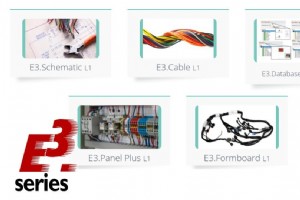
In this article, we show how the beginning of creating a panel can be simple and fast inside E3.series. Panel plates are added and assembled with the visual assistance provided by the E3.series. Thus, the plates are automatically snapped together and the 3D visualization complements an

Learn more about the study version of E3.series, E3.Student and see how to download it for students and those interested in solutions for electrical projects. See how to download below and learn about the main features of this module: For whom it is intended: 1 - The E3.Student versio
In this article we show how the insertion of wires inside E3.series is smart and complete. Thus, your projects are documented in detail so that your process becomes optimized and efficient. Components are selected from the tree, organized by class and vendor name. Then the rest of the
As a way of thanking the 15,000 students on our courses at Udemy. Cim-Team organizes the E3.fundamentals course. See all the details in this article: 1. Division and Content The new reformulation of the E3.fundamentals course has the following division and some of the contents covered
2D or 3D panel design does not need complex MCAD software to be done.From schematic and panel integration, design rules checks to the automatic interconnection of panel components, an E-CAE tool like E3.panel provides numerous advantages over classic CAD solutions. With E3.panel and E3
Creating symbols in E3.series is fast and intuitive. The symbol is graphically created in a project and exported as DXF/DWG for import into the database editor. Pins are added and device designation and master reference texts can be added. Try NOW the industry-leading E-CAE E3.series t
There are numerous challenges faced by harness design and manufacturing teams across all industries. In some, weight is the biggest challenge and in others, signal reliability is paramount. The discussion today is less about using a harness and more about essential information to ensure
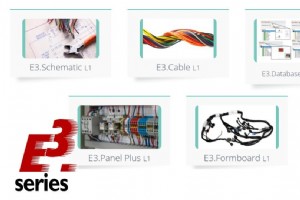
In this video, E3.series automatic routing functionality is presented by defining filters. Creating filters is useful because it allows routing to be performed by the desired side and channels. For example, parts of the project that are to be routed from the left can thus be defined wit
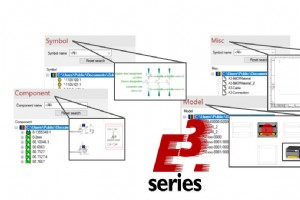
In this article, you will learn some basic concepts about E3.series database such as: Attributes, Attribute Lists, Text Types, Connection Types, Braided Wire Parameters, among others. Besides, the creation of a component will be exemplified and how you can fully learn all the functional
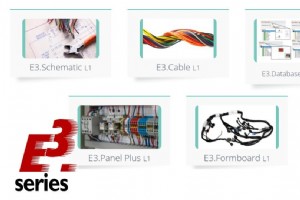
In todays article we show how automatic report generation can be done in E3.series. With your project ready, you will be able to generate complete lists with important information to further document and complement your project. The format options are: Sheet Excel Word Access ASCII A
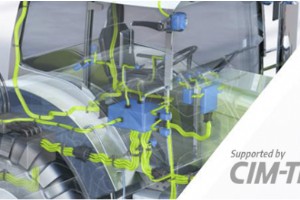
In this article, you will be able to fully understand the E3.Community environment. In which the different technical training courses in the E3.series software are available. 1. How to Access The first step is to create an account. You can choose the course you want and on the word cli
Industrial Technology
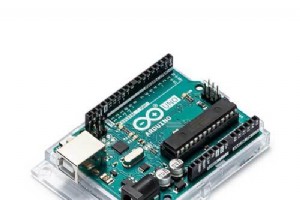
Build an Arduino Memory Game (Simon Clone) – Step‑by‑Step Tutorial

Industry 5.0: Human‑Centric, Sustainable, and Resilient Innovation for the Future of Manufacturing

Build an Italian Word Clock with Arduino Nano, NeoPixel, LCD, and RTC
Simplify Your Industrial Electronics Repair Report: Expert Tips for Clear Understanding
