



Mastering C# Stack: Push, Pop, and Practical Examples
What Is a Stack in C#?
A stack is a collection that follows the Last‑In, First‑Out (LIFO) principle. Think of a stack of books: only the top book can be removed. The same logic applies to the .NET Stack class—elements are added on top with Push and removed from the top with Pop.
Declaring a Stack
Instantiate a stack with the new keyword and assign it to a variable.
Stack st = new Stack();
Adding Elements – Push
The Push method places a new element on top of the stack.
st.Push(1);
Removing Elements – Pop
The Pop method removes and returns the topmost element.
var top = st.Pop();
Other Common Operations
- Count – Retrieves the number of items in the stack.
int total = st.Count;
- Contains – Checks if a specific value exists.
bool hasThree = st.Contains(3);
Hands‑On Example 1: Using Push, Count, and Contains
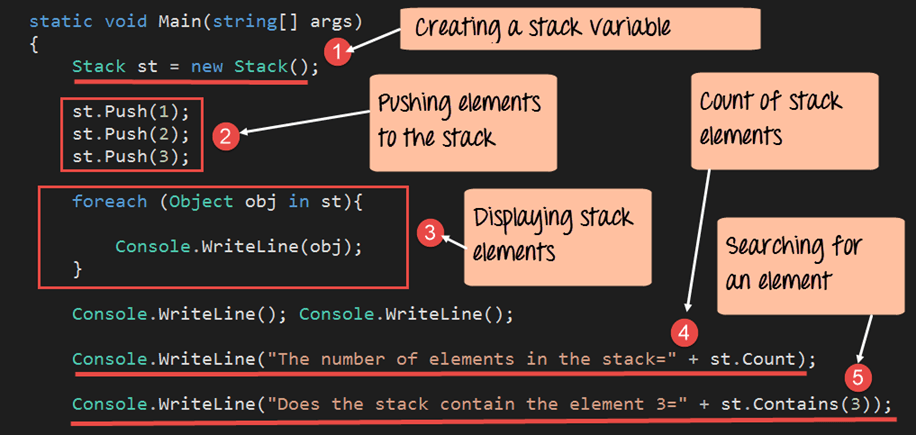
Below is a console application that demonstrates stack creation, element insertion, enumeration, and basic queries.
using System;
using System.Collections;

namespace DemoApplication
{
    class Program
    {
        static void Main(string[] args)
        {
            // 1. Create a new stack
            Stack st = new Stack();

            // 2. Push three integers onto the stack
            st.Push(1);
            st.Push(2);
            st.Push(3);

            // 3. Enumerate the stack – note the LIFO order
            foreach (Object obj in st)
            {
                Console.WriteLine(obj);
            }

            // 4. Output the total count
            Console.WriteLine($"\nNumber of elements: {st.Count}");

            // 5. Check if the stack contains the value 3
            Console.WriteLine($"Does stack contain 3? {st.Contains(3)}");

            Console.ReadKey();
        }
    }
}
Explanation
- We declare a
Stacknamedst. - Three integers are pushed; the last pushed (3) becomes the topmost element.
- Using
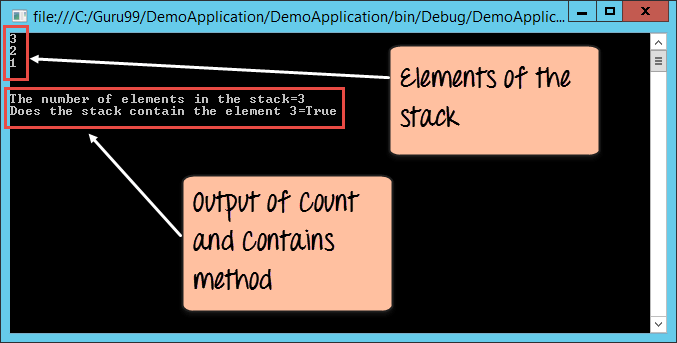
foreachenumerates the stack from top to bottom, displaying 3, 2, 1. Countreturns 3, confirming three items.Contains(3)returnstrue, proving that 3 is present.
Running this program yields the following output:
Hands‑On Example 2: Removing the Top Element with Pop
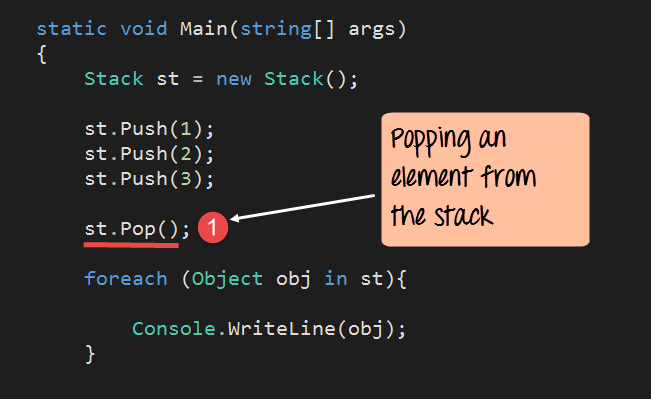
Here’s a concise illustration of the Pop method in action.
using System;
using System.Collections;

namespace DemoApplication
{
    class Program
    {
        static void Main(string[] args)
        {
            Stack st = new Stack();
            st.Push(1);
            st.Push(2);
            st.Push(3);

            // Remove the top element (3)
            st.Pop();

            foreach (Object obj in st)
            {
                Console.WriteLine(obj);
            }

            Console.ReadKey();
        }
    }
}
Explanation
- After pushing 1, 2, and 3, the stack top is 3.
- Calling
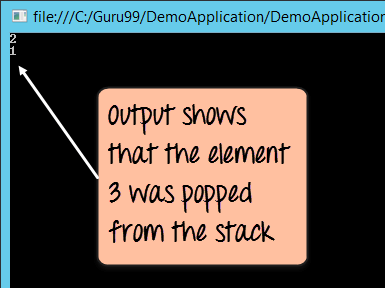
Pop()removes 3, leaving 2 and 1. - The enumeration prints 2 followed by 1.
Output of the program:
Key Takeaways
- A
Stackoperates on LIFO. - Use
Pushto add andPopto remove the top element. - Additional helpers:
Countfor size,Containsfor membership checks.
Mastering C# ArrayList: Comprehensive Tutorial with Practical Examples
Mastering C# Queues: Enqueue, Dequeue, and First‑In‑First‑Out Operations Explained
C Language
- C++ do‑while Loop: Syntax, Practical Examples, and Nested Loops
- Mastering C++ Pointers: Concepts, Examples & Practical Applications
- C++ Operator Overloading – A Practical Guide with Code Examples
- Mastering std::stack in C++: A Comprehensive Guide with Practical Examples
- C++ Functions Explained with Practical Code Examples
- Master C# Classes & Objects: A Practical Tutorial with Real‑World Examples
- Understanding C# Access Modifiers (Specifiers) with Practical Examples
- C# Hashtable Explained: Key-Value Storage, Operations, and Practical Examples
- Understanding Switch‑Case in C: Syntax, Examples, and Best Practices
- Python Arrays: Creation, Manipulation, and Advanced Operations – Expert Guide